#moonraker wont connect
106 messages · Page 1 of 1 (latest)
 latent birch
 tulip kite
Connect to http://<ip.of.your.pi>:7125 and send a screenshot from the website that appear
latent birch
I cant do it on my phone at the moment but i can provide this?
Im thinking it relates more to mainsail os
 tulip kite
MainsailOS is only a plain Raspberry Pi OS with everything preinstalled. Can you provide a moonraker.log?
latent birch
can do
dayum is it somehow that my host ip is wrong
sorry, just got out of bed and put on my glasses
should be 10.0.0.9 if thats my hosts ip no?
tulip kite
What host ip do you mean right now?
Currently your log just shows me, that it somehow restarts every time it started. No error nothing
latent birch
oh
ah okay
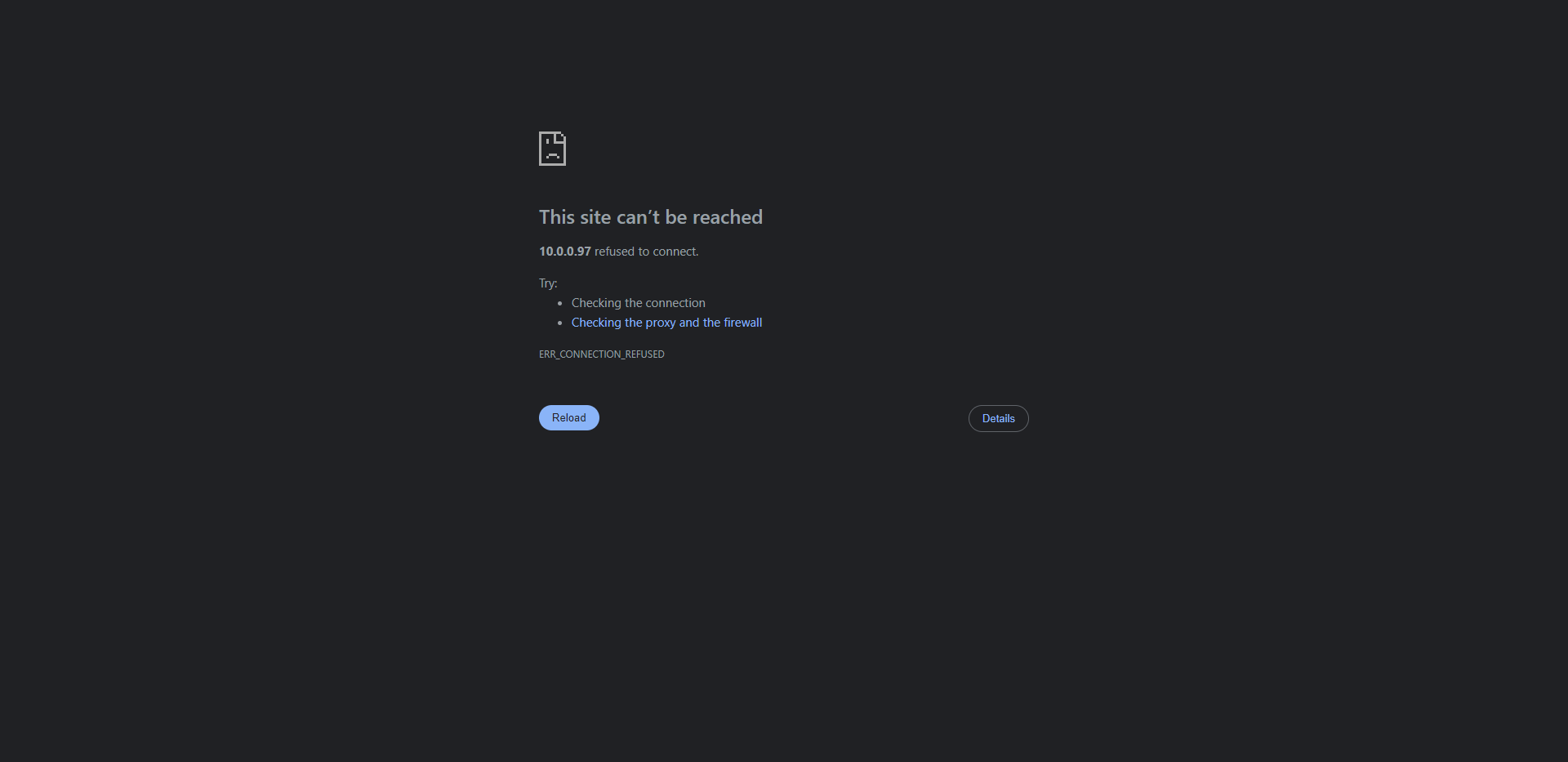
https://i.imgur.com/xeIqT4Y.png well here is what i get from going to http://10.0.0.97:7125
 tulip kite
Yes as moonraker seems to restart for some weird reason
latent birch
i can provide any log necessary
tulip kite
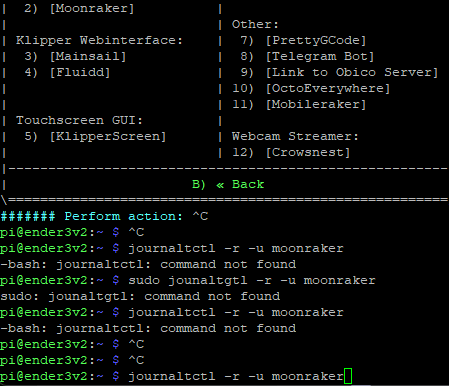
Send the output of journaltctl -r -u moonraker, maybe that shows something
tulip kite
you sure you wrote it correctly?
latent birch
 latent birch
woops
its all good haha
is there some way i can compile its output so i can send it to you ?
im using putty
tulip kite
Sure, you can put it into a file:
journalctl -r -u moonraker > ~/printer_data/config/journalctl.txt
latent birch
thank you kindly
im just hoping this wont require a reinstall :(
took me 3 months to get set up right
i almost have my precious ender 3 printing close to a prusa (not really)
tulip kite
Send your moonraker.cfg real quick
tulip kite
Those two lines:
[include octoeverywhere-system.cfg]

[include moonraker-obico-update.cfg]
```Where did you get them from?kiauh
tulip kite
That seems more like things that should go into the printer.cfg
Let me check real quick on that
latent birch
ohh so thats tripping it out
tulip kite
It cannot find those two files:
Server configuration error: No files matching include directive [include octoeverywhere-system.cfg]
latent birch
ohh should i then comment out octoeverywhere?
i was trying to make the swap last night
tulip kite
Yes comment that one at least out
But I think both should be commented as those seem more like printer.cfg includes
Still researching on this real quick
latent birch
ill make some changes and get back to you?
latent birch
uncomment the obico one?
tulip kite
If you got that file inside ~/printer_data/config then you can uncomment that part
latent birch
and also this is seeming like maybe pulling my printer config at least then restarting fresh might be easier depending on the depth of the fix 😅
okay ill look
i do
still no workie hmmm
tulip kite
Reboot the pi real quick and then run again that command and send the output.
journalctl -S yesterday -r -u moonraker > ~/printer_data/config/journalctl.txt
tulip kite
Can you cahnge
[server]
host: 10.0.0.97
```to```
[server]
host: 0.0.0.0
```?Yeah restart pi
latent birch
no change in the dashboard
tulip kite
Then just try to reinstall everything. I don't know what you messed upo, nothing in the logs are shown
latent birch
gotcha
is there anything i can do to make setup easier
it took a seriously long time to set this up
latent birch
okay
tulip kite
Shouldn't cause problems
Best would be to install one by one and see when it fails for you
Also only make one change at time in your config to see when an issue appears
latent birch
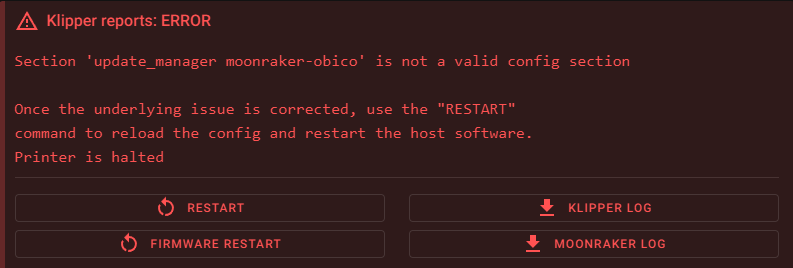
right now it says https://i.imgur.com/L9t5DWA.png


 tulip kite
Send your klippy.log
tulip kite
So your are missing that moonraker-obico-update.cfg file
latent birch
i see it on my dashboard
tulip kite
Send your printer.cfg then
tulip kite
Might be just an error in how you wrote it 🤷♂️
tulip kite
That one [include moonraker-obico-update.cfg] might be wrong
Delete it from printer.cfg
latent birch
dashboard is screaming about this file but im gonna try that and let you know
i determined this just now
so my apologies
its happy now
should i make a different thread on klipperscreen not working?
tulip kite
Please read the last message inside #klipper-screen
We don't support it anymore. You can still create a thread, but no guarantee on help