#Style on Input Widget - icon after not showing
1 messages · Page 1 of 1 (latest)
 gusty pelican
 thin boneBOT
Are you on cloud or self-hosted?

 thin boneBOT
Ok, got it. Let me test this out and get back.
thin boneBOT
Can you please try again to drag an Input widget to the canvas, choose the icon,
set the position at the end (right side), then type some numbers?
I have tried this and it works for me:
https://www.loom.com/share/319d4ead5ca64dca80bdb492ef4dd3dd
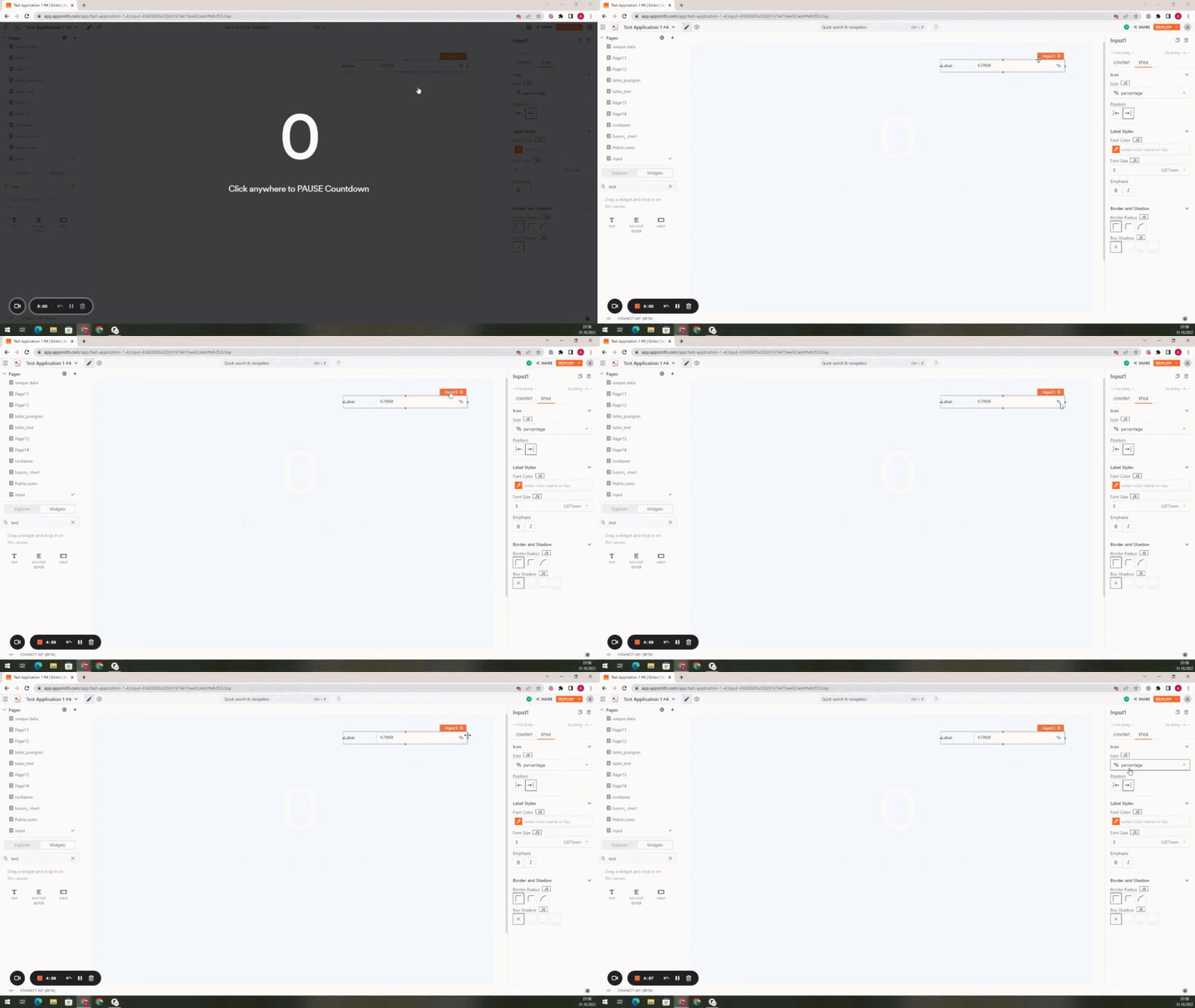 gusty pelican
Ha - I found out the issue occurs with Number Data Type only. Text shows the icon just fine. This is probably due to the step up/down arrows that always displays on the right side.
This brings a feature request, that will solve the issue at hand too: give the ability to disable these arrows. In many cases, these are not useful (to me).
Thoughts ?
thin boneBOT
Yes, please create a feature request here:
https://github.com/appsmithorg/appsmith/issues/new

GitHub
GitHub is where people build software. More than 83 million people use GitHub to discover, fork, and contribute to over 200 million projects.
gusty pelican

GitHub
Is there an existing issue for this? I have searched the existing issues Summary The arrows to in-/decrease a number or currency value is currently always displayed. User should have the option to ...