



1 messages · Page 1 of 1 (latest)
 prisma jewel
I've built a split keyboard – the Lily58 with ZMK – and it works.
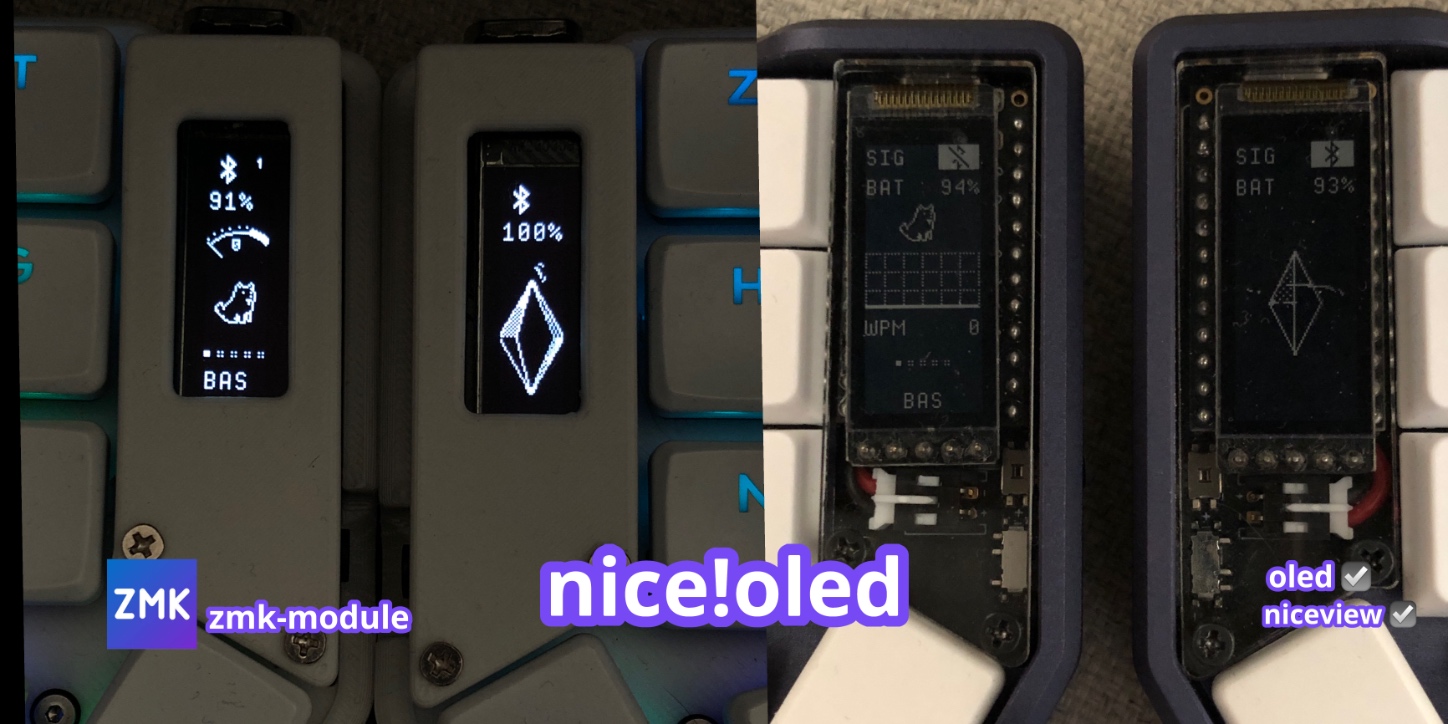
But the problem was with the OLED screens (SSD1306). To fix it, I found this: https://github.com/mctechnology17/zmk-nice-oled/tree/main
and it almost works.
One of the screens doesn’t show anything.
I thought it was the screen, but nope – I swapped them and both are good.
I thought the problem was with the pins on a specific side, but nope – I swapped chips and it worked.
So the last part I needed to check was one Pro Micro 52840.
It looks OK. I used a voltmeter to verify (continuity test) if I made a mistake with soldering, but nope.
I know, a lot of “nope.”
So my last assumption is that it’s either a problem with the controller or the firmware.
my config - https://github.com/Upskxkit/lily58-wireless-view-zmk-config
vertical widgets for oled and niceview screens using zmk (for split and non-split keyboards) - mctechnology17/zmk-nice-oled
Contribute to Upskxkit/lily58-wireless-view-zmk-config development by creating an account on GitHub.
 night quiver
The lily58's OLED pins are already established on the left half: https://github.com/Upskxkit/lily58-wireless-view-zmk-config/actions/runs/17690684131/job/50283455794#step:13:567
You've already enabled logging on the left side, so you can look for i2c-related error messages:
It is very likely you need to check again with the voltmeter. If you have a battery attached, you can't check continuity (resistance) unless you desolder/detach it. (If you aren't willing/able to remove it, you will have to measure the voltage on each display pin.)
prisma jewel
Thanks, I have a connector for the battery. I’ll try both cases.
prisma jewel
no problem on pins, I got this message
i2c_nrfx_twi: Error 0x0BAE0001 occurred for message
ssd1306: Failed to initialize device
night quiver
if the display wasn't being picked up at all, the error message would be a bit different: #1415250274041331782 message
...Perhaps you just [lost the supermini roulette](#hardware message). It sounds like you socketed (good foresight) so replacing it wouldn't be difficult.