#Underglow help

1 messages · Page 1 of 1 (latest)

stark ingot
#

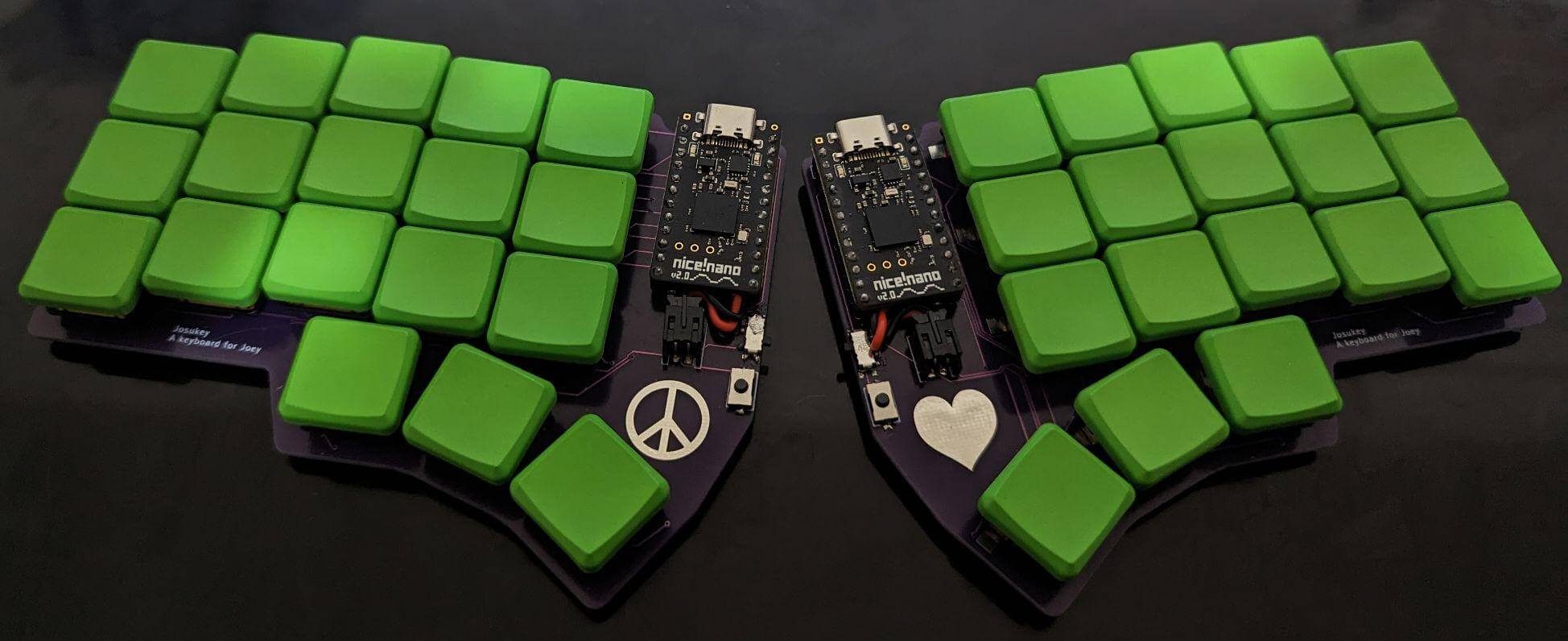
Hi, I've been working on a keyboard here: https://github.com/Narkoleptika/josukey and I'm having trouble with the LEDS

I'm currently using the PCB from the ergogen/kicad folder in the main branch and the zmk configuration in the develop branch. There are two mistakes that I'm already aware of. One is that I used a low frequency pin for the data line. I don't exactly know what that means, but the warning in the zmk docs that I read after sending off the PCB (😅) gave me the impression that it wasn't a show stopper and that I should still be able to test the LEDS, just potentially with degraded wireless performance for some reason. The other mistake is that I used an auto router and didn't double check it before sending off the PCB (😅😅😅) so not all of the routes were routed. AFAICT this only affected the second LED in the chain (basically cutting the chain there) and I'm pretty sure the first LED in the chain should be testable.

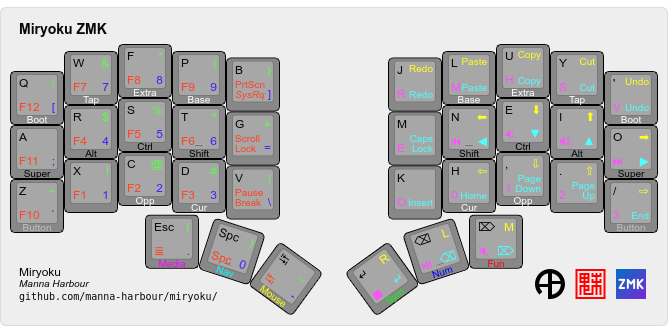
So I soldered just the first LED on both sides using these: https://www.adafruit.com/product/2659 and at some point I was able to get the left side to shine for a few seconds then I pressed something and it turned off. I haven't been able to get it to shine again since then. I've tried pressing all sorts of different combinations of the rgb settings and external power buttons from the miryoku media layer with no luck aside from that one instance where I got it to briefly light up.

I'm not sure what to try next because I'm not sure if I've misconfigured something or burnt out my LED and I don't want to try and solder another one if this is just a configuration issue. Also it seems to be the case that support for LED underglow with miryoku isn't in an ideal state for split keyboards (or at all? https://github.com/manna-harbour/miryoku_zmk#global-shift-functions). Is what I'm trying to do even possible right now with my configuration?

plz help and thank you in advanced
GitHub

A keyboard for Joey. Contribute to Narkoleptika/josukey development by creating an account on GitHub.

GitHub

Miryoku is an ergonomic, minimal, orthogonal, and universal keyboard layout. Miryoku ZMK is the Miryoku implementation for ZMK. - GitHub - manna-harbour/miryoku_zmk: Miryoku is an ergonomic, minima...

leaden karma
#

If it was a wiring or soldering issue you'd have to investigate with a multimeter, but since the led lit once it's probably just a firmware issue.

When things are working you can just use the RGB and EP Toggle keys, but in this situation you need the Off keys so you can reach a known state. Unfortunately as you've noted they won't work by default. Try a build with global shift functions enabled as described above. That'll only work on the central half, but you'll be able to test that half at least. For the peripheral you could customise a layer and add the Off keycodes. See https://github.com/manna-harbour/miryoku_zmk#customisation.

Alternatively, you could check the EP state, and possibly the RGB state, using a multimeter.

Also see https://github.com/zmkfirmware/zmk/issues/885.

stark ingot
#

Thank you for your response.

I ended up trying another LED and when I went to desolder the old LED it lit up when I touched the soldering iron to one of the pins. The new LED also has this behavior. Apparently it's a thing that an iron can be electrified which presumably sent current somewhere and turned the LED on. While the LED was on, I couldn't control it from the keyboard except to turn it off with the EP toggle. If I held the iron on the pin it would change color seemingly at random. Interestingly the only pin this worked with was the "out" pin that goes to the next LED. That makes me think I might have failed catastrophically here and wired the LEDs backwards with the PCB traces/nets.

I tried to confirm that by jumping the out and in pins together on the LED, but I don't know if that was actually a meaningful test. I also tried temporarily changing the LED to a different pin in the firmware and directly connecting those. Neither worked, so that theory is unconfirmed.

I also took a look at that last github link and in the last comment caksoylar mentions that the issue may be resolved due to a recent ZMK release (3.1). I'm not sure if that's true or not, but I'm building with 3.2 at the moment. I looked at the referenced commit and stole their nice_nano_v2.overlay and the only difference was that they used spi1 (eg pinctrl-0 = <&spi1_default>) instead of the spi3 that was in my nice_nano_v2.overlay. I don't know if that is significant at all. I haven't tried with the inline config yet.

Also it's worth noting that I didn't have rgb keys at all in the media layer without the global shift functions enabled. It wasn't just the shift keys that were disabled by default. Instead I just had base layer keys. I can't remember if that also applied to the Ep toggle key.