#Ever teams register error
30 messages · Page 1 of 1 (latest)
 radiant sundialBOT
 frosty shoal
N/A
 flint scarab
im sorry but what does this have to do in regards to railway?
frosty shoal
This image is on railway
flint scarab
is this a template or something you setup?
flint scarab
have you setup the captcha correctly?
frosty shoal
There were no instructions to set up the captcha
I just deployed the template and started the onboarding process
flint scarab
have you checked for instructions from ever teams?
frosty shoal
No I haven't
I usually just deploy and follow the onboarding, the onboarding usually has it all
flint scarab
it would be of great help if you where familiar with the software you are deploying
frosty shoal
For sure but I'm just installing new software and see how they work
Not sure why it's a good idea to blame me for not knowing the software
'Me as a user want to deploy a template and it does not work. I'm not a coder
flint scarab
this is not necessarily an issue with the template
frosty shoal
It could be
flint scarab
it could be, it most likely is, as we do not have quality control, but we can't jump to conclusions here
frosty shoal
But perhaps it is. I don't even know why it would ask me for recapcha if it's self hosted. And if it does then I think I would need to add some recapcha variables but there are no variables listed on railway. So I thought perhaps the creator of the template or people who used this template would be kind enough to share what they did to go through this step
flint scarab
does ever teams docs mention any variables that you would need to set?
frosty shoal
Apparently this is their documentation
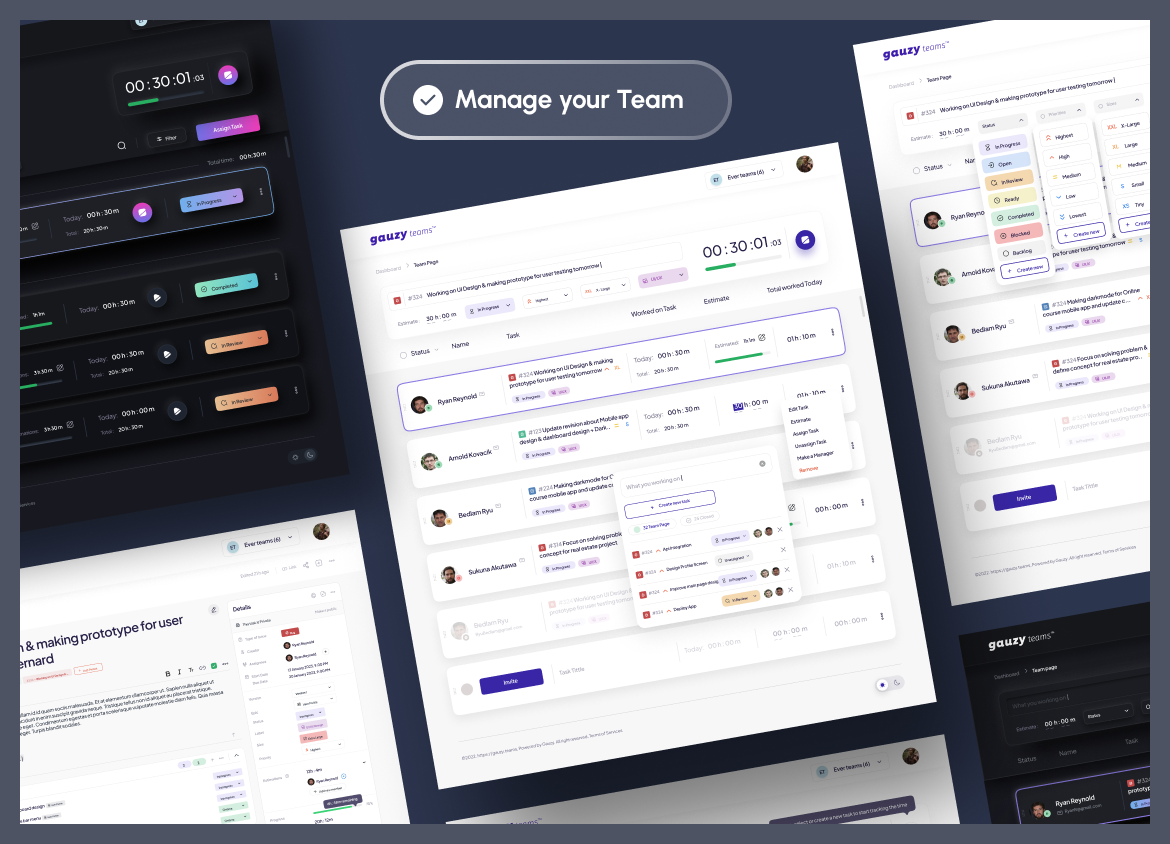
Track the progress of your teams' work in real time!
A screenshot and a title