
#Documentation for loading glb primitives
16 messages · Page 1 of 1 (latest)
 woeful abyss
 fair fox
I discuss this briefly in https://devildahu.ch/devlog/making-of-klod-tech/#the-editor
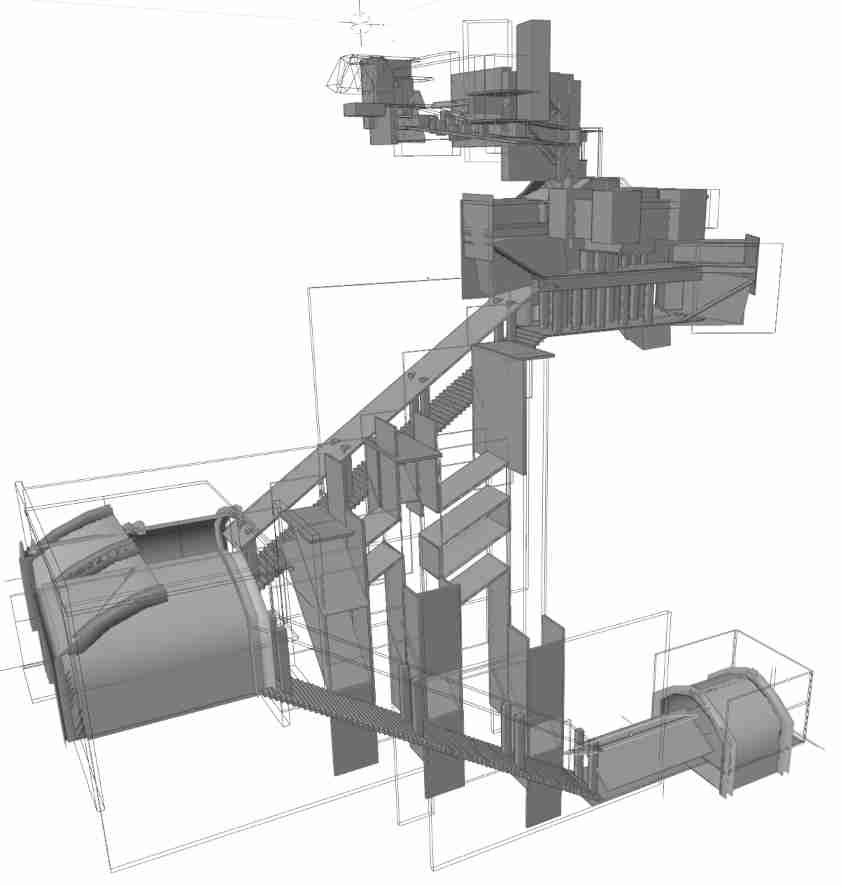 woeful abyss
It is possible to name object in glb scenes in blender using the Outliner dock (the tree view at the top right) and double-clicking object names.
This is interesting in the linked scene hook repo. I guess this is more of a blender question, but the concept of primitives seems a little different there. Is that quote suggesting I can changeCube.005toawesomenameand import it likeasset_server.load("models/house.glb#boarding/awesomename")?
fair fox
I don't think so, have you tried? I think it might be possible (not sure) to do asset_server.load("models/house.glb#awesomename") though
woeful abyss
Just tried now, neither asset_server.load("models/house.glb#awesomename") nor asset_server.load("models/house.glb#Boarding/awesomename") worked 😦
fair fox
hmm it might be a different syntax
woeful abyss
What's interesting is scouring github I found this repo, with some more complex glb examples: https://github.com/eyzi/bevy-study/blob/b0fd817c98c48deb892cbdd21241a42045ccc020/examples/chess/game/pieces.rs#L9-L16
And their blender looks like this
 fair fox
Seems like you can use the index of the mesh in the scene?
woeful abyss
Trouble is I don't remember which order I spawned them in in blender. Can't seem to find it either. See how their bishop is mesh6, but appears first in blender as it sorts alphabetically 🤔
 livid shell
I've done it previously using this method, but it's not as easy as just putting a special name at the end of the import path. Hopefully working with gltf becomes easier in future versions of bevy. https://bevy-cheatbook.github.io/3d/gltf.html#using-gltf-sub-assets-in-bevy
woeful abyss
I was just rereading that page now. Going to go super slow and hopefully find my mistake
I suspect some combination of what I tried would have worked, however the glb file just won't have loaded in time for the unwrap()
livid shell
yep it will prob need to be in another system that can check each frame to see if it's loaded
I put a Vec in a resource and would keep the "loading" ones there so I knew what to check for, and remove them once they'd loaded
woeful abyss
Oooh, that's smart
 stiff moss
.glb#Mesh0/Primitive0 works for me if I have a single object in my Blender scene. I'm making sure it's loaded with bevy_asset_loader