rotate the object: https://shaderfrog.com/2/editor/clntwcgz10002paaipmjxyxfk
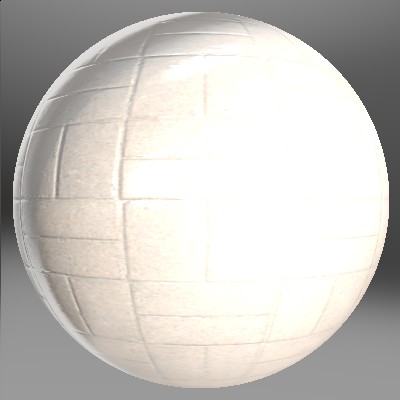
The normals are off, on the edges, with one of the normal maps ("Brown Bricks Normal") but not others.
Is this because of the normal map itself? It's from hrdihaven
2 messages · Page 1 of 1 (latest)
rotate the object: https://shaderfrog.com/2/editor/clntwcgz10002paaipmjxyxfk
The normals are off, on the edges, with one of the normal maps ("Brown Bricks Normal") but not others.
Is this because of the normal map itself? It's from hrdihaven
normalScale.y = -1 or 1 and normal map colorspace/encoding should be linear
if it only happens on this image then it's might be image related