Basic idea is this. When the OS was uploaded to the saber before it came to you they didn't select the option to allow the usb to be used for WebUSB. You do need to install the drivers for the proffieboard as its not auto done as far as i remember regardless if you are using arduino to upload. If you check out the FAQ here there are a few links to check out first off on how to accomplish some of this.
#Proffie 2.2 Help!
47 messages · Page 1 of 1 (latest)
 hollow hawk
 tough shale
thank you so much! I've been doing more work on it and I came to that conclusion yeah that I need to enable it! Just figuring out how
@hollow hawk is there any chance you'd be able to walk me through the process via voice chat? I'd really appreciate it!
hollow hawk
unfortunately not. there are 2 very good walkthroughs posted in the FAQ both Fett and the Pod have mixtures of video/text
tough shale
call me blind, but would you be so kind as to point out the FAQ section for me, I don't seem to be able to find it XD
tough shale
thanks so much!
with those tutorials. Do I need to do the whole reprogramming process just to enable the board to allow the usb to be used for web usb? Since you mentioned i'd need to install drivers! Sorry to ask, the whole thing is just incredibly overwhelming.
hollow hawk
yes. driver install is always first. thats how your pc knows how to talk to your proffieboard. then you need to upload your config file with the options enabled in arduino. you should have a copy of the config on the sd card.
tough shale
so that's using the arduino and zadig softwares right? Am I following things right in the understanding, that once the drivers are installed, all I'll need to do is allow the usb to be used for WebUSB and then things will be a lot easier?
hollow hawk
zadig isn't needed anymore.
zadig was the driver installation software but with the new .exe file thats un needed
arduino is just the program that uploads to the board.
tough shale
oh roger that!
like I say, I'm just trying to get the drivers onto the board so I can then use this video to get the fonts and stuff on there;
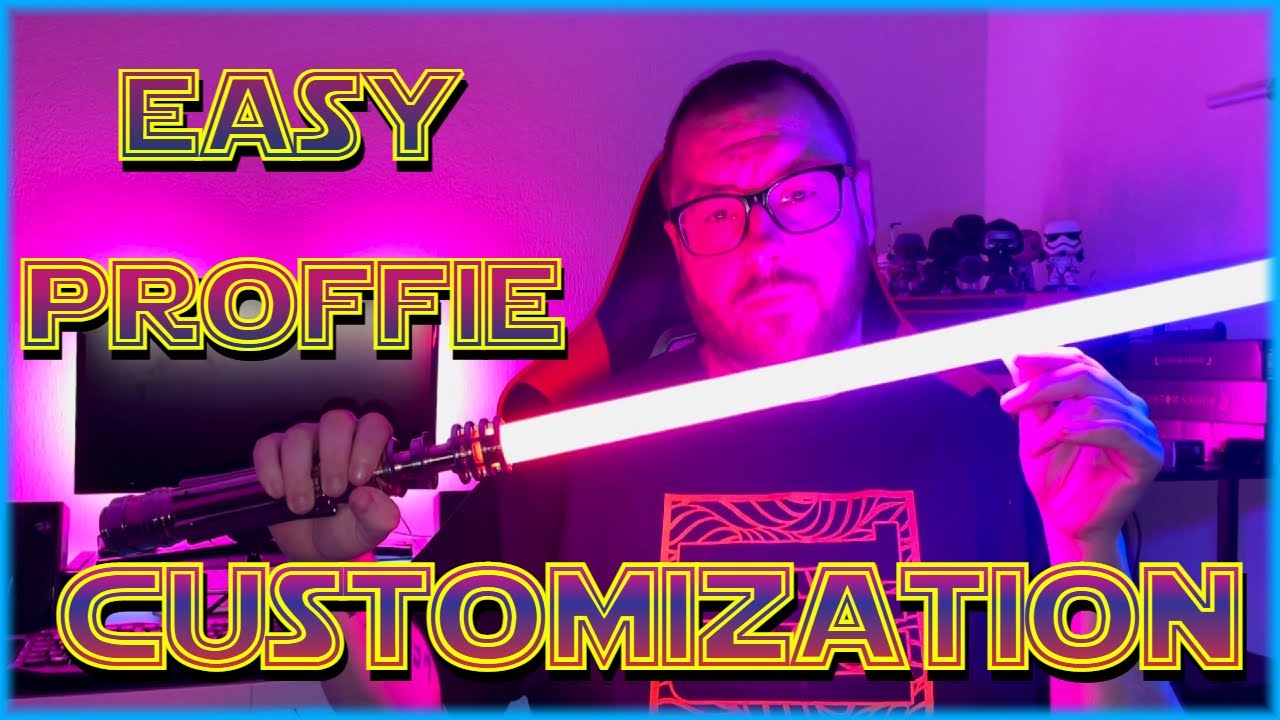
A not very quick tutorial on how to use the new Easy Proffie Customization tool for your Proffie Lightsaber. Before attempting ANY customization, whether it be using this tool or the config & style editor method, PLEASE make a back up master copy of your SD Card, I cannot stress how important this is!
Let me know about YOUR experience with this...
hollow hawk
its more than just the drivers needed though if webusb isn't enabled already.
tough shale
ah.
 dusky escarpBOT
GG @tough shale, you just advanced to level 2!
hollow hawk
but its worth a start. if you install the drivers it may show up in the list
have to make sure you are using the correct browser and cord.
tough shale
browser i'm using is opera gx and cord i'm pretty certain is correct
when I tried at the start and didn't know about the enabling of webusb, I pluged the saber via micro usb into the computer and it did recognise it
tough shale
if you're able to explain, when you said it's more than just the drivers? My biggest fear with all of this is how much "programming" I'll have to do. I just don't wanna run the risk of damaging board, I feel very much out of my depth right now and all the videos I've watched have just made it more scary
I am following this one but since you mentioned zadig isn't needed anymore, I'm worried it's gonna be mostly out of date now; https://www.youtube.com/watch?v=BrsjuaSuRIM

CLICK THE LINK BELOW FOR UP TO DATE TUTORIAL ON PROFFIE OS6
The video SO MANY of you have asked for! I know it is a VERY long one BUT, it covers everything from the software needed to even activating the gesture controls on your Proffie Saber!
PLEASE REMEMBER THE SD CARD ONLY HOLDS YOUR SOUND FONTS (SOUND...
hollow hawk
almost impossible to damage a board from uploads
tough shale
that's a slight relief XD
hollow hawk
as you can always physically put the board into bootloader mode to take a config to redo mistakes.
tough shale
is that kinda like a big undo kinda thing?
hollow hawk
naw. kinda like booting your computer into bios if you screwed your OS
tough shale
Oh, now you're talking my language haha
I know once i'm past this initial hurdle, it'll be easy, i'm just tryna get past it XD
hollow hawk
the key is to not over think the instructions. its all really simple its just using more than one program to do the things.
tough shale
yeah
hollow hawk
arduino opens the OS and uploads it. your config is your personalization of the OS.
tough shale
Would that second to last file be the config file? 🙂
 hollow hawk
one of the .h files depending if you want gestures or not and the blade length
tough shale
that'll be LGT!button36.h then 🙂
hollow hawk
you need to copy that to your pc though into the correct folder.
tough shale
already have bud! That's the copy I made earlier 🙂
hollow hawk
you will have 2 copies though. one you leave alone and then the one you stick into the proffieos config folder to be uploaded/edited
tough shale
I presume the one I leave alone is the backup in case of any problems?
hollow hawk
exactly. you always want something that can take you back to OG status ICE
tough shale
okay! Brilliant :d
tough shale
I don't suppose you'd be able to explain this would you bud?
