#My N110 got bricked I think.
1 messages · Page 1 of 1 (latest)
 glad nacelle
Btw I'm french and most of the users on this server are French so if you prefer to use French, you can
Upsilon is an open-source operating system for your Numworks calculator based on Omega.
 open estuary
I have tried but it is not recognizing it
glad nacelle
Press 6 + reset and try again
open estuary
Nothing changed
glad nacelle
Is you calculator reconized by the device manager ?
open estuary
It was before but now it isn't.
glad nacelle
When you press 6 + reset are you sure that : you start pressing 6, start pressing reset, release reset, release 6 ?
open estuary
Maybe khicas from https://www-fourier.univ-grenoble-alpes.fr/~parisse/nws.html
(Khi+KhiCAS (20.0.03, 10/07/2025))
Installed a locked bootloader ?
glad nacelle
KhiCAS doesn't modify the bootloader as far as I know
open estuary
it installed epsilon.
glad nacelle
just now ?
open estuary
No. The khicas I installed was a custom epsilon build.
glad nacelle
So what's the current state of your calculator ?
Which bootloader and which firmware ?
open estuary
Black screen, red led, doesn't get recognized by computer. Tried different cables. Previous bootloader was the one you get with upsilon. had a upsilon image. After install it looked like epsilon, bootloader was still there. I ran the slot A. I reset. Now current state.
glad nacelle
How did you installed Epsilon ?
open estuary
 glad nacelle
That's not Epsilon 😅
glad nacelle
You said that you installed Epsilon. Did you used the slot flash mode of the bootloader with the Epsilon update ?
open estuary
I think I bricked it 😢
glad nacelle
open estuary
I think I bricked it 😢
Nearly impossible
open estuary
glad nacelle
You said that you installed Epsilon. Did you used the slot flash mode of the boo...
What ?
glad nacelle
How did you install Epsilon ?
Is it using this ? https://my.numworks.com/devices/rescue#/
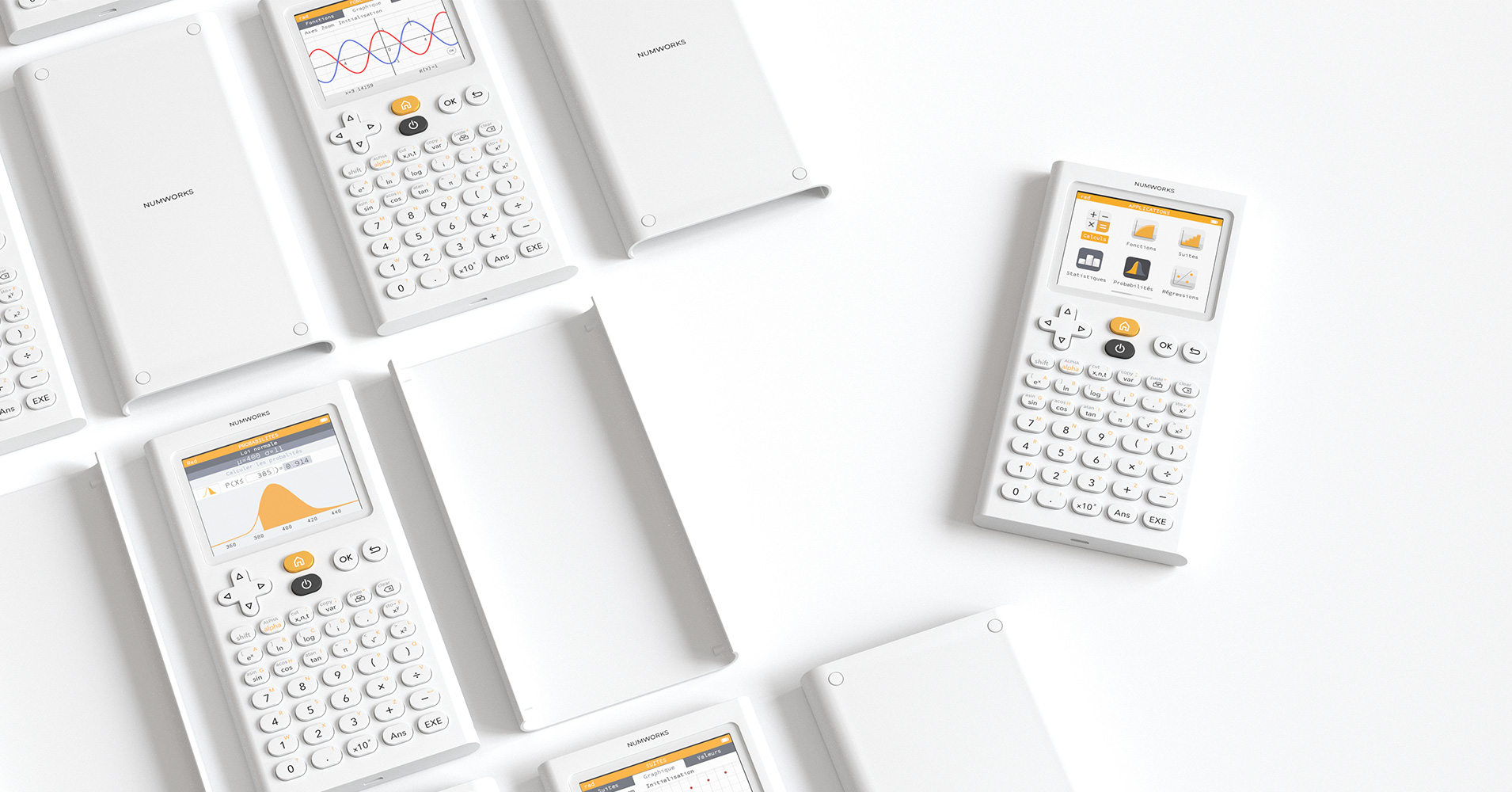
Or the update page ?
 glad nacelle
This is the installation page for KhiCAS, not Epsilon
Epsilon is a firmware. KhiCAS is an app
 quartz pewter
glad nacelle
KhiCAS doesn't modify the bootloader as far as I know
quartz pewter
glad nacelle
KhiCAS doesn't modify the bootloader as far as I know
There's a Khi bootloader forked from Omega's bootloader, but it shouldn't matter
Are you currently using Windows or Linux ?
quartz pewter
So plug your calculator to your computer, then enter RESET + 6 mode (press RESET, press 6, release RESET, release 6, in this order (especially for the last 2 ones)). Windows should make a sound and the device manager list should refresh
Do you manage to enter this mode ?
The screen will probably stay black with a red LED, but the USB will be active
open estuary
no didn't xwork
glad nacelle
Have you tried another cable ?
open estuary
Yes
glad nacelle
Does the LED turn off for a short time when you press reset + 6 ?
open estuary
no
glad nacelle
the MCU could be soft-bricked 🤔
Can you open the calculator, disconnect the battery and then reconnect it ?
open estuary
Should I remove the cable after disconnecting the battery ?
glad nacelle
before
open estuary
then ?
glad nacelle
reconnect the battery
open estuary
I did it it is still black and red led
glad nacelle
try the 6 + reset
open estuary
still red and black
glad nacelle
Is it detected by Windows ?
open estuary
No
glad nacelle
Do you have another computer to test ?
quartz pewter
What were you doing at the moment where it got into this state ?
open estuary
I was running upsilon then I installed khicas from https://www-fourier.univ-grenoble-alpes.fr/~parisse/nws.html
(Khi+KhiCAS (20.0.03, 10/07/2025)) After booting to slot A with the upsilon bootloader I had the epsilon interface with NWA apps. THen i pressed reset because I wanted to revert to upsilon and now the calculator doesn't connect to computer, shows black screen and red led.
quartz pewter
Did you open KhiCAS at some point ?
If so, did you accept the prompt to update the bootloader ?
open estuary
No idea.
quartz pewter
Do you at least know whether you opened KhiCAS after installing it from the website ?
quartz pewter
So my best guess is that you accepted KhiCAS's prompt for bootloader update, which doesn't work correctly if Upsilon's bootloader is installed: in this case, KhiCAS erases the bootloader, but can't install their own bootloader due to Upsilon's bootloader securities
In this case, you are left with a calculator with a wiped bootloader, which won't boot unless using RESET + 6 mode (which switches to the the STM32 native bootloader)
open estuary
So what can I do to solve this .
quartz pewter
The most probable reason (and the best case) is that you are doing the RESET + 6 procedure wrong :
- Press RESET (using a pen or a small screwdriver for example, the button should move by a bit more than one millimeter and make a small sound (not a click, but possible to hear) when you are at the maximum position of the button)
- Press 6
- While keeping 6 pressed, release RESET
- Release 6
Some tools or pens are too large for the reset button to work
glad nacelle
And the calculator must be fully closed
make sure that the black rubber piece is in place
glad nacelle
Yes but does Windows detect the calcualator now ?
The black screen and red light is normal
glad nacelle
I don't know
But I think that Windows should at least detect the calculator
Which category of the device manager are you looking at ?
quartz pewter
Windows will make a sound and the list in the device manager will refresh if you plug the calculator (and it's quite visible as Windows is really slow), even without a driver
 quartz pewter
It should appear as STM32 BOOTLOADER, but depending on Windows's mood, it can also be anything with "ST" in the name, like "Guillemot STM DFU device"
quartz pewter
open estuary
That's it
glad nacelle
open estuary
YAY !
glad nacelle
driver ?
quartz pewter
Can you try to got to Upsilon's Website and press the "Recovery" button ? https://getupsilon.web.app/install
Upsilon is an open-source operating system for your Numworks calculator based on Omega.
glad nacelle
is the calcualtor detected by the recovery website for Upsilon ?
quartz pewter
If the driver works (usually it doesn't), it should list the STM32 BOOTLOADER in the device selector
If it's not detected, you should reinstall the driver (a link to download it from NumWorks's website is available in #resources)
 glad nacelle
quartz pewter
If it's not detected, you should reinstall the driver (a link to download it fro...
glad nacelle
quartz pewter
If it's not detected, you should reinstall the driver (a link to download it fro...
Try this
quartz pewter
Can you try to reinstall the driver ? https://cdn.numworks.com/81cc6426/numworks-driver-win64.msi
open estuary
Then ?
glad nacelle
retry the rescue
open estuary
It worked :
Thank you so much guys ! You guys are saviors lmao.
Hold on. What do you run on your calculator
glad nacelle
open estuary
Hold on. What do you run on your calculator
like apps ?
open estuary
Firmware and apps ?
quartz pewter
I have Upsilon with a wallpaper, a few apps (KhiCAS, Nofrendo with Pac-Man, Tetris and 2048, Breakout on CHIP-8)
Some time ago I had Link's Awakening, and Python games
glad nacelle
I a vanilla Upsilon on my N0110 and Epsilon on my N0120
But I only use then for programming
open estuary
U installed from https://upsilonnumworks.github.io/Upsilon-External/
glad nacelle
So sometime I have a version of Numcraft installed
quartz pewter
open estuary
U installed from https://upsilonnumworks.github.io/Upsilon-External/
Yes
open estuary
I kinda wanna make my own version of KhiCas is it possible ?
quartz pewter
Yes, if you are willing to fight against the build system…
Why would you want to do that ?
quartz pewter
open estuary
U installed from https://upsilonnumworks.github.io/Upsilon-External/
https://www-fourier.univ-grenoble-alpes.fr/~parisse/nws.html is the website from the upstream developer (Parisse), but he does some things that aren't really compatible with Upsilon
open estuary
quartz pewter
https://www-fourier.univ-grenoble-alpes.fr/~parisse/nws.html is the website from...
Yeah I got my upsilon bootloader erased thanks grenoblois 😄
Anyways thanks a lot for the help guys 😄
glad nacelle
Happy to help
!close
hhmmm not close 🤔
It's been a while
!finish
I need help guys, I don't remember the command 🤣
quartz pewter
!end