
#Cant seem to get bottom layer to print correctly
37 messages · Page 1 of 1 (latest)
 muted roost
How does the missing part look like
 open rock
there's no part
it just didn't print for some reason
idk if that's what the blue means
muted roost
Post the gcode please
muted roost
The purgeline is printed?
muted roost
A line usally on the left of your printbed not related to your object
muted roost

So i dont have to ask every thing one by one 😄
An image of your printer might also help 🙂
 muted roost
Sad mood... another ender 3 victim :/ 90% of issues are creality related 😄
Anyway two things i can already see that might cause your issue
First the x axis is tilted (the axis thr hotend is on)
Second if i see it correctly you are too close to the bed with your first layer. Do you get a clicking sound during the first layer?
open rock
yes i do hear a clicking sound on the first layer
muted roost
Thats the sign that you are too close to the bed
open rock
so i need to level the bed?
muted roost
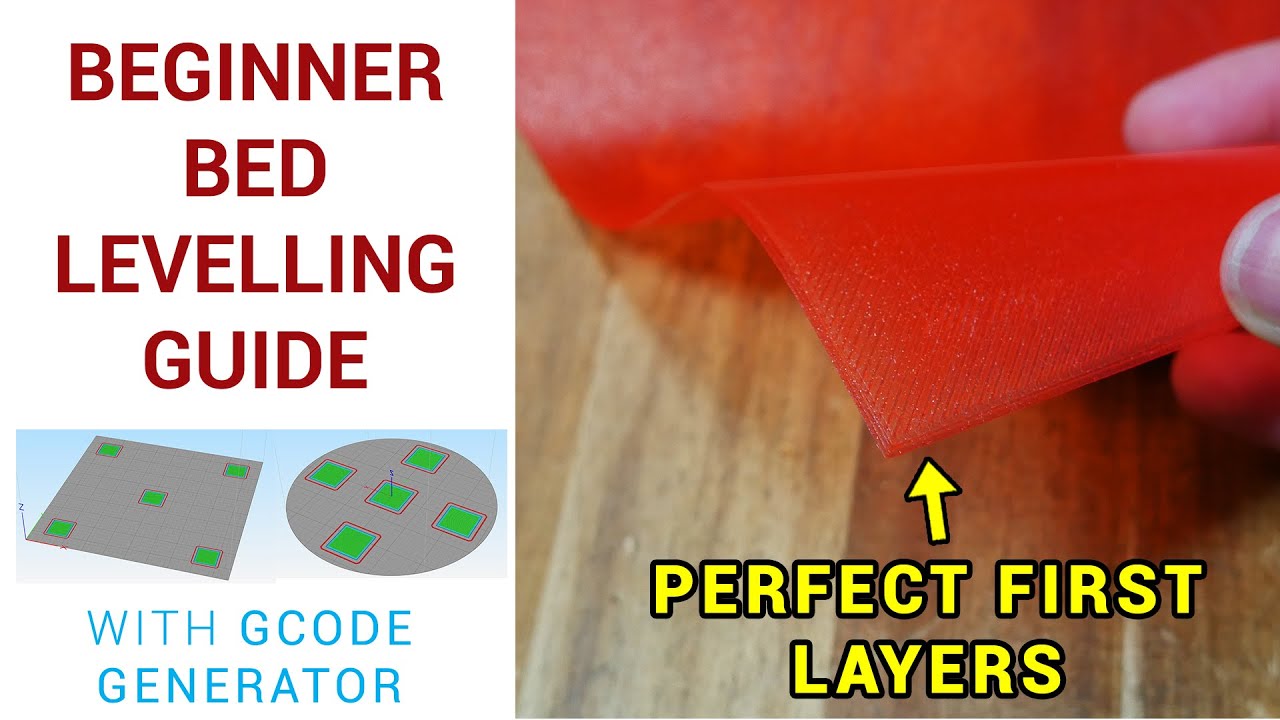
Are you struggling to dial in a perfect first layer? Many beginners are, so you’re not alone. This video takes you through the aim and method of manually levelling your 3D printer bed, with a gcode test pattern generator and example diagrams of what to aim for and what to avoid.
It also answers the question of when you might need auto bed level...
And fix the tilted x axis

Thank you for visiting my channel, so what are we waiting for lets jump right into it.
Lets GO!
Santube Filament: When you buy direct from me (paypal only)
Contact: Email- ([email protected]) or Message me here.
10 spools or more - $11.99 (FREE SHIPPING & tax included)
5 spools or more - $12.99 each (FREE SHIPPING & tax included)
4 spools ...
X axis then bed leveling 🙂
open rock
oki i'll do this stuff and come back
muted roost
Ill be asleep then its late here 🙂 but ill keep helping once im awake 🙂
open rock
i got it working
 open rock
@muted roostjust leveling the bed fixed it