 fickle night
TL;DR: Read the title
Background Story: I've been using Asus Z506 (5.1) speaker for about 8 years now and I used it for my desktop back then. Unfortunately, I didn't have a motherboard that support 6 channels or a proper surround sound card. The closest thing I found was to repurpose the Line In and Microphone jacks to Output, but despite having 3 outputs, I couldn't turn them into a proper 6 channels audio output. Alas, only my 2.1 speaker worked.
Fast forward to today, I'm using an Asus ROG laptop with Linux Mint. Yesterday, I saw that Mac could do audio aggregation that functionally enables 5.1 surround through 1 audio jack and 2 additional jack-to-USB dongles. Here's the video explaining that https://www.youtube.com/watch?v=tan6XgV1SlY
Now back to my question: How can I setup 3 jack-to-USB dongles into a proper working 5.1 surround or 6 channels?
I cannot afford buying: AV receiver, sound blaster USB sound card, another proper surround speakers with different connections (HDMI eARC, S/PDIF, Toslink)
I can afford buying: jack-to-USB dongles, the cheap (under $20) Chinese USB surround card (usually with the blue paint)
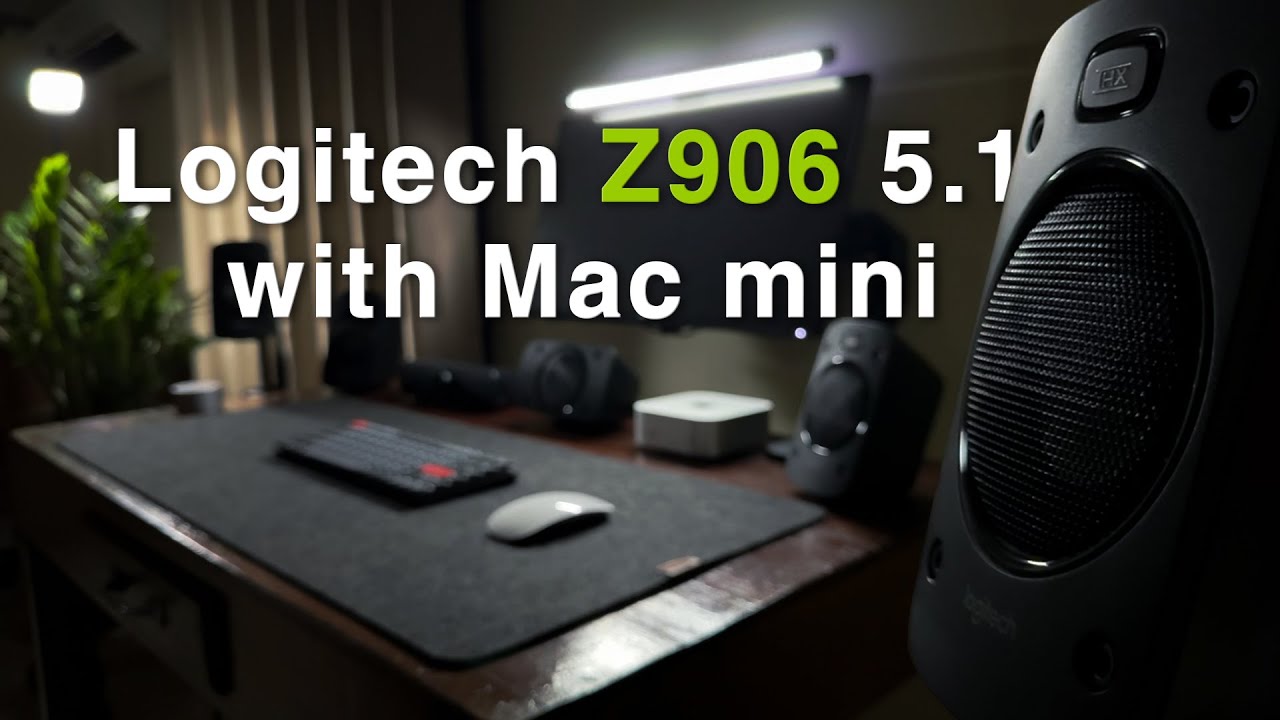
Looking to unlock true 5.1 surround sound from your Mac mini M4 Pro? In this video, I’ll walk you through two complete methods to connect the legendary Logitech Z906 speaker system — using 6-channel direct and digital optical input.
Since upgrading from my 2018 MacBook Pro to the new M4 Pro Mac mini, I’ve been on a mission to get the best...


 covert dune
