#How do I rice my Linux DE to look like this?
5 messages · Page 1 of 1 (latest)
 polar brook
 tender hinge
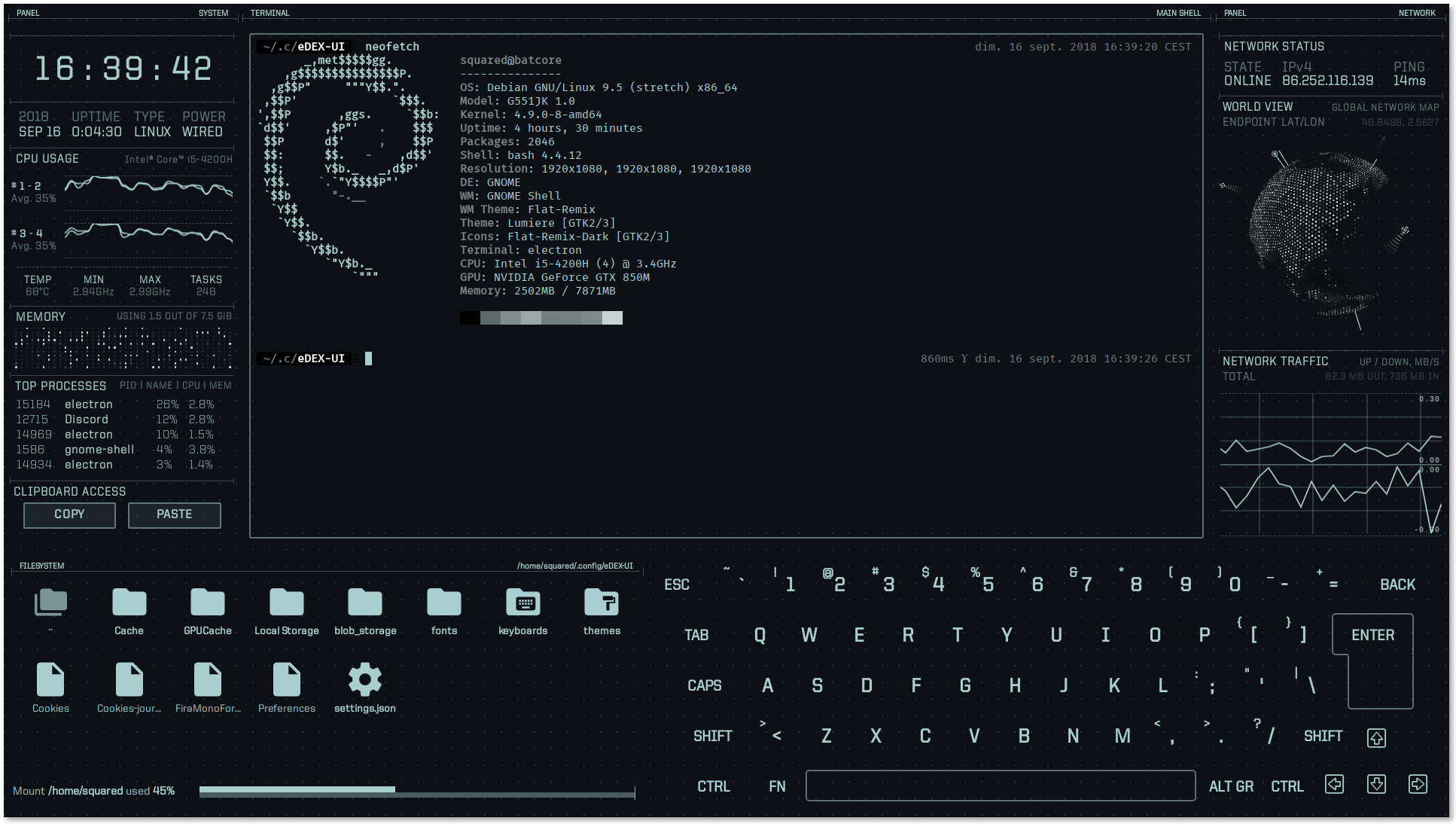
As from scanning the repo, you're supposed to download the specific AppImage compatible to your device, make it executable, and open it.
It's not really rice afaik. It's a terminal emulator.
If there's anything relevant to ricing Cinnamon that I could give you, here. It's quite far from this but it should at least make you aware of the things you need to know to make your desktop look like that.
https://www.youtube.com/watch?v=AnNx-Se9wkc&pp=ygUPY2lubmFtb24gcmljaW5n

Welcome to our video tutorial on how to make your Cinnamon desktop warm and aesthetically pleasing with the enchanting Catppuccin theme. In this video, we will walk you through the customization process using Linux Mint 21.1.
Whether you're a Linux Mint 21.1 user or someone who prefers other major Linux distributions like Fedora, Arch Linux, Ub...
polar brook
Ah, okay! Thanks for that.