

4 messages · Page 1 of 1 (latest)
 tawny pollen
I am considering swapping my laptop to a linux system, and want to run Linux MInt in Virtual Box to try to get a bit used to it. I installed it via a guide, and when loading up, it gives me the error
Unable to boot - please use a kernal appropriate for your CPU```

Below are my virtualBox info, and my system info

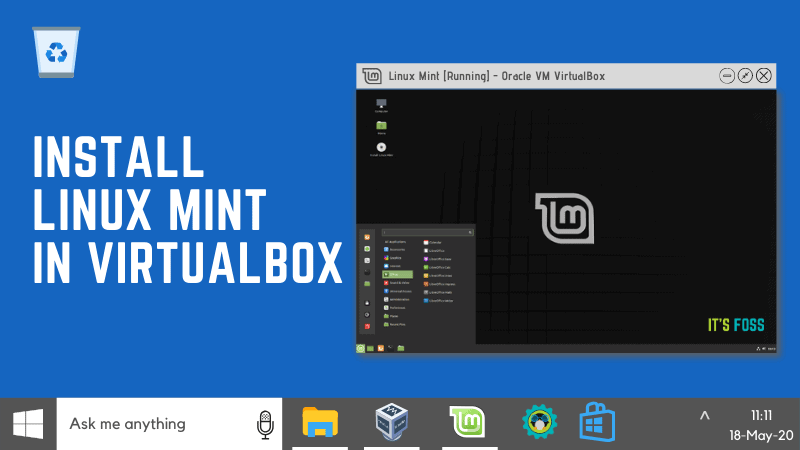
The guide I followed is here: https://itsfoss.com/install-linux-mint-in-virtualbox/#:~:text=Step%201%3A%20Download%20VirtualBox%20from,ISO%20file%20from%20its%20website.&text=Step%202%3A%20Once%20your%20virtual,on%20the%20virtual%20machine%20wizard.

I installed this version of Linux Mint: https://linuxmint.com/edition.php?id=311
Linux Mint is an elegant, easy to use, up to date and comfortable desktop operating system.
One of the safest and easiest ways to try Linux Mint is inside a virtual machine. Your real system doesn’t change at all. Learn how to install Linux Mint in VirtualBox in this tutorial.
Kernel CPU Issues with VirtualBox

I want to test it out, once I get my desktop working, I want to switch my laptop to a Linux Distro, Mint was suggested by alot of people