
#1st gen ipod mini won't sync in apple music in macos 15.7.3 (solved!)
8 messages · Page 1 of 1 (latest)
 stray turret
 visual inlet
Support for some models have been removed in last revisions of Apple Music. Not sure if mini is still fully supported.
stray turret
Yikes, I didn't realize that was the case. Do I have to get an older mac with itunes for this then? Or is rockbox my only option?
 opaque delta
I was running macOS Sequoia and I was still able to use my iPod mini 2
If you also see the iPod mini as a mass storage device, I would try formatting it thru Finder and see what it happens
Cause I've seen that error when Finder doesn't quite recognize the storage due to a formatting error
stray turret
I was able to format as a mac ipod with no problem, I just can't get the music app to show anything other than device not found. Also tried waltr and swinsian, those didn't work either. Waltr did appear to see my ipod and be able to add music to it, but the music didn't actually show up on the device!
stray turret
Omg, I finally got this working on macos sequoia! Fair warning though, this is a bit of a hassle:
-
Follow this video to install windows xp on an UTM virtual machine: https://www.youtube.com/watch?v=u2gQLQSOUo8
-
Download an itunes 12 installer, along with the corrrect ipsw file for your ipod mini. You'll also need one music file to sync in itunes just to build the database files. Use the instructions in the video to make a disk image you can load as a cd with utm.
-
Hold shift while clicking the restore ipod button, click on the ipsw file. After this, you'll want to add your music file to your itunes library and sync. You may get a delayed write failed error, just quit itunes after a few minutes if it happens to you. I did and it still worked!
If you've done everything right, you don't need the vm anymore at this point. When I plugged the ipod back into my m4 pro mac running 15.7.3, both tunes reloaded and swinsian were able to see my ipod and add/remove songs to it! Unfortunately, the finder and apple music still don't work though.
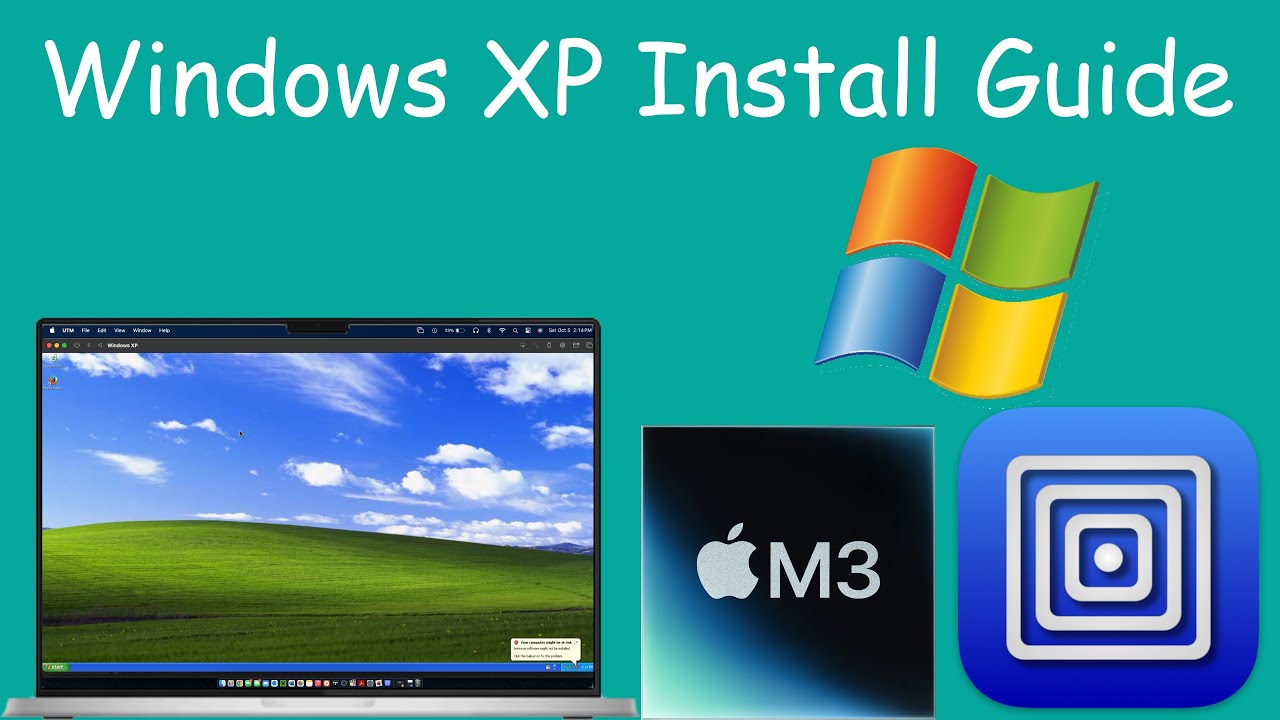
How to install windows XP professional on a M1,M2,M3 arm based mac. This tutorial uses a simple app that acts as a virtualization software for running or emulating windows or linux operating systems on top of mac os. This tutorial also includes install drivers (wifi and display) and firefox for a more up to date web browser.
- UTM: https://ma...