
#Stream Deck Block - aka "I built a functional Stream Deck in Minecraft"
9 messages · Page 1 of 1 (latest)
 stark plank
stark plank
stark plank
On the Minecraft side, the redstone involved is extraordinarily simple. Every button uses a pair of calibrated sculk sensors to monitor for input events, which in this case are either snowballs landing (signal strength 2) or explosions going off (signal strength 15). Each pair leads into a single command block that, when triggered, puts between 1 to 8 spaces in chat. The page back/forward buttons also have a tiny bit of extra circuitry that controls the lights.
Switching to the Node side, after the initial setup there's two primary loops that run in tandem. The first is the input loop, which watches the Minecraft log file for those chat messages made up only of spaces. Depending on the number of spaces, it determines which button is being pressed (1-6 for the main buttons, 7 and 8 for prec/next), then calls upon a different programming language called AutoIT to move the mouse and execute the mouse clicks. Normally Minecraft will pause if the game window loses focus, but you can get around that by pressing F3+P. With that trick, you can make the window switchover less obvious.
The second loop is the display loop. Four times a second, it takes a screenshot of the VSD window, then crops out each button and scales it down to 8x8 pixels. Each pixel is iterated over and gets its color compared to the mean color of each block in the usable dictionary this tool has. As it figures this info out, it converts that data into a Structure Block file (basically a schematic that can be pasted into a world). Once everything's assembled properly, it sends it off to a special folder containing the schematics (each screen refresh needs a unique filename due to how Minecraft works), and a command is sent over the local management interface to update the structure block in the world with the name of the new schematic to load in. Finally, the structure block is activated about 4 times a second to update the in-game screen accordingly
At the end of the day, it is a mostly usable Stream Deck, but in Minecraft! The only functions you really don't have are being able to press and hold on a button, but beyond that everything will work.
Fun fact: the Stream Deck logo at the top is done using map art. There's a structure in the End void where each of the 24 maps was captured. It's so big that it nearly stretches all the way from one end of the void to the other.
Also also: I'd been working on this since before the Virtual Stream Deck announcement, using the Stream Deck Mobile app running in effectively an Android VM instead. VSDs made some parts of this easier though
 scenic bloom
This is incredible. I'm speechless. 
I'm so excited to see the final video you'll make on this!! This is such an amazing showcase/project.
stark plank

stark plank
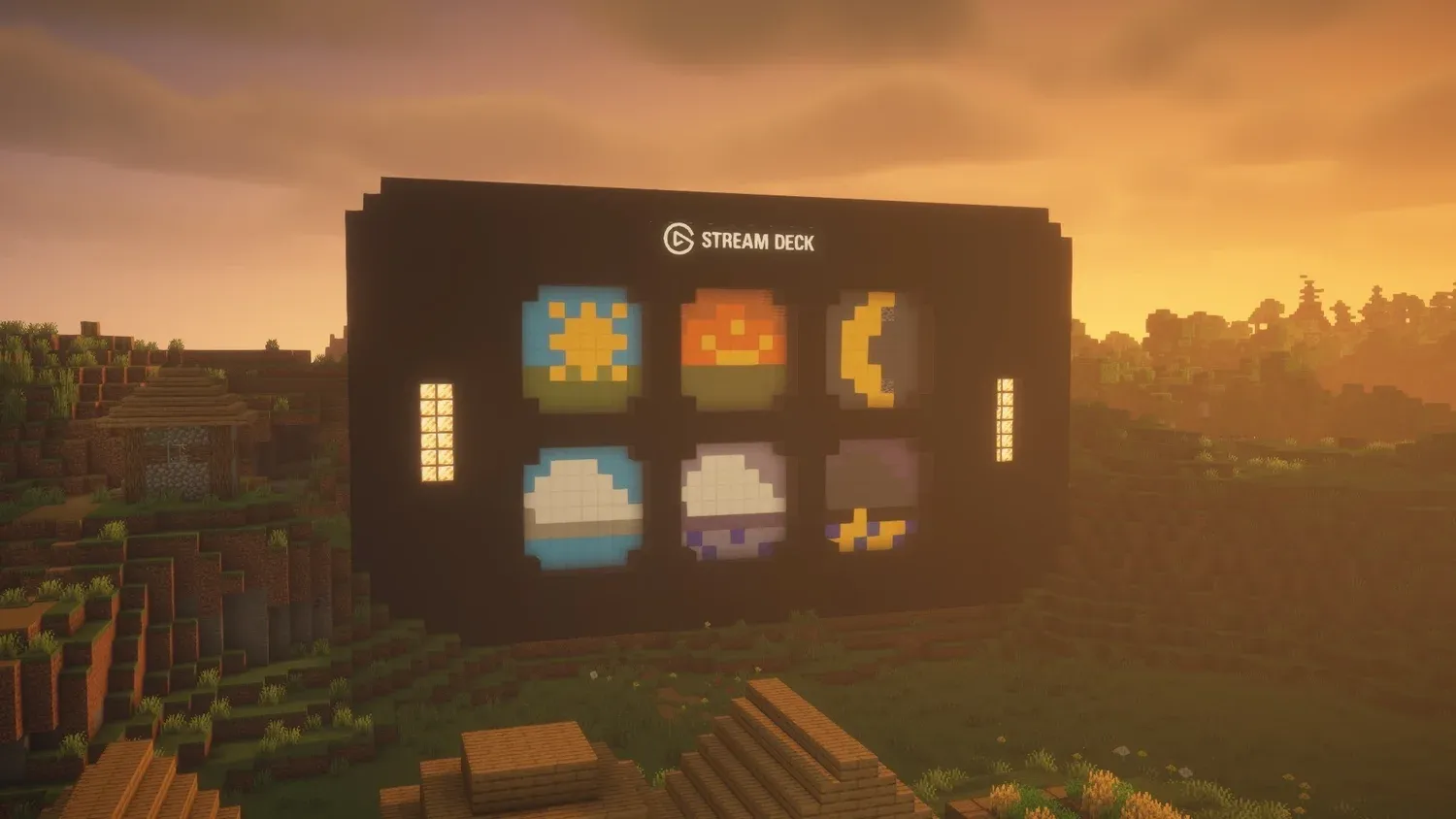
See how one Elgato fan built a fully functional Stream Deck inside Minecraft using redstone, sculk sensors, Node.js, and a bit of magic.
stark plank
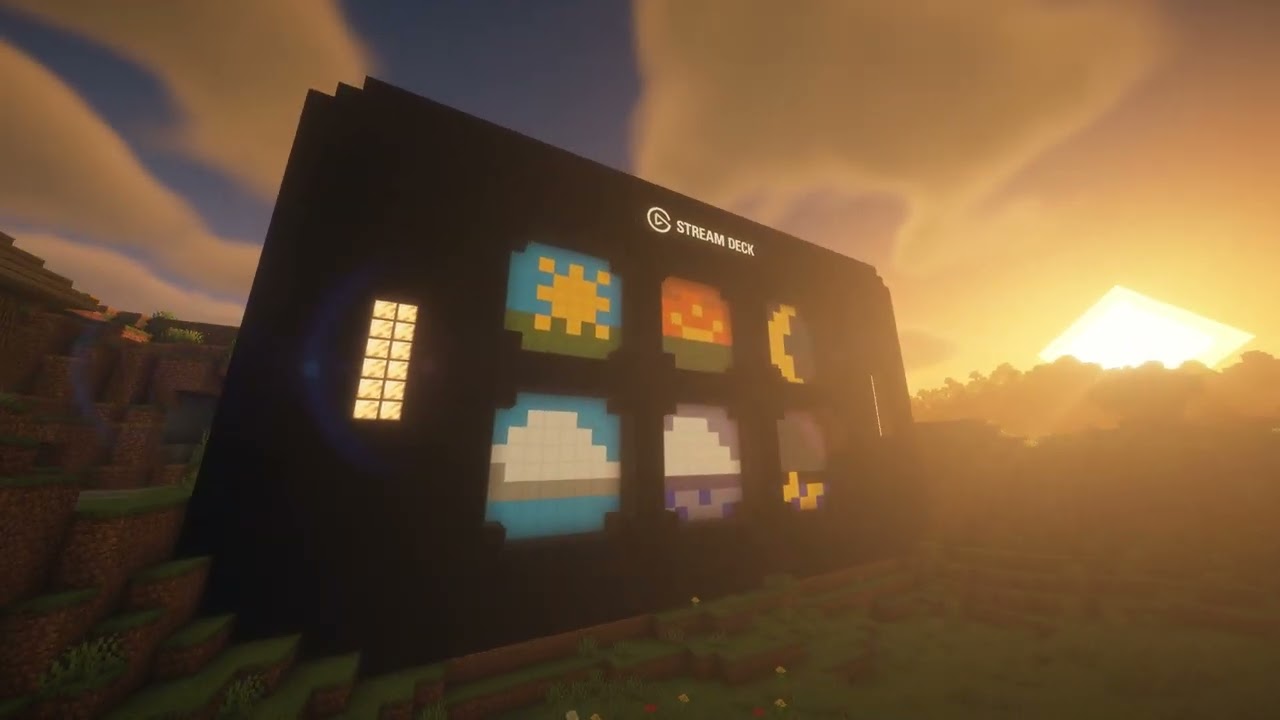
A while back, Elgato posted a picture of a Stream Deck build in Minecraft. I looked at it and thought "yeah, I could make this work." A bit of coding later, and I made this :3
There's a brief writeup of how it works under the hood on Elgato Explorer, if you're curious for more details about it: https://www.elgato.com/ww/en/explorer/products/str...