#manage-your-vc
1 messages · Page 1 of 1 (latest)
 stray wigeon
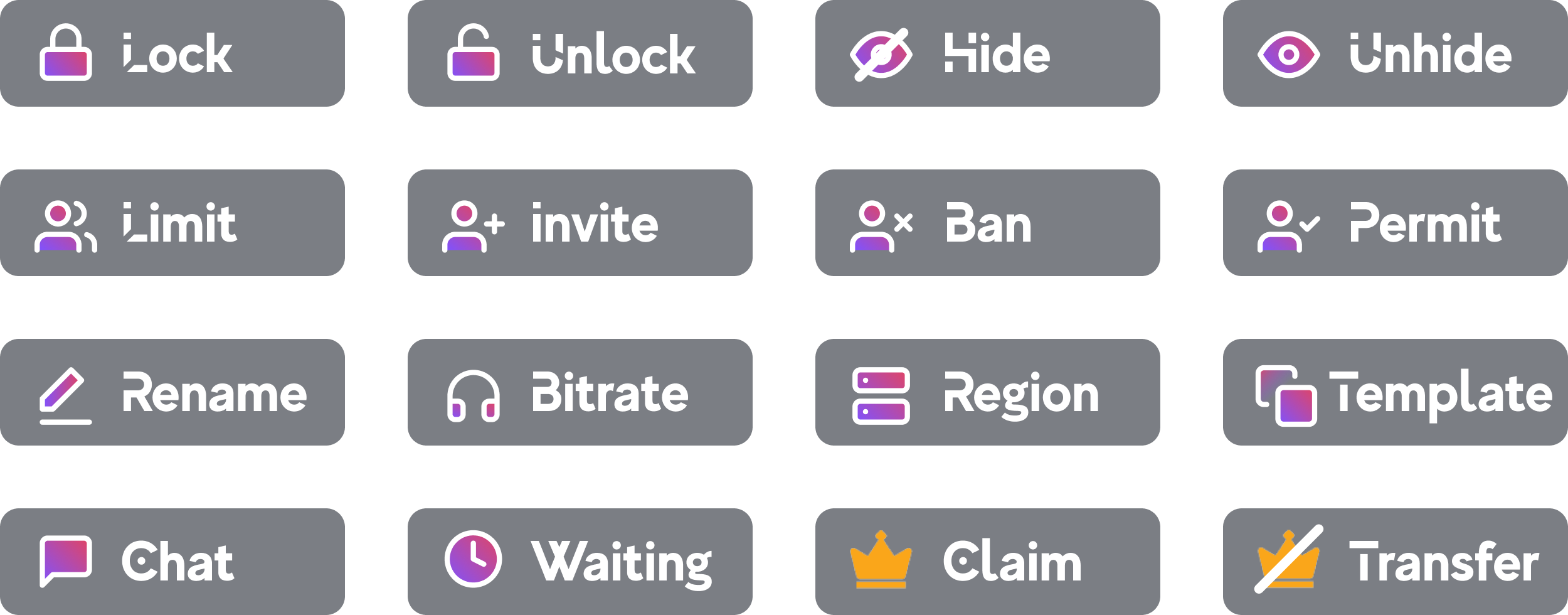
React to the corresponding button below to customize and self-moderate your own personal VC!
You must be the creator/owner of the VC to have the set of permissions:
- Ban/Unban a member from your VC
- Mute/Unmute a member from your VC
- Kick a member from your VC
- Lock/Unlock your VC
- Limit how many people can join in your VC
- Change your VC Region
- Permit a specific member to join your VC (If you have VC locked)
- Adjust your VC Bitrate
You must be at least <@&564477482296934410>(level) to have live stream permissions and soundboard. Having <@&580565140420821013> or <@&673617963198447630> bypass the requirement.
 crisp fieldBOT

You can use this interface to manage your voice channel.
You can also use /vc slash commands!
Use the buttons below to manage your voice channel