 rigid dew
**Resampling **is changing the amount of image data as you change either the pixel dimensions or the resolution of an image.
Downsampling is decreasing the number of pixels; when you down-sample, information is deleted from the image.
Upsampling is increasing the number of pixels; when you up-sample, new pixels are added to the image.
Interpolation is a method used to estimate values between two known values. In the context of pixel-based imagery, interpolation refers to the process of increasing or decreasing the size of an image by adding or removing pixels. This process requires the estimation of color values for the new pixels that are being added or removed. Whether you're making an image smaller or larger, interpolation helps to maintain the visual integrity of the original image by filling in missing pixels or removing extra pixels in a way that mimics the original image.
This video, from the Photoshop Training Channel, offers a comprehensive guide to resizing and resampling pixel-based imagery:
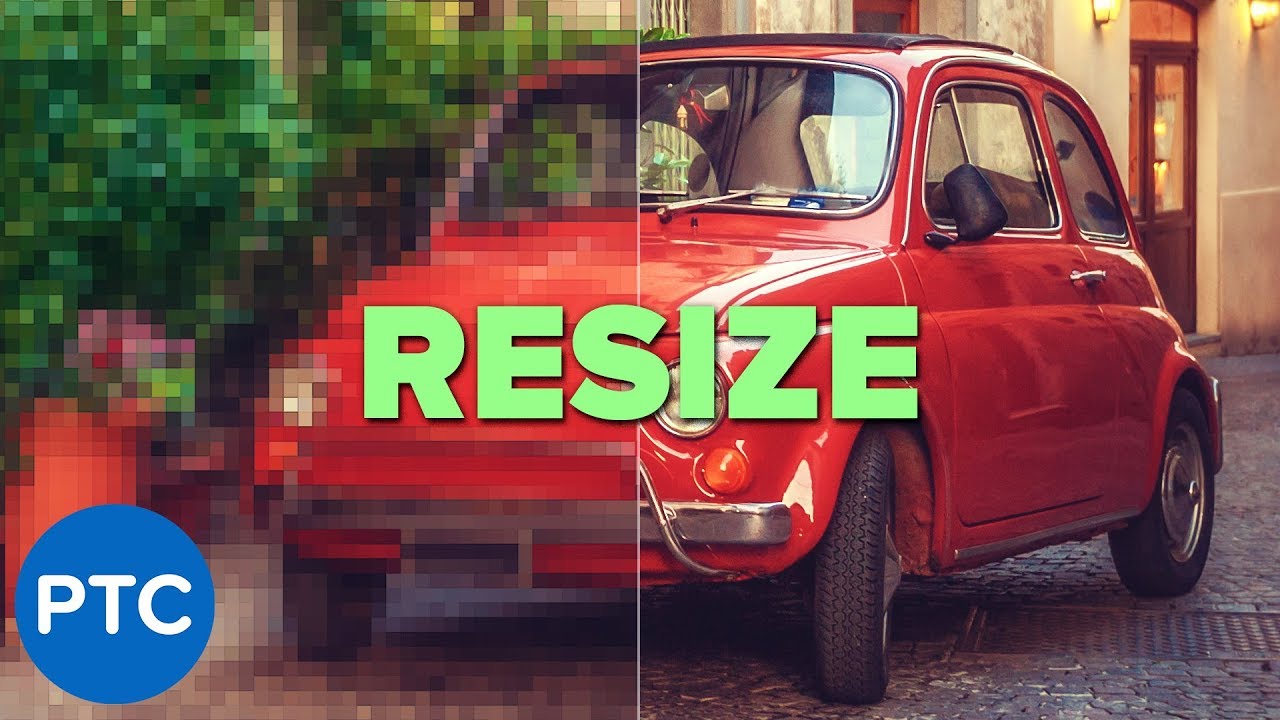
In this tutorial, I am going to show you two examples of how to use interpolation methods to get better results when you are decreasing or decreasing the size of your image.
In the first example, I'll show you how to properly scale a pixel art illustration to avoid blurry edges and always get sharp lines.
Then I'll show you how to use Photosho...