 tropic cloak
Layer Masks are a nondestructive way to hide parts of an image without permanently erasing them. They're used for making image composites, modifying background colors, removing (i.e. hiding) objects and also targeting specific portions of a layer so only those areas are affected. If you're new to Layer Masks, the following tutorials may be helpful...
Make your First Layer Mask (Adobe)
https://helpx.adobe.com/photoshop/how-to/layer-mask.html
Beginner’s Guide to Masking 2022 (User Community)
https://youtu.be/Ni4dJs3kthA
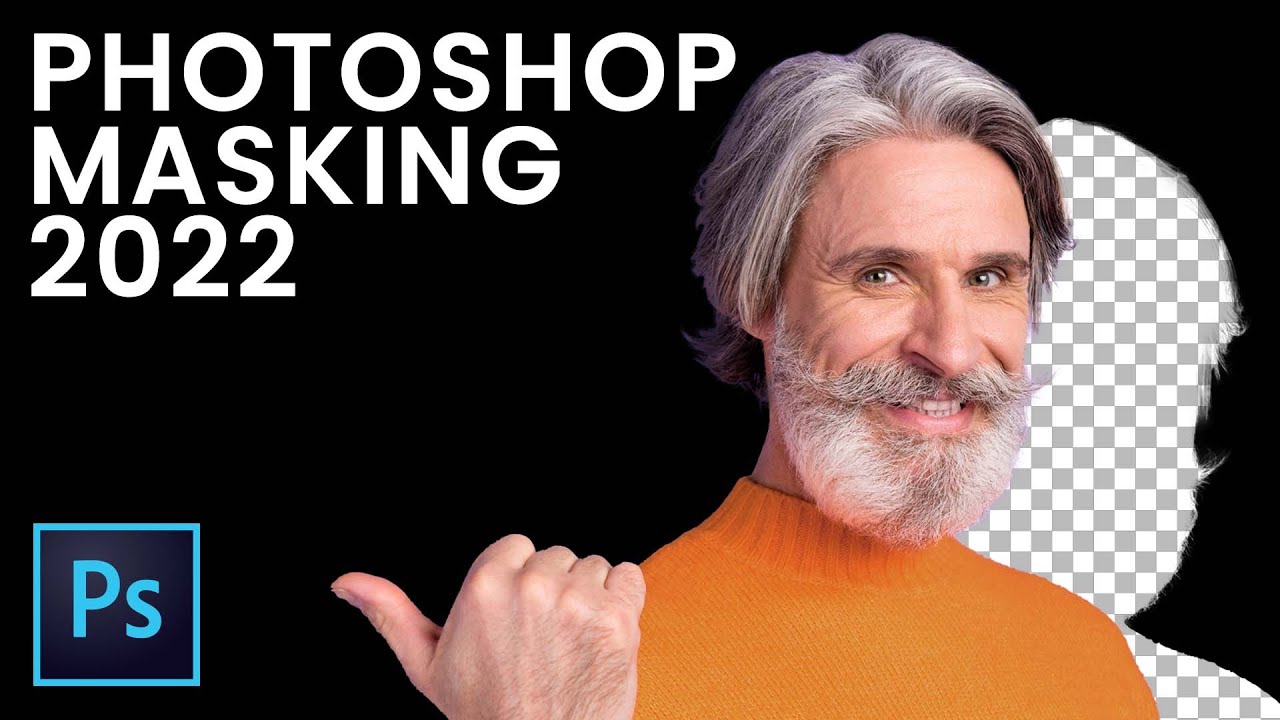
Learn all about masking and why it is such an awesome feature of Photoshop (and basically every creative app out there!) and how to create masks from scratch and from selections in Photoshop.
Adobe Stock used in this tutorial: https://stock.adobe.com/images/modern-high-speed-train/6465317
https://stock.adobe.com/images/deer-with-detailed-antler...