#The sticks of my DJI FPV controller 2 dont work with the avata
20 messages · Page 1 of 1 (latest)
 opal wing
 humble hazel
Is this your first fpv drone?
Does the screen in your goggles say you are in 'M' mode? Or is it still stuck in N or S mode?
Do you know how to fly manual?
always keep the left stick down (no throttle)
on the right shoulder, there's a start/stop button
just hold it down then
if you double tap the start/stop button, the drone will arm (motors start spinning).
Remember to keep the left stick down!!
double tap the start/stop again and the motors will stop (disarm)
that's how you start flying in M mode
N or S mode is different
wanna know how it works with N or S mode?
ok, disarm and switch to N or S mode (N mode preferred)
let go of the sticks, so they are centered
now move both stick at the same time:
Left stick to bottom right.
Right stick to bottom left.
and the motors will start
you need a very small allen key
have fun, and fly safe
humble hazel
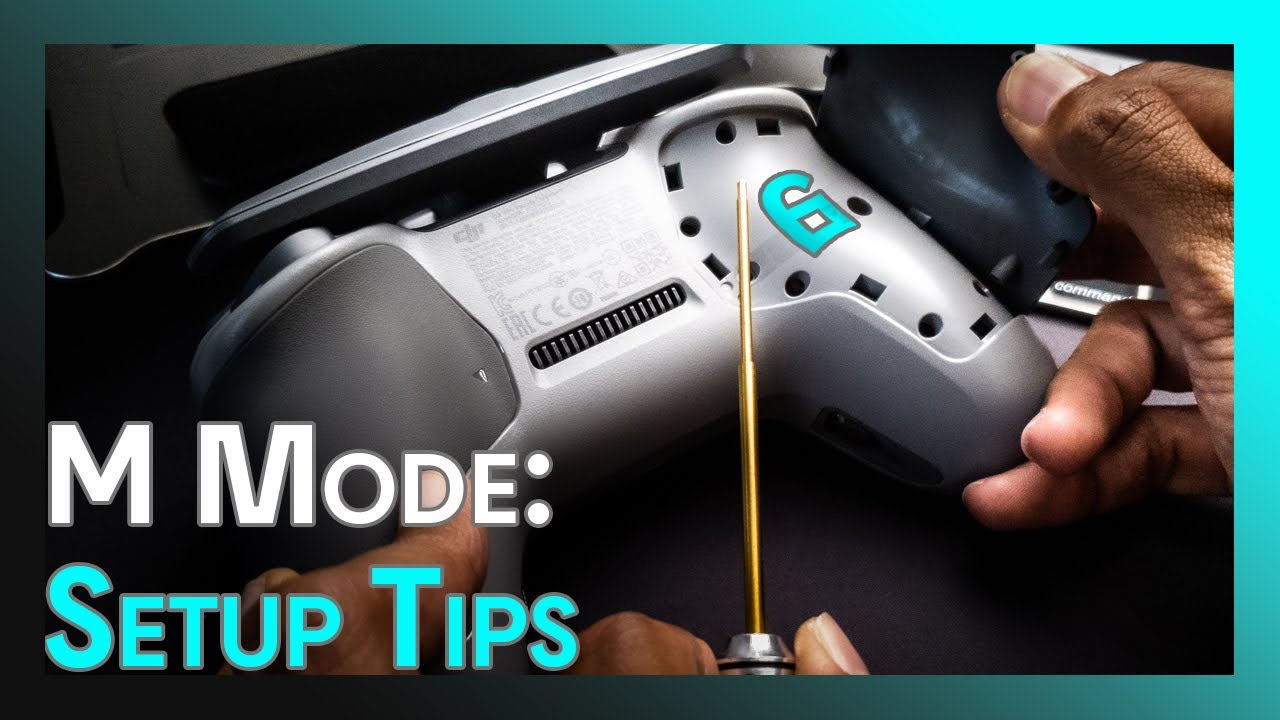
This DJI FPV throttle adjustment tutorial will help you to fly smoother with better throttle control.
Like the music? Epidemic Sound makes your first month FREE!
https://www.epidemicsound.com/referral/a62n4o/
This hustle is living out my dreams. Like what i do?
Consider buying me a coffee then:
https://www.buymeacoffee.com/thereelrahim
====...
I get 'remote stick error' too. But it flies normal
Or maybe try recalibrating your controller