I'm getting into React and I'm wondering about this right now because I want to make a Pong clone with it. The first thought was just define position and movement as a parent's state along with the movement, but as far as I know, this would re-render the parent component every time one of both paddles move. Wouldn't that be too much overhead? Is this the only way to do it?
#How to make a child move inside its parent component?
8 messages · Page 1 of 1 (latest)
 desert fiber
 rough gate
@desert fiber It may be fine - people often overestimate how expensive a 'render' is - a react render ultimately just builds an object description of what the UI should look like and then the commit phase applies any changes that are necessary to the DOM elements.
The first thing would be to make you're actually animating them efficiently - (I think CSS transition properties are usually used and are pretty efficient on the browser end)
If you're using CSS animations it's not really a new React render for every single frame of your animation - you change the CSS property and the browser interpolates between the two points
You may hit limits on React eventually - the React model isn't really optimized for "sixty renders a second" kinda stuff, but you probably get pretty far
The XKCD april fools this year was built in React - https://chromakode.com/post/xkcd-machine/ - they used React, plus a physics engine. They do mention that the balls themselves are rendered outside of the React model as an optimization:
Initially balls were rendered by React, but the frequent creates / removes were low hanging fruit for reducing diffs, so I created their own optimized renderer. Another win was draw culling for balls and widgets out of view. This performed well with 4000 balls in simulation and hundreds onscreen, so I settled on the DOM-only rendering approach.
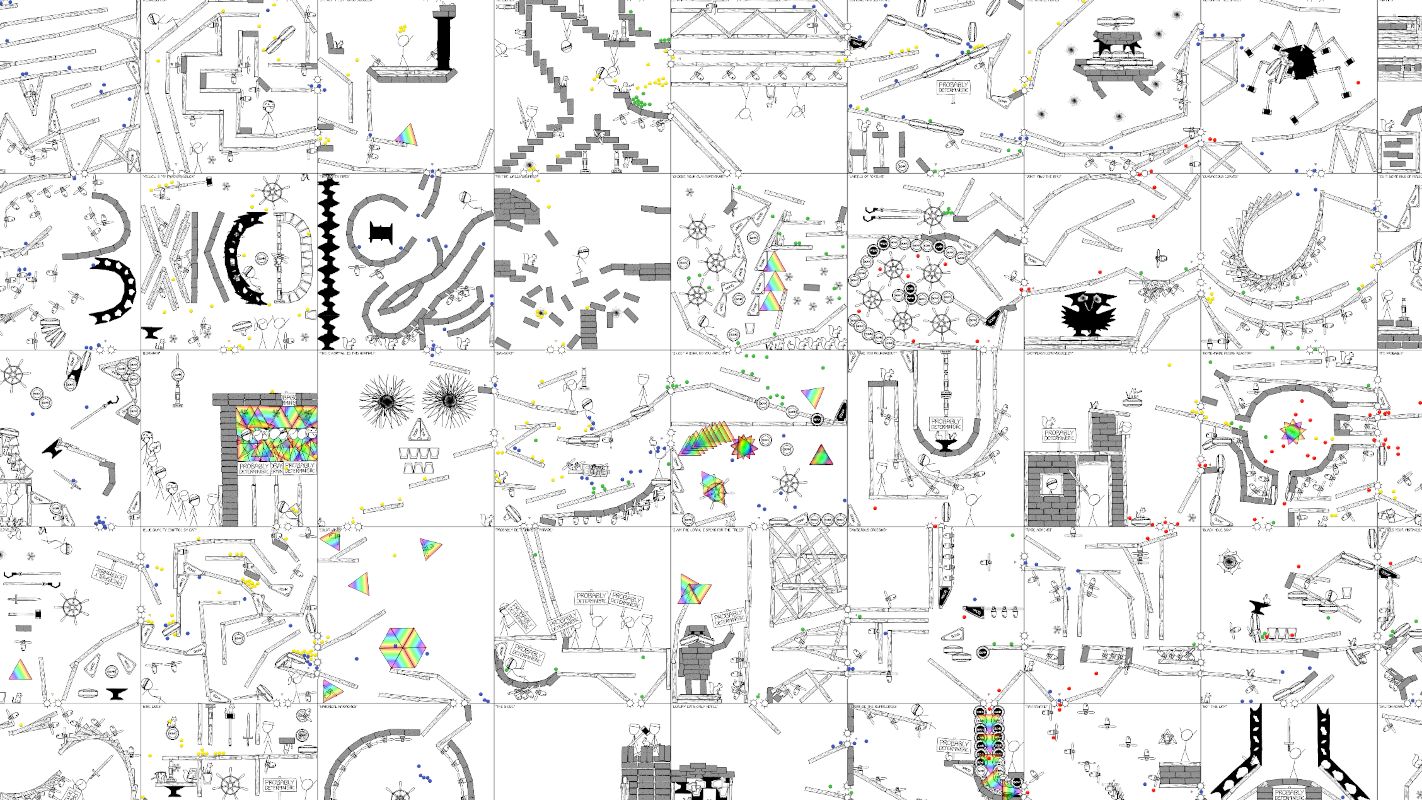
How we designed xkcd's massive rube goldberg machine game in 3 weeks.
desert fiber
A bit late but thank you so much for this
 tropic atlas
I think if you're making pong, you do it in a <canvas> which is separate to react