#Recovery mode don't work after install ventura macbook pro 2013
23 messages · Page 1 of 1 (latest)
 mortal relic
 gentle horizon
OCLP makes changes to SIP level, it's best to use the app to adjust it, but completely enabling SIP can make your system unbootable
mortal relic
so how i can use csrutil for undervolt my cpu please?
I need to reinstalle competely or i can make change?
gentle horizon
csrutil just controls SIP settings, the same settings can be changed in OCLP
mortal relic
It's so sad I have try my install is dead.. I can enter my password but after that system reboot on error so sad
I need to recovery mode internet install and reinstall all Ventura..
Very bad 😞
So I need to make disable when I create the patcher ? And not after I have install Ventura ?
I hope the computer is not break..
I will go reinstall with SIP enable because I need undervolt my CPU it's so hot
 gentle horizon
Okay, remember that SIP enabled will break OCLP
It may be time to replace your CPU thermal paste
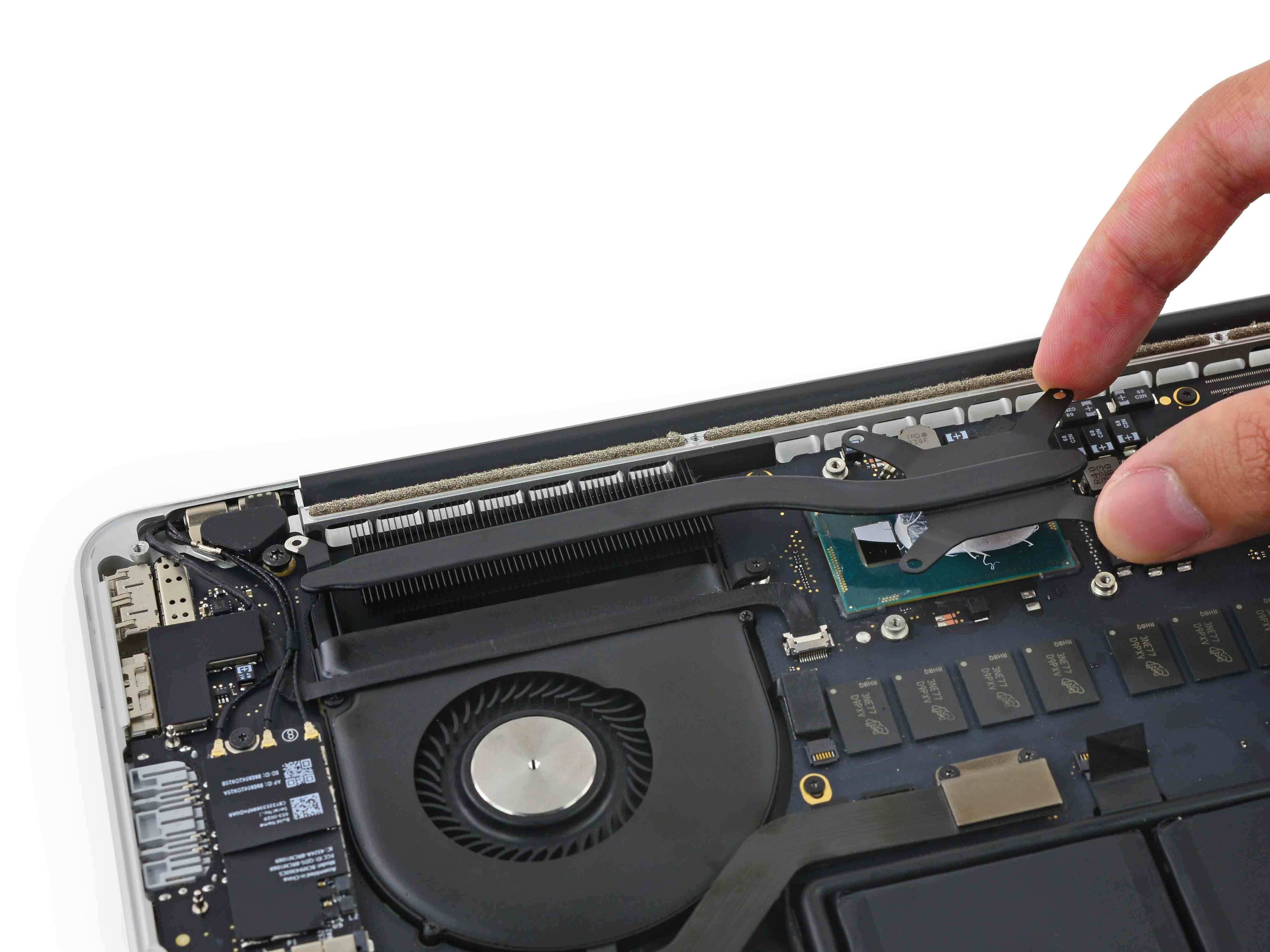
iFixit
Use this guide to remove or replace the heat...
mortal relic
I have change my paste but it's always 95 degrés..
When I build a react native project
I can install with SIP enable without break OCLP?
I want undervolt how I can?
mortal relic
It's possible to reduce power consumption with settings open core legacy patcher?
mortal relic
i have complete reinstallation of ventura and my application development but i need to undervolt for temperature :/
gentle horizon
OCLP requires three SIP settings disabled:
UNAUTHENTICATED_ROOT
UNRESTRICTED_FS
UNTRUSTED_KEXTS
gentle horizon
Volta for undervolting only requires the last one, it should work fine with OCLP SIP settings