#Compute Shaders
1 messages · Page 1 of 1 (latest)
 sweet adder
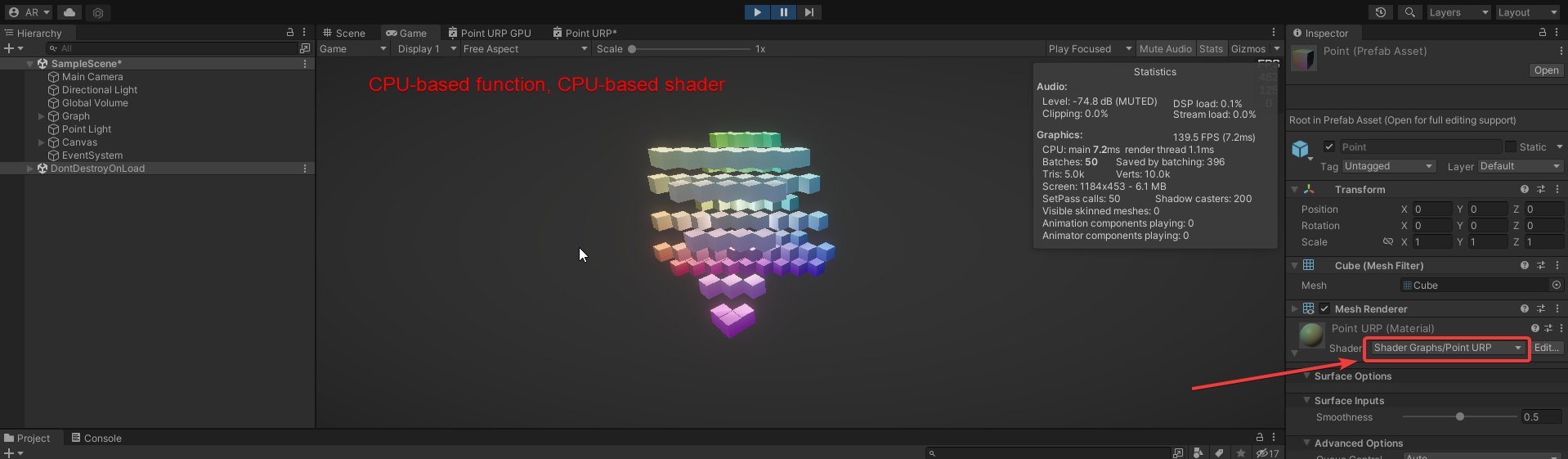
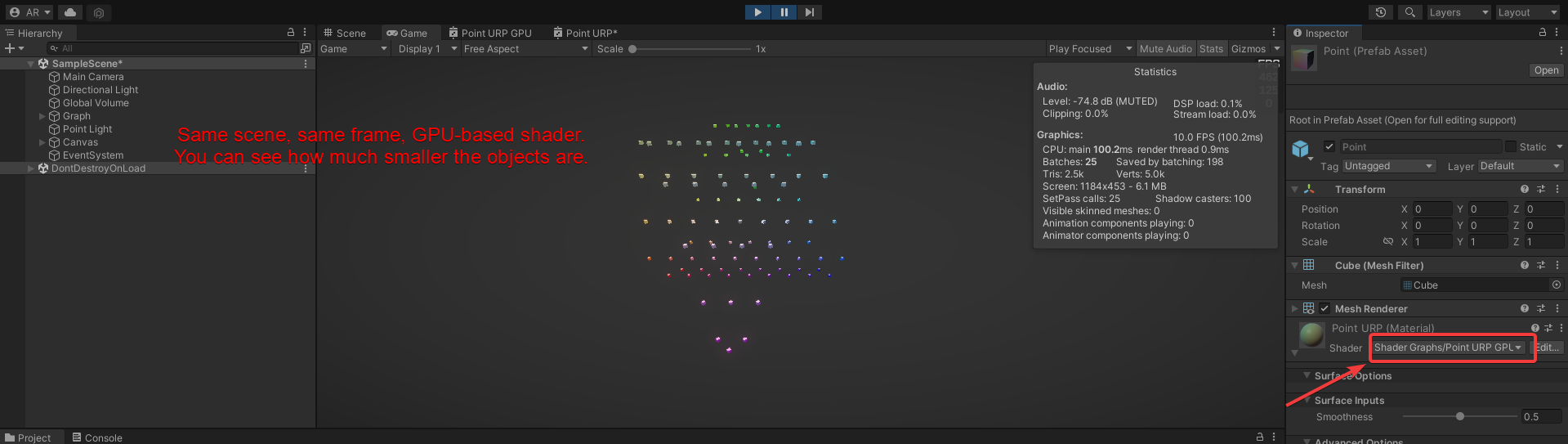
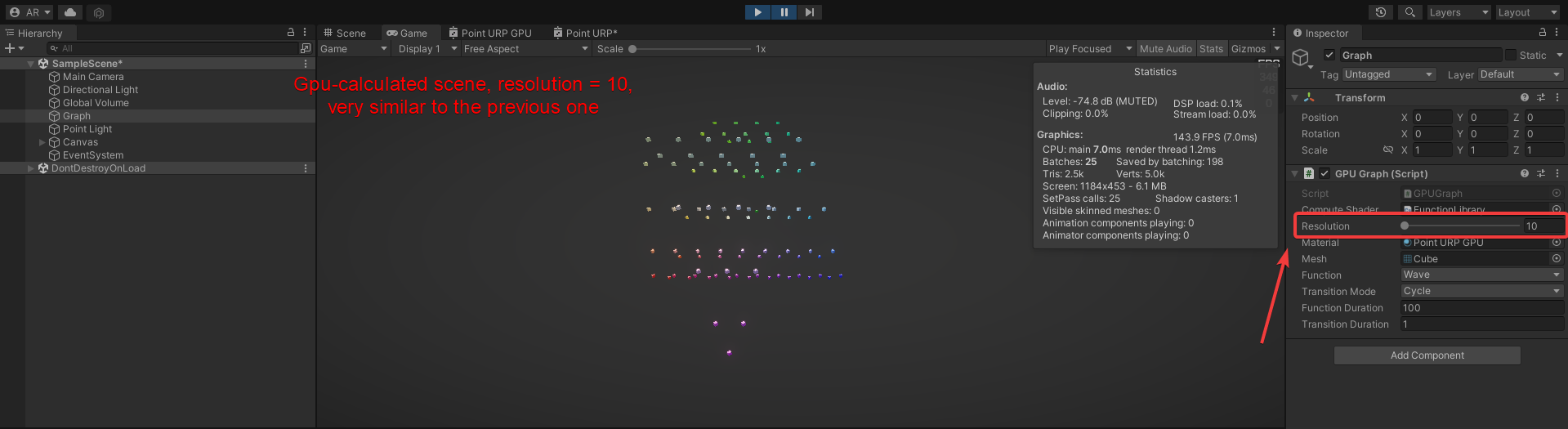
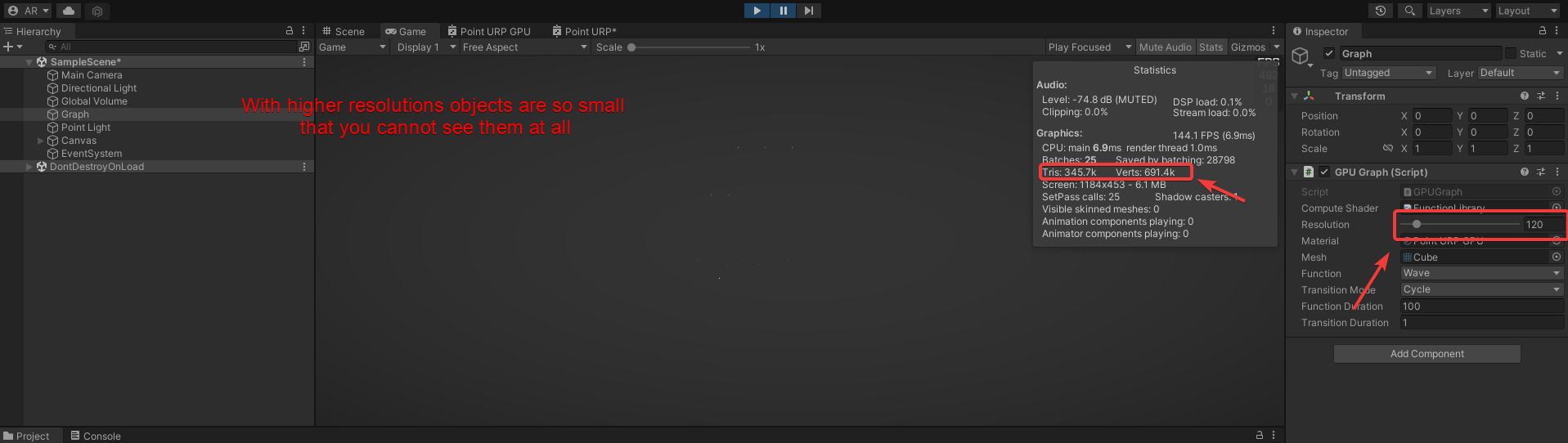
Some screenshots to illustrate the issue:
https://i.imgur.com/pW17egc.png
https://i.imgur.com/pXJb91T.png
https://i.imgur.com/YxrHEE7.png

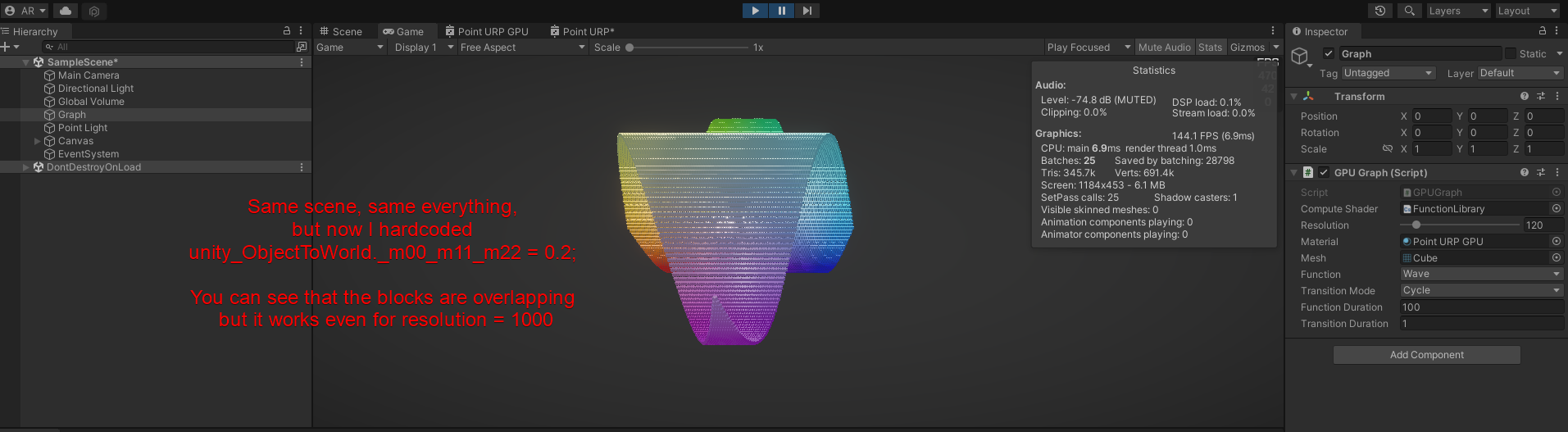


 ionic grove
I love Catlike Coding's work, but sometimes it is hard to verify everything because it is so easy to miss a one-line change as he goes through the evolution of the code.
I'd download the sample from github or wherever and see if it has the same issue.
That step value looks suspicious to me too...hence your debug-solution of using a larger step. In particular the setting of the unity_ObjectToWorld value...is that the scale values for xyz? 2f/resolution would be pretty small if that's a screen resolution. What is the value of "resolution" supposed to be?
I suppose I should go look at the tut but I'm heading to bed and noticed that you haven't gotten an answer yet, so I figured I'd add food for thought.
But yeah, I'd get his repository and compare it with your code. 2 cents. 🙂
sweet adder
Thank you for your answer! So, to visualize a graph a 2D grid of objects is used (that is later converted to 3D via coordinates manipulation) . A resolution in this context is not a screen resolution but an amount of objects in each dimension. So a resolution of 10 gives us a 10x10 grid with 100 objects overall.
This is one of a github examples of that project: https://github.com/MazvydasT/Basics-5.-Compute-Shaders
The code I'm talking about is here: https://github.com/MazvydasT/Basics-5.-Compute-Shaders/blob/main/Assets/Scripts/GPUGraph.cs (lines 89-92) and here https://github.com/MazvydasT/Basics-5.-Compute-Shaders/blob/main/Assets/Point/PointGPU.hlsl (lines 5-15)
And the unity_ObjectToWorld is described in part 2.3 of the tutorial, "Creating a Transformation Matrix".