#movement
1 messages · Page 1 of 1 (latest)
 cinder elm
so how would I type that out?
 modest pawn
transform.position = transform.position + yourMovementVariable
Does visual studio auto complete for you?
cinder elm
Im unsure of what video studio is
modest pawn
The program you type in
cinder elm
no it does not, should I shearch for an alternative program?
modest pawn
No it's a really good program but you have to make sure it's connected to unity, I'm on my phone so it's a bit hard to explain but could you Google how to connect visual studio to unity
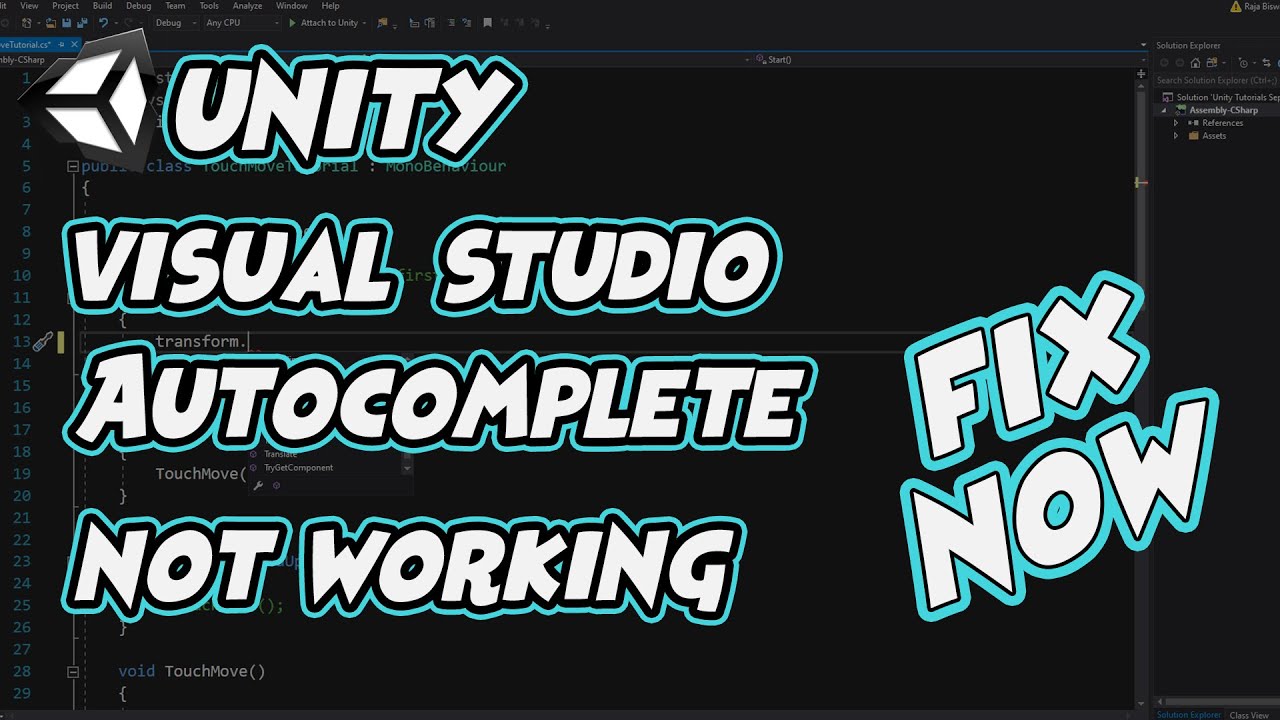
If you're unable to use Visual Studio Intellisense and Autocomplete feature with Unity, this video will solve all your problems. This is a simple solution to fix all visual studio problems for Unity.
Thanks a lot for watching this video, if you have any questions, write those in comments. I hope you enjoyed. Please subscribe and like , commen...
cinder elm
I think I'm typing in something seperate, I don't believe I'm using visual studio
modest pawn
O I'm not sure from the screenshot but try using it
 modest pawn
Try following the video I send
You go into uniry
Unity
You don't need to open it from here
cinder elm
got you, I will do that
I'm having a problem with 2:48 in the video onwards, its not showing up to select
whoops my bad I think I've found it
Nope I'm lost. So after I downloaded the exetension it made me redownload the app so I did but now it won't let me open the code in unity, it keeps asking me to install it, evem though it's already installed
oh I was able to fix it
what would my movement variable be? would it be like a number?
cinder elm
like that?

I'm sorry if Im being a bit slow I've been at this for like four hours, and I've litterally gotten no where haha
Thank you for helping me though
modest pawn
Ye like that but replace the vector3(,,) with movement
cinder elm
so just the word movement or movement(,,)
modest pawn
No the variable you made above called movement
cinder elm
right. then that should work?
cinder elm
changed, however nothing has happened it still dosen't appear to be working
modest pawn
Is your game 2d or 3d?
cinder elm
2d... have I been doing code for 3d this whole time?
modest pawn
No it's works the same for both
cinder elm
all I have right now is a plane, and a square with basic components... my goal currently is as simple as trying to get it controllable in a 4d system
not 4d
4 directional
Im geetting CS1002
 humble jacinth
is your ide configured
modest pawn
4d?
humble jacinth
cinder elm
Im geetting CS1002
it should underline that in red
cinder elm
i meant 4 directional
cinder elm
humble jacinth
is your ide configured
Sorry, but whats an IDE?
modest pawn
Yes what forth direction?
cinder elm
up down left right
modest pawn
So 2d?
cinder elm
yeah 2d
modest pawn
It's not direction it's dimension

Series Playlist: https://www.youtube.com/playlist?list=PLzDRvYVwl53vXmpctKrMQTxA3cQwGcAk2
Grab the Project files and Utilities at https://unitycodemonkey.com/video.php?v=HQb-zzjyvcQ
In video we're going to make a Simple Character Move around the map.
If you have any questions post them in the comments and I'll do my best to answer them.
See yo...
Try this
cinder elm
cinder elm
i meant 4 directional
I know thats why I corrected myself
humble jacinth
configure your ide first
modest pawn
Good tutorial
humble jacinth
link for it is in #854851968446365696
cinder elm
Oh right, I set up everything for that, I don't know why its not working
cinder elm
Okay I followed up untill I noticed my code wasn't working, right now were at the W key, which works when he tests it but dosen't work when i test it
 humble jacinth
cinder elm
Oh right, I set up everything for that, I don't know why its not working
humble jacinth
cinder elm
Oh right, I set up everything for that, I don't know why its not working
make sure you've followed the steps carefully again
cinder elm
unity is connected to the studio and the studio has the extension
humble jacinth
is it set as the external script editor
cinder elm
uhhh... maybe?
humble jacinth
you'll need to do that in the external tools section in preferences
 humble jacinth
cinder elm
humble jacinth
cinder elm
try regenerate project files and if that doesn't work then restart unity
cinder elm
is this good?
 humble jacinth
cinder elm
is this good?
humble jacinth
cinder elm
is this good?
it should say assembly-csharp at the top left instead of miscellaneous files
and MonoBehaviour should be highlighted
cinder elm
so restart unity?
humble jacinth
i don't use visual studio but that's never a bad thing to do
close visual studio and open it again
cinder elm

so now why isn't the w key working with the code I already have?
its 5am and I've been at this since 12, Ima go to bed and I'll check advice and trouble shoot in the morning, ty for helping
Also if ethier of you could, what do you recommend to learn more so I can begin to do things more independently, or is it something I just have to do and learn
modest pawn
Oke if it's 5 take some rest first we will still be here tomorrow
humble jacinth
cinder elm
Also if ethier of you could, what do you recommend to learn more so I can begin ...
i'd recommend doing the courses on c# and beginner scripting in the pinned messages in #💻┃code-beginner
after that do some simple projects, look at the Unity Learn example projects and copy some easy games and try to rip them off
 sterile notch
Hi everyone! I would like to start programming games in Unity but I dont know anything about programming and what apps to use. Can someone help me? And also what programming language is used in Unity?
humble jacinth
sterile notch
Hi everyone! I would like to start programming games in Unity but I dont know an...
it's c#, i'd recommend to do some tutorials on it, and check the courses in the pinned message in #💻┃code-beginner
welcome to programming
 hoary dust
if anyone wants a ground check, heres mine: bool IsGrounded; void OnTriggerEnter2D{
IsGrounded = true;
}
void OnTriggerExit2D (Collider2D collision)
{
    IsGrounded = false;
}
@hoary dust this code will mean that the walls are also ground
hoary dust
it also doubles as wall jumping
modest pawn
let me send my ground check
modest pawn
yes, but limited
modest pawn
  private RaycastHit2D GetGroundCheck()
        {
            return Physics2D.BoxCast(m_groundOrgin, m_blobBoxCollider2D.size, 0, Vector2.down, m_groundCheckDistance, m_groundLayer);
        }
 hoary dust
oh wow
modest pawn
It's very effective, and will be easy to specify a layer for the type of ground that you want to call ground
with this you can also do things like get the ground agle and check if its to steep to walk so you can make the player keep falling/sliding down
hoary dust
yep
cinder elm
Sorry I've been at work all day so I haven't been able to work on it. I'll tell y'all if I get the chance too
modest pawn
cinder elm
Sorry I've been at work all day so I haven't been able to work on it. I'll tell ...
alright
cinder elm
okay, so why isn't the w key working
 cinder elm
Pastebin
Pastebin.com is the number one paste tool since 2002. Pastebin is a website where you can store text online for a set period of time.