using UnityEngine;

public class CarInputHandler : MonoBehaviour
{
    //Components
    TopDownCarController topDownCarController;

    void Awake()
    {
        topDownCarController = GetComponent<TopDownCarController>();
    }

    // Start is called once before the first execution of Update after the MonoBehaviour is created
    void Start()
    {

    }

    // Update is called once per frame
    void Update()
    {
        Vector2 inputVector = Vector2.zero;

        inputVector.x = Input.GetAxis("Horizontal");
        inputVector.y = Input.GetAxis("Vertical");

        topDownCarController.SetInputVector(inputVector);

        Debug.Log($"Input Vector: {inputVector}");
    }
}
#new input system conversion
1 messages · Page 1 of 1 (latest)
 civic terrace
my current code
it works perfectly with the old input system
for reference this is the tutorial I've been following
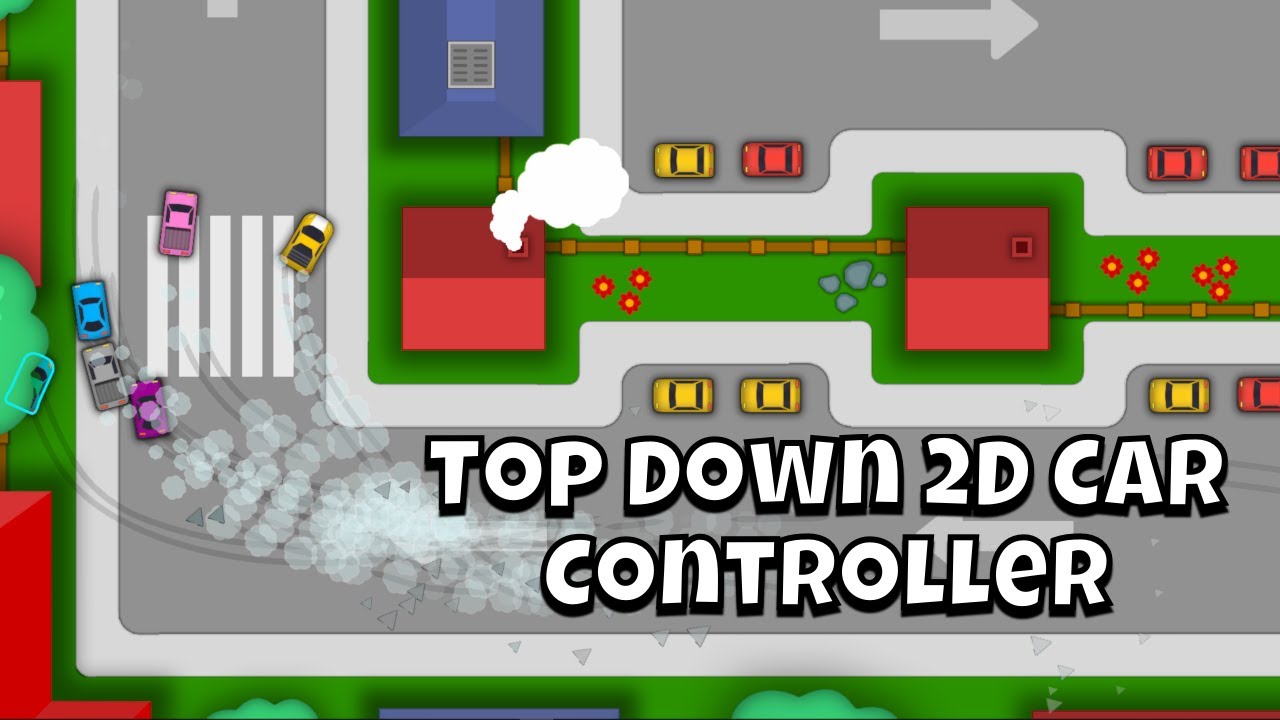
In this video you will learn how to create a simple but very effective 2D arcade style top down steering car controller in Unity from scratch. Download complete Unity project 👉 https://www.patreon.com/posts/top-down-car-49913192
With this tutorial series you’ll be able to make a physics based race game with lots of drifting in no time. Car...
anyways for now I only have one object which is the Car player
it has two scripts assigned to it, one is only there for physics which is this one
using UnityEngine;

public class TopDownCarController : MonoBehaviour
{
    [Header("Car settings")]
    public float driftFactor = 0.95f;
    public float accelerationFactor = 30.0f;
    public float turnFactor = 3.5f;
    public float maxSpeed = 20;

    //local variables
    float accelerationInput = 0;
    float steeringInput = 0;

    float rotationAngle = 0;

    float velocityVsUp = 0;

    //Components
    Rigidbody2D carrigidbody2D;

    void Awake()
    {
        carrigidbody2D = GetComponent<Rigidbody2D>();
    }

    // Start is called once before the first execution of Update after the MonoBehaviour is created
    void Start()
    {

    }

    // Update is called once per frame
    void Update()
    {

    }

    void FixedUpdate()
    {
        ApplyEngineForce();
        KillOrthogonalVelocity();
        ApplySteering();
    }

    void ApplyEngineForce()
    {
        //Calculate how fast we are going forwards in terms of the direction of our velocity
        velocityVsUp = Vector2.Dot(transform.up, carrigidbody2D.linearVelocity);

        //Limit so we cannot go faster than the speed limit in the forward direction
        if (velocityVsUp > maxSpeed && accelerationInput > 0)
        {
            return;
        }

        //Limit so we cannot go faster than the speed limit while reversing
        if (velocityVsUp < -maxSpeed * 0.5f && accelerationInput < 0)
        {
            return;
        }

        //Limit so we cannot go faster than the speed limit while accelearting
        if (carrigidbody2D.linearVelocity.sqrMagnitude > maxSpeed * maxSpeed && accelerationInput > 0)
        {
            return;
        }

        //Apply linear damping if there is no accelerationInput so the car stops if the player lets go of the accelerator
        if (accelerationInput == 0)
        {
            carrigidbody2D.linearDamping = Mathf.Lerp(carrigidbody2D.linearDamping, 3.0f, Time.fixedDeltaTime * 3);
        }
        else
        {
            carrigidbody2D.linearDamping = 0;
        }

        //Create a force for the engine
        Vector2 engineForceVector = transform.up * accelerationInput * accelerationFactor;

        //Apply force that push car forwards
        carrigidbody2D.AddForce(engineForceVector, ForceMode2D.Force);

    }

    void ApplySteering()
    {
        //Limit car steering based on speed
        float minSpeedBeforeAllowTurningFactor = (carrigidbody2D.linearVelocity.magnitude / 8);
        minSpeedBeforeAllowTurningFactor = Mathf.Clamp01(minSpeedBeforeAllowTurningFactor);

        //Update the rotation angle based on Input
        rotationAngle -= steeringInput * turnFactor * minSpeedBeforeAllowTurningFactor;

        //Apply steering by rotating the car object
        carrigidbody2D.MoveRotation(rotationAngle);
    }

    public void KillOrthogonalVelocity()
    {
        Vector2 forwardVelocity = transform.up * Vector2.Dot(carrigidbody2D.linearVelocity, transform.up);
        Vector2 rightVelocity = transform.right * Vector2.Dot(carrigidbody2D.linearVelocity, transform.right);

        carrigidbody2D.linearVelocity = forwardVelocity + rightVelocity * driftFactor;
    }

    public void SetInputVector(Vector2 inputVector)
    {
        steeringInput = inputVector.x;
        accelerationInput = inputVector.y;
    }
}
I doubt it's relevant to the issue but I decided to share it
and there the other one I shared above at the start of the thread
so all in all, what I want to is to migrate to the new input system, that's it
civic terrace
I did create this

but I am not sure how to link it
I assume I have to replace this part
    void Update()
    {
        Vector2 inputVector = Vector2.zero;

        inputVector.x = Input.GetAxis("Horizontal");
        inputVector.y = Input.GetAxis("Vertical");

        topDownCarController.SetInputVector(inputVector);

        Debug.Log($"Input Vector: {inputVector}");
    }
 midnight dune
You should read this: https://docs.unity3d.com/Packages/com.unity.inputsystem@1.14/manual/Migration.html