#2D
1 messages · Page 1 of 1 (latest)
 frail plume
side view
 void river
what the problem is?
 stable maple
Do you know C#?
stable maple
void river
what the problem is?
Everything I think 🙂
frail plume
Unfotunately, this is quite literally the first time i ever programmed on my own with some help of youtube, but I couldnt reach further anymore 🫠
I barely know coding language
want me to tell what i have till now in my game?
stable maple
Learn the basics of C# from w3schools. https://www.w3schools.com/cs/index.php like, variables, functions, and loops.

W3Schools offers free online tutorials, references and exercises in all the major languages of the web. Covering popular subjects like HTML, CSS, JavaScript, Python, SQL, Java, and many, many more.
and arrays/lists.
Are you using Unity 6? If so, you'll want to learn the new Input System, unless you're deciding to use the old Input System.
frail plume
Yea I'm using Unity 6
stable maple
The old input system is easier and could perhaps get you by for your assignment.
frail plume
How can I switch to the old input system?
void river
u can always use both
stable maple
Use this to learn some Unity and make your first game. https://www.youtube.com/watch?v=_cCGBMmMOFw&list=PLFt_AvWsXl0fnA91TcmkRyhhixX9CO3Lw It's an older series, but he explains it well. Watch the first 17 videos. They're only a few minutes long. He makes it in such a way that I still do, where you don't have to worry switching scenes and stuff.
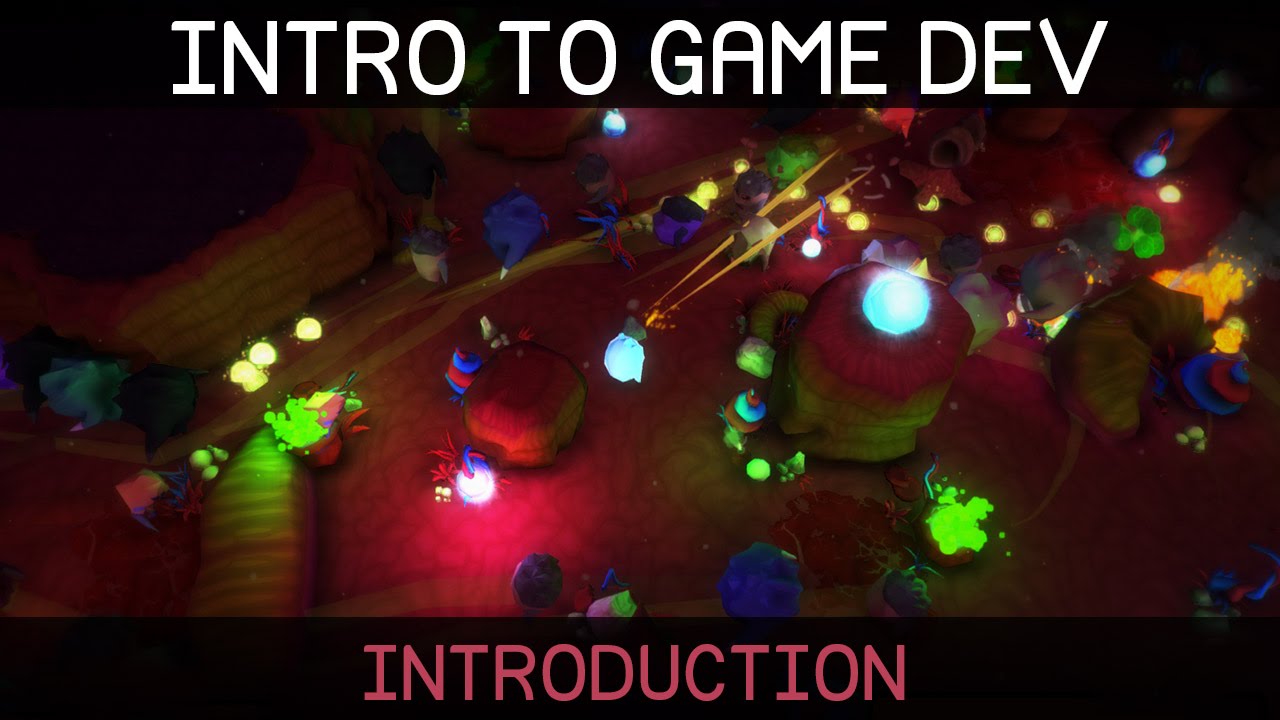
Welcome to this introduction to game development. We'll be starting from the beginning, so no prior knowledge of programming or the Unity game engine is required.
Unity can be downloaded here: http://unity3d.com/get-unity
Watch episode 01: https://youtu.be/9iCnjdXEfMA
If you'd like to support these videos, you can make a recurring monthly don...
stable maple
Thanks SpawnCamp
frail plume
Alright, I'll check them out. Thanks!!
Hope I'll get an idea of how I can fix my problem 😭
stable maple
frail plume
How can I switch to the old input system?
Unity > Edit > Project Settings > Player > Other Settings > Configuration > Active Input Handling:
void river
the old is ur classing "polling" using the input class
if(Input.GetKeyDown() etc
frail plume
Would it affect the scripts that I've already made though?
void river
the new uses the Action Maps.. and event style
void river
frail plume
Would it affect the scripts that I've already made though?
it could possibly.. if u set it to both it wont?
b/c both types of input will be valid
frail plume
Ooooh alright
void river

ya, here in this project im using both
b.c im trying to learn the new input system as well
frail plume
Okay I just checked, it was already set on both
void river
stable maple
Use this to learn some Unity and make your first game. https://www.youtube.com/...
ya, very true.. imo its the best tutorial to get u up and running as quickly as possible..
here are methods,, here are variables,, heres how they go together,, heres how we add it to the scene etc..
the other learning resources may be more extensive.. but it also just confuses and discourages beginners imo
stable maple
frail plume
Would it affect the scripts that I've already made though?
Your introduction implies you have no scripts and no coding experience. You said you're an absolute beginner. So, I wouldn't want to see the code you have now, because it sounds like it's copied and not understood. I'd rather make sure you've gone through the tutorials I'm familiar with before seeing any code you've written.
void river
first thing..
- make a script that Debugs.. "Hello World"
put it on a gameobject and hit Play..
you'll see the message in the Console window of ur editor
👍 then after that go crazy lol
stable maple
Start a new project, and follow that series and you'll finish by making a game called "Falling Blocks"
frail plume
stable maple
Your introduction implies you have no scripts and no coding experience. You sai...
True, I watched some videos that explained what I wanted to do, and somehow managed to combine different scripts from different videos into the scripts I needed and it worked, but yes I pretty much have no idea what I wrote haha
stable maple
each video is only a few minutes long
frail plume
Until i got stuck with the next step that I wanted to do, that's when I came here to ask for help
stable maple
you'll learn about the UI and updating text on it.
frail plume
I'll give it a try
void river
Debugs! 💪
you'll be wanting to use them everywhere when ur learning
debug messages, debug values, debug all that stuff
helps get ur head around what ur actually doing in code..
also !ide make sure ur IDE is configured correctly.. so u get help from ur IDE
 ancient locustBOT

💡 IDE Configuration
If your IDE is not autocompleting code
or underlining errors, please configure it.
Select one:
•  Visual Studio (Installed via Unity Hub)
• Visual Studio (Installed manually)
•  VS Code
•  JetBrains Rider
• :question: Other/None
stable maple
Yeah, what IDE are you using? Visual Studio, or Visual Code
void river
im using VSCode.. but in honesty its better for beginners to use VSStudio
and it can be installed via the Unity Hub.. when u install the editor
frail plume
stable maple
Yeah, what IDE are you using? Visual Studio, or Visual Code
Visual Studio
void river
(that should configure it automatically)
stable maple
Kalo, check your packages in Unity, do you have the Visual Studio Editor package?
void river
frail plume
Visual Studio

A couple of ways to configure Visual Studio and Unity.
- You already have Visual Studio : 0:25
- You need to download Visual Studio,
- through the Unity Hub : 2:09
- through Visual Studio's Homepage : 2:49
Visual Studio Download Page :
https://visualstudio.microsoft.com/downloads/
stable maple
😄
void river
u can probably test real quick b4 even worrying about it..
create and open a script
frail plume
stable maple
Kalo, check your packages in Unity, do you have the Visual Studio Editor package...
I just checked, I got it
void river
if u see

at the top its fine..
if that says Misc-Files or some nonsense its not
just wanted to give u heads up.. if u come for help and someone notices its not configured they'll not help
and they're pretty good at sniffing that out 🤣
stable maple
frail plume
I just checked, I got it
Watch that video of how to link visual studio with unity first, just in case--you might already be setup correctly. Then start a new project and follow that series. I'll give you 1 hour. I'm timing you now. Show me Falling Blocks in 1 hour.
void river
lmao...
stable maple
😉
void river
ill do it if you'll pay me
frail plume
void river
at the top its fine..
Yea i'm seeing that
frail plume
stable maple
Watch that video of how to link visual studio with unity first, just in case--yo...
Yo wow hold on not now 😭
stable maple
frail plume
Yo wow hold on not now 😭
Most people say they will do it, and they don't. So, I want to make sure 😄
frail plume
I need a break since I've been sitting working on my game for the past 3 hours 😭
stable maple
Okay, go outside for 20min walk.
void river
for ur first bit of coding.. ur gonna probably run into instances where u missread or leave out symbols and letters.. (captilization also is really important in c#)
soo having an ide will help u out tremendously
frail plume
Okay I'm just gonna take a break now
void river
good luck 💪
frail plume
@stable maple Is it okay if i like.. start watching those videos in like a few hours? 😭 Lowkey too tired to start another project now
frail plume
void river
good luck 💪
Thx!!
stable maple
Yes, if you promise.
frail plume
I promise i'll do it
void river
keep us updated.. i dont mind helping out as long as the person im helping is making efforts
stable maple
@frail plume Status?
void river
stable maple
<@690656235565088850> Status?
he done gave up 🤣
stable maple
lol. C'mon @frail plume
frail plume
void river
he done gave up 🤣
No 😭 I started watching the vids but i’ve had it a bit too busy with work
someone at work got sick so i had to take over their shift
void river
oof, that sucks