#Back! And I can complain more now!
1 messages · Page 1 of 1 (latest)
 short maple
Like I said, I've got a 1-1 recreation of the script, I've taken accountability of the stats
Especially 'playerRef'.
THE SCRIPT
public class CameraControls : MonoBehaviour
{
    public Transform playerRef;
    public float mouseSensitivity;
    float xRotation = 0f;

    void Start()
    {
        Cursor.visible = false; // Hide the cursor
    }

    void Update()
    {
        float mouseX = Input.GetAxis("Mouse X") * mouseSensitivity;
        float mouseY = Input.GetAxis("Mouse Y") * mouseSensitivity;

        xRotation -= mouseY;
        xRotation = Mathf.Clamp(xRotation, -90f, 90f);
        transform.localRotation = Quaternion.Euler(xRotation, 0f, 0f);
        playerRef.Rotate(Vector3.up * mouseX);

        Debug.Log(mouseX);
    }
}
The tutorial I used is 1 version lower than mine.
I'm using 2022.3.1f
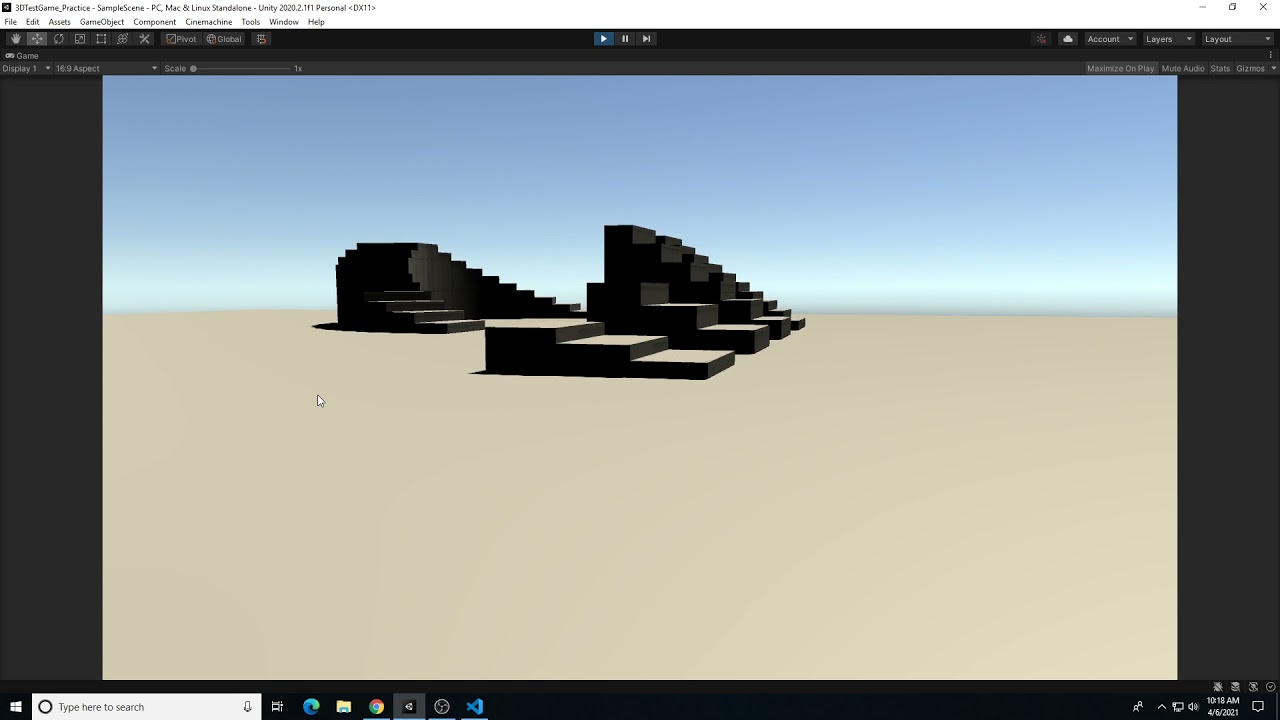
This video demonstrates how to create a first person character movement setup with a Cinemachine virtual camera in Unity.
Seemingly prints other numbers where I move my mouse on the X axis faster but does nothing with the script.
But moving it fast barely gives high numbers, It gives things like 4 if I move it the whole scene screen. as fast as I possibly can.
 sage forge
short maple
Like I said, I've got a 1-1 recreation of the script, I've taken accountability ...
sage forge
short maple
Like I said, I've got a 1-1 recreation of the script, I've taken accountability ...
mouseX isn't actually being used anywhere in this script. You should log mouseY instead
short maple
sage forge
`mouseX` isn't actually being used anywhere in this script. You should log `mous...
It is... from what I think I did
sec
the last line (not including the debug one) uses it
which I would assume does the most important part, Rotation, from what its showing
sage forge
Oh, right, that one's on me, the discord formatting of the tiny window had it un-indented so I just scanned right over it
short maple
sage forge
Oh, right, that one's on me, the discord formatting of the tiny window had it un...
Oh alright.
but also...
I am noticing
its only changing the players X
sage forge
What object is playerRef set to
short maple
not the cameras
short maple
sage forge
What object is `playerRef` set to
bean
sage forge
short maple
its only changing the players X
That's the idea. The playerRef pans side to side, the camera pans up and down
sage forge
short maple
bean
Is it an object in the scene or a prefab
short maple
sage forge
Is it an object in the scene or a prefab
Doesn't say prefab anywhere, and also the icon is like everything else.
So I think its just a normal GameObject
sage forge
Debug.Log($"{playerRef.gameObject.name}'s local rotation is {playerRef.localEulerAngles}", playerRef);
the line before the script uses mouseX I think... I should add it to do something with the Y axis
sage forge
Log that instead of just mouseX
short maple
the last line or... uhh
sec
yeah its rotation the player, But not the cameras orientation
sage forge
Is the camera a child of the player
short maple
So... I think I might know what to do... give me a second (again)?
short maple
sage forge
Is the camera a child of the player
No
but the script is in the camera
I'll just do something real quick
sage forge
short maple
No

"I did it exactly like the tutorial so why does theirs work and mine doesn't" counter:
Number of times it wasn't exactly like the tutorial: 174
Number of times it was exactly like the tutorial: 5
Number of times the code literally did not exist: 1
2022-07-19 to 2024-07-25
pulling out the statistics on me ;-;
but using your code
I added a part to the camera rotation
and it just worked
sage forge
The point of it is to have the camera be a child of the player
so that when you move the player, the camera does that too
short maple
sage forge
The _point_ of it is to have the camera be a child of the player
I actually didn't know it was that important...
sage forge
The code was correct. You didn't have the camera as a child of the player
short maple
Man tutorials these days ;-;
sage forge
short maple
Man tutorials these days ;-;
It was in the tutorial
short maple
I'm betting someones gonna make an AI to follow each step in every tutorial you want to do it for you or something in the future
short maple
sage forge
It was _in_ the tutorial
but I don't think he mentioned it
I think he expected me to see the thing he just copy pasted on another tutorial before this one
short maple
sage forge
It was _in_ the tutorial
But thanks alot still though. You helped alot.