#Hi! Does anybody know or have a method
1 messages · Page 1 of 1 (latest)
 sweet merlin
There are simple ways, such as using drag or clamping horizontal velocity, and there are complex ways
I actually made a whole asset that (among other things) does exactly this
 supple plaza
can i get the link?
sweet merlin
Well it's not free but if you want to see how it works...
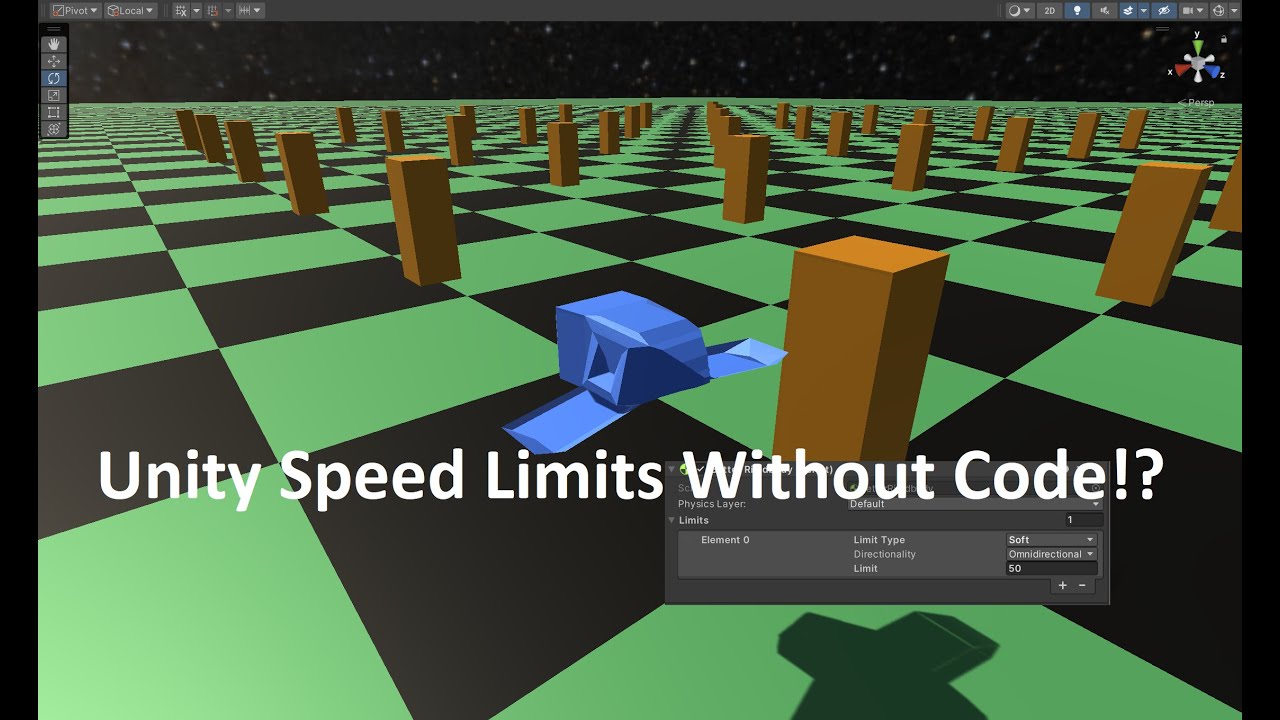
A more in-depth view at the Speed Limits feature of BetterPhysics
BetterPhysics is a must-have physics asset that adds essential features to Unity's physics engine. In this video we take a closer look at the Speed Limits feature which lets you create and configure speed limits for your Rigidbodies.
- Create Soft limits which limit the speed yo...
But you can do things in a simpler way
supple plaza
the problem with setting the velocity or clamping is that if i have external forces for example a launchpad it stops
sweet merlin
Ah yeah that's the EXACT problem my asset solves
it's quite complicated to allow external forces and also enforce speed limits
hence why I spent months solving it and turning it into an asset
supple plaza
would love to get your asset but i'm broke ;-;. Do you know any way of making drag purely horizontal?
supple plaza
tried a bunch of methods
pretty much all of them lead to slamming the player like a wall at high speeds
sweet merlin
it's pretty basic. Like:
Vector3 vel = rb.linearVelocity;

// save vertical for later
float y = vel.y;

// isolate just the horizontal
vel.y = 0;

// apply whatever clamping or drag you want to the horiztonal velocity, e.g.
vel = Vector3.ClampMagnitude(vel, maxHorizontalVelocity);

// add vertical back
vel.y = y;
rb.linearVelocity = vel;```