#committing changes
1 messages · Page 1 of 1 (latest)

 heavy spindle
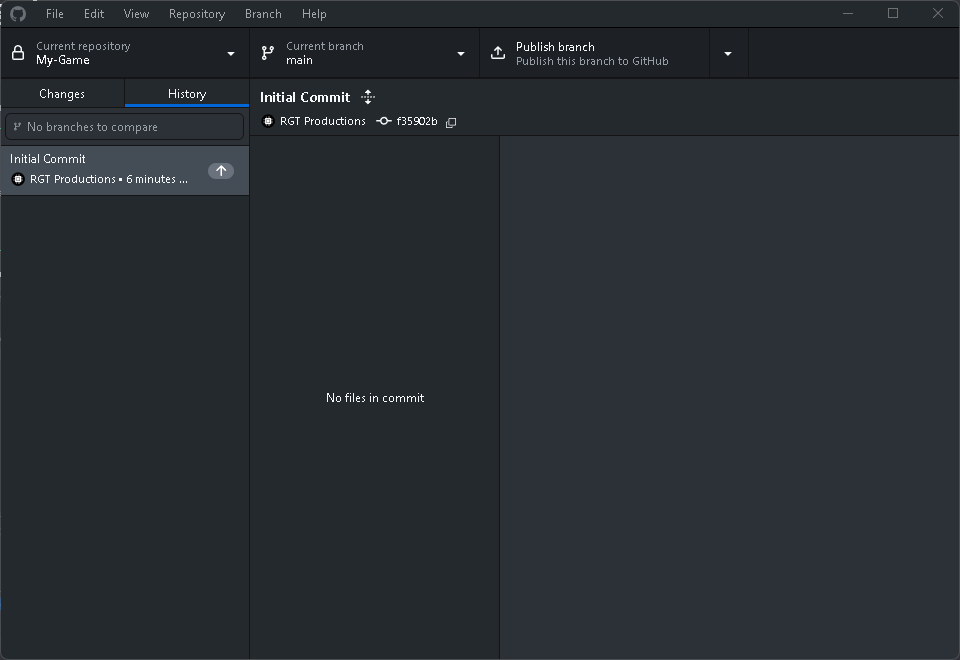
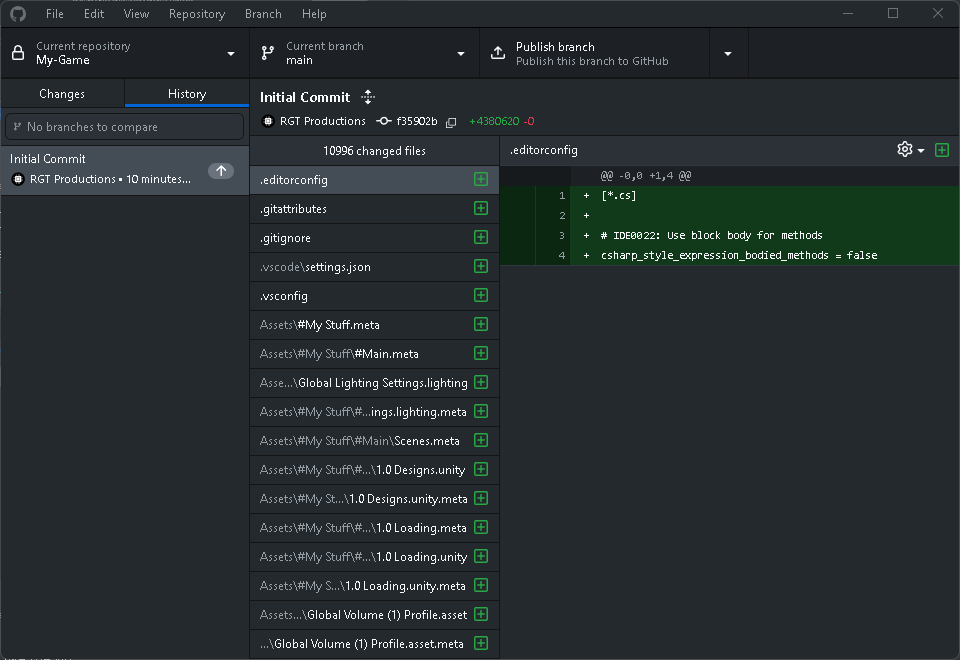
ok check History make sure all the files are there
after go to do the LFS part
the folder of the repo is the one that has .git folder inside
 placid gull
 placid gull
I did, but ever since i did it the first time, i havent had to create a repository again. I deleted the repository in my github though.
Wait never mind

 placid gull
I dont see the repository on the website though
placid gull
heavy spindle
now commit the LFS files
How?
heavy spindle
I sent you link

GitHub Docs
Note: We strongly suggest that you commit your local .gitattributes file into your repository.
also that
but follow the isntructions
placid gull
Now i cant open git bash
The first step is to open Git bash
It seeems that its not installed
heavy spindle
things dont magically uninstall
heavy spindle
All the steps I sent to you
placid gull
Also, am i supposed to see my repository on the github website?
heavy spindle
not until you hit Publish to github
heavy spindle
Every file type you want to associate with Git LFS will need to be added with git lfs track. This command amends your repository's .gitattributes file and associates large files with Git LFS.```I know that, but i'm not sure what "large files" to commit
also it looks like gitattributes was committed
@heavy spindle

@haughty crystal
heavy spindle
placid gull
I know that, but i'm not sure what "large files" to commit
the ones that it says it couldn't commit in the first place..
heavy spindle
placid gull
you did something and it broke it, idk what you did and didn't do
if you're still confused watch afew videos on the LFS process as its slightly different
placid gull
heavy spindle
you did something and it broke it, idk what you did and didn't do
I deleted the repository manually on the github website
heavy spindle
why?
placid gull
I wanted to start over
 haughty crystal
placid gull
haughty crystal
placid gull
Yeaaah... i dunno what is going on here
heavy spindle
placid gull
I wanted to start over
then you had to delete all traces of .git files first..
idk what you did but you ended up breaking the link between the local repo and remote
placid gull
heavy spindle
then you had to delete all traces of `.git` files first..
What do you mean, so delete the whole .git folder?
heavy spindle
ugh guess I gotta make a new video for LFS
heavy spindle
placid gull
What do you mean, so delete the whole .git folder?
all files related to the previous commit if you wanna start over
.git folder is one of them yes