#Thread
1 messages · Page 1 of 1 (latest)
 grim matrix
First: Your UV Map is fked up.
There should not be uv shells overlapping

It works for me, but it is very weak

 balmy ermine
how can i make it more visible?
grim matrix
and as you can see, in this parts is just nothing

increase the normal map strength
in the material
balmy ermine
grim matrix
and as you can see, in this parts is just nothing
yeah...why is it, btw?
grim matrix
Dont know.
Never baked with blender
balmy ermine
when i am using the diffuse map, why does the normal map seems to be completely ignored?
did you see the one showing the hallway in blender? it seems so detailed...the cracks seem so real...in unity it is just plain
grim matrix
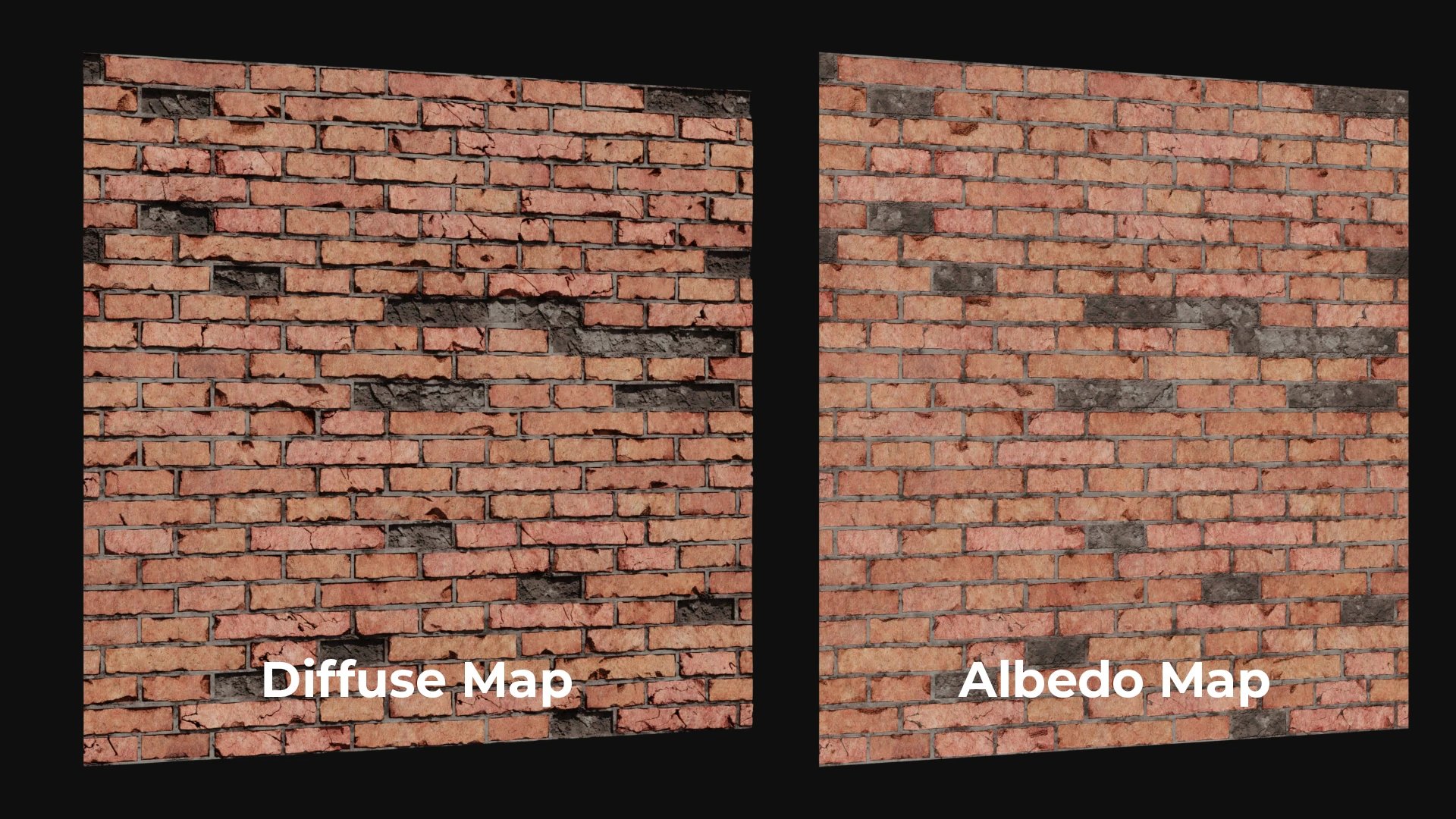
Albedo and diffuse maps are two important elements in computer graphics and game development. They are used to control the appearance and lighting of objects in 3D environments. Understanding the difference between these two concepts is crucial for artists and developers who want to create high-quality, realistic images and animations.
if you want very detailed stuff, you might have to work with tilable textures, where you can place a good amount of details on your 2k texture, and not like 50 square meter on a 2k texture
balmy ermine
then how can i get something like this in unity?

this much detail....those cracks...inflated parts
grim matrix
Split mesh in parts, or use tilable textures
balmy ermine
in unity this texture seems so dark...the damaged part of wall looks so dark
i mean what it is in blender and what it results in unity...the difference is really huge....
grim matrix
You can’t compare Unity with blender ^^
 finite musk
I mean, the blender one doesn't look like you are taking much advantage of the procedural textures to really matter, either. A simple tiling texture would probably work just as well and look better.
But yes, completely different workflows.

Enjoy this free chapter from our FlippedNormals Exclusive - Trim Sheets for Game Artists https://flippednormals.com/downloads/trim-sheets-for-game-artists/
▶ SUBSCRIBE | http://www.youtube.com/channel/UCvd6HxqYVWvfvfaF2Ereb9Q?sub_confirmation=1
▶ MARKETPLACE | https://flippednormals.com/
▷Instagram | https://www.instagram.com/flippednormals
▷...
 stoic thicket
@balmy ermine It seems you're baking the diffuse of the material to a texture rather than the procedural normals into a normal map texture
You should study and practice more the process of baking normal maps specifically
But even in that case tiling textures are much better for this, as Pinballkitty suggests
grim matrix
What do you want to do with it?
balmy ermine
actually i have a terrain mesh (chunked in 64 parts), but I have smoothened some hitchy areas in it using polybrush. But after that , stiches between the chunks are visible
which actually now looks divided chunks
how should i fix that
stoic thicket
balmy ermine
actually i have a terrain mesh (chunked in 64 parts), but I have smoothened some...
I don't think polybrush is equipped for fixing that
Generally you'd only split into chunks after the shape of the mesh is finalized to avoid having to deal with this
grim matrix
balmy ermine
actually i have a terrain mesh (chunked in 64 parts), but I have smoothened some...
you can export it as fbx to blender and fix it there like: place the vertices on the same hight
balmy ermine
thanks good idea
stoic thicket
Normals are not guaranteed to match in that situation