
#Debug boxcast
1 messages · Page 1 of 1 (latest)
 devout leaf
Here is a video of the problem. It doesnt really trigger continuously only when you move at a wall with the left side
There is also a gizmo that should be the same as the boxcast, so im really lost as to why its resulting in true
devout leaf
 trim flame
devout leaf
I was trying to implement a wall jump into my 2d game, so I wrote a script to de...
trim flame
devout leaf
I was trying to implement a wall jump into my 2d game, so I wrote a script to de...
start by drawing debugs
devout leaf
you mean like gizmos?
trim flame
is that supposed to be the yllow?
devout leaf
yeah
trim flame
devout leaf
yeah
yeah but it doesn't show the direction tho
trim flame
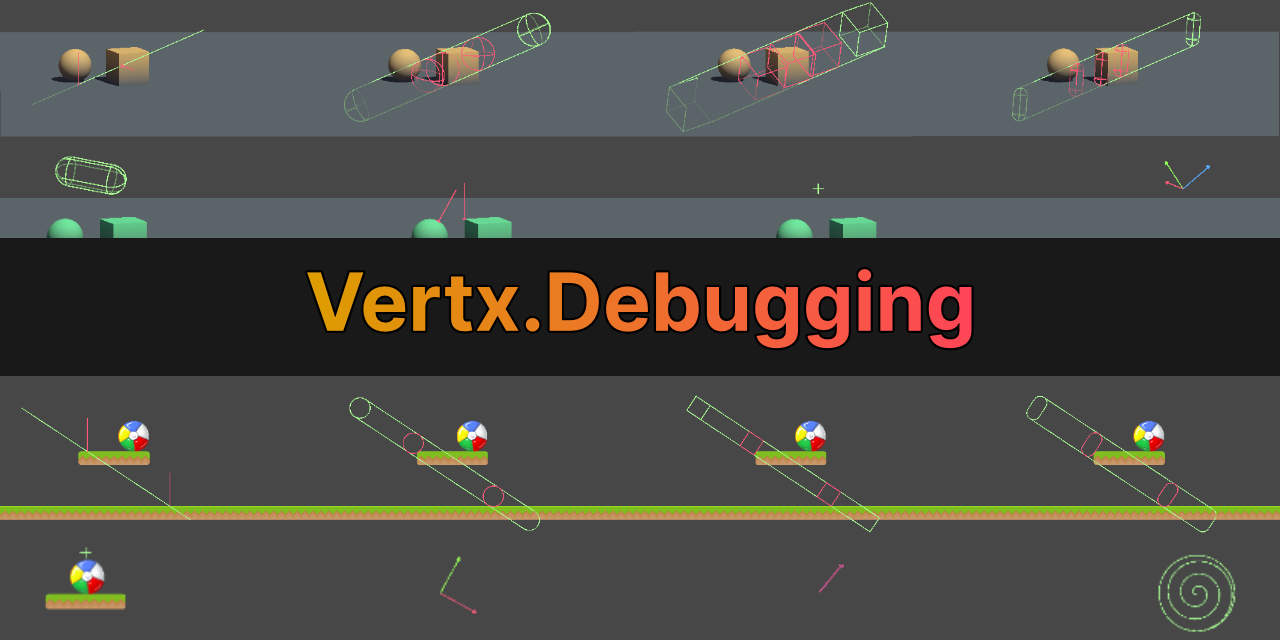
GitHub
Debugging Utilities for Unity. Contribute to vertxxyz/Vertx.Debugging development by creating an account on GitHub.
draw out your casts accurate first
devout leaf
ive never used github
am i just supposed to download the zip?
alright thanks for this is looks hella helpful
trim flame
devout leaf
am i just supposed to download the zip?
Read the guide , should be easy setup
https://github.com/vertxxyz/Vertx.Debugging#installation
 rancid cobalt
devout leaf
am i just supposed to download the zip?
rancid cobalt
devout leaf
am i just supposed to download the zip?
thats the way i do it.. download the zip extract it.. and pull the folders over into my project
but hes got a guide so follow tht prolly
 rancid cobalt
thats what i was guessing while i was lookin at ur code
its probably the case of ur cast doing one thing.. and ur visualization doing another
devout leaf
rancid cobalt
its probably the case of ur cast doing one thing.. and ur visualization doing an...
sorry to both you again but i just couldnt get the debugger to work
like no hitboxes will show up no matter what
rancid cobalt
don't be sorry to us.. we're just tryin to help u out..
have u thought of trying adiffernt method of detection?
raycasts maybe? or overlapspheres just a suggestion
devout leaf
first i just wanna try and get the debugger to work
rancid cobalt
if not i'd def try to simplify ur problem first.. new scene, just two objects.. very simple.. and then use ur code
devout leaf
cause like idk what im doing wrong 😭
rancid cobalt
debugging sucks some times 😐
devout leaf
idk if ur familiar with the vertx thing
rancid cobalt
did u ever debug.log ur left condition?
devout leaf
but like this is what im putting into my code
rancid cobalt
if ur right is firing when ur left hits.. i wonder if ur left fires when ur right hits./..
devout leaf
rancid cobalt
if ur right is firing when ur left hits.. i wonder if ur left fires when ur righ...
no id have to try that
rancid cobalt
devout leaf
idk if ur familiar with the vertx thing
i write my own debug code
never tried vertx stuff
OnDrawGizmosSelected() is my go-to debugging method
it will draw the gizmo's when the object containing them is selected.. and no other time
devout leaf
ah okay
 devout leaf
idk like how do gizmos help you detect if things are colliding
rancid cobalt
it also has tons more than just Debug.DrawLine or w/e else it has
it will show you what ur code is doing.
but u have to code them to match
devout leaf
idk cause i like drew the gizmo where the boxcast was
but like i didnt see it colliding with the wall
so like what do i do from there 💀
rancid cobalt
im thinking ur boxcast isnt casting where u think its casting
devout leaf
what would cause that
rancid cobalt
i watched the video and i dont understand it either
just the wrong code..
-x instead of x, simple mistakes..
i dont know specifically in ur case...
devout leaf
yeah dw ur good
i was just thinking maybe someone had a similar issue or smthg
ill prob just have to try other collision detection methods like you said
rancid cobalt
are ur layer masks set up correctly?
imma play around with the code u sent here in a minute to see if i can't pick up on wats wrong
im not usually a 2d designer.. but i can open an empty project atleast and see.. what is ur wall? and ground? what kind of colliders do u use on those things?
devout leaf
rancid cobalt
are ur layer masks set up correctly?
yeah im pretty sure they are
devout leaf
rancid cobalt
im not usually a 2d designer.. but i can open an empty project atleast and see.....
tilemap2d, composite 2d, platform 2d
on both

picture of the collider settings
rancid cobalt
np, u just keep trying to figure it out on ur own tho..
b/c i cant promise i'll know whats wrong with it
devout leaf
pretty sure i figured out what was causing the issue
thank you for all your help
do you know how to fix the issue tho
im pretty sure that if you move too fast you clip into the wall which causes it to think youre hitting it from the right
idk if this is a common thing or nah
devout leaf
alright i just switched the rigidbody collision detection on the player to continuous instead of dynamic and that seemed to work