#Can someone help me please I kinda lost
1 messages · Page 1 of 1 (latest)
 rustic kraken
Hey there i have problem with my Main Menu Script i followed a tuorial but i cant press ESCAPE button to open my pausemenu. Nothing happens, if i hardcode | Input.GetKeyDown(KeyCode.Escape) the escape menu works. What is my Problem?
My Input Manager
using UnityEngine.InputSystem;

public class InputManager : MonoBehaviour
{
    public static InputManager instance;

    private PlayerInput _playerInput;

    public bool MenuOpenCloseInput {  get; private set; }

    private InputAction _menuOpenCloseAction;

    private void Awake()
    {
        if (instance == null)
        {
            instance = this;
        }

        _playerInput = GetComponent<PlayerInput>();
        _menuOpenCloseAction = _playerInput.actions["MenuOpenClose"];
    }

    private void Update()
    {
        MenuOpenCloseInput = _menuOpenCloseAction.WasPressedThisFrame();
    }
}```This is my MenuManger
public class MenuManager : MonoBehaviour
{
    [SerializeField] private GameObject _mainMenuCanvasGO;

    public static MenuManager instance;

    private bool isPaused;

    private void Start()
    {
        _mainMenuCanvasGO.SetActive(false);
    }

    private void Update()
    {
        if (InputManager.instance.MenuOpenCloseInput /*|| Input.GetKeyDown(KeyCode.Escape)*/)
        {
            Pause();
            print("Pause");
        }
    }

    #region Pause/Unpause Functions

    private void Pause()
    {
        isPaused = true;
        Time.timeScale = 0f;

        OpenMainMenu();
    }

    public void Unpause()
    {
        isPaused = false;
        Time.timeScale = 1f;

        CloseAllMenus();
    }

    #endregion

    #region Canvas Activations

    private void OpenMainMenu()
    {
        _mainMenuCanvasGO.SetActive(true);
    }
    private void CloseAllMenus()
    {
        _mainMenuCanvasGO.SetActive(false);
    }
    #endregion
}```
 broken swan
I could be wrong but are you trying to use both input systems at once? input.getkey is the old system but that actionmap is for the new system. Am I mistaken?
rustic kraken
Yeah i switched to both because i have a few lines of old code for something else (not the problem ) so i use Both for active input handling

The get keydown is only harcoded beacuse i cant get it open with the new one. so i tried the getkeydown but with the old one it works
broken swan
so your escape wont work with the menu, is that line supposed to be keyed out?

 broken swan
why is menu open close in the player actions and not the UI? im not really sure whats wrong exactly, youre saying the new input system wont let you open the menu?
rustic kraken
The UI and Player was the something i wanted to split so i have clear input system
but the tutorial used only one input map
so i sticked to palyer like him in the tutorial. in the future i want to split it.
but for now that is the way i want to go
I just want Escape to work
if i figure out how i can use input the problem would be solved
broken swan
which workflow did you choose? https://docs.unity3d.com/Packages/com.unity.inputsystem@1.5/manual/Workflows.html im not an expert on them, im only good at the action asset and player input component version
Or i guess i should say the tutorial you followed chose
rustic kraken
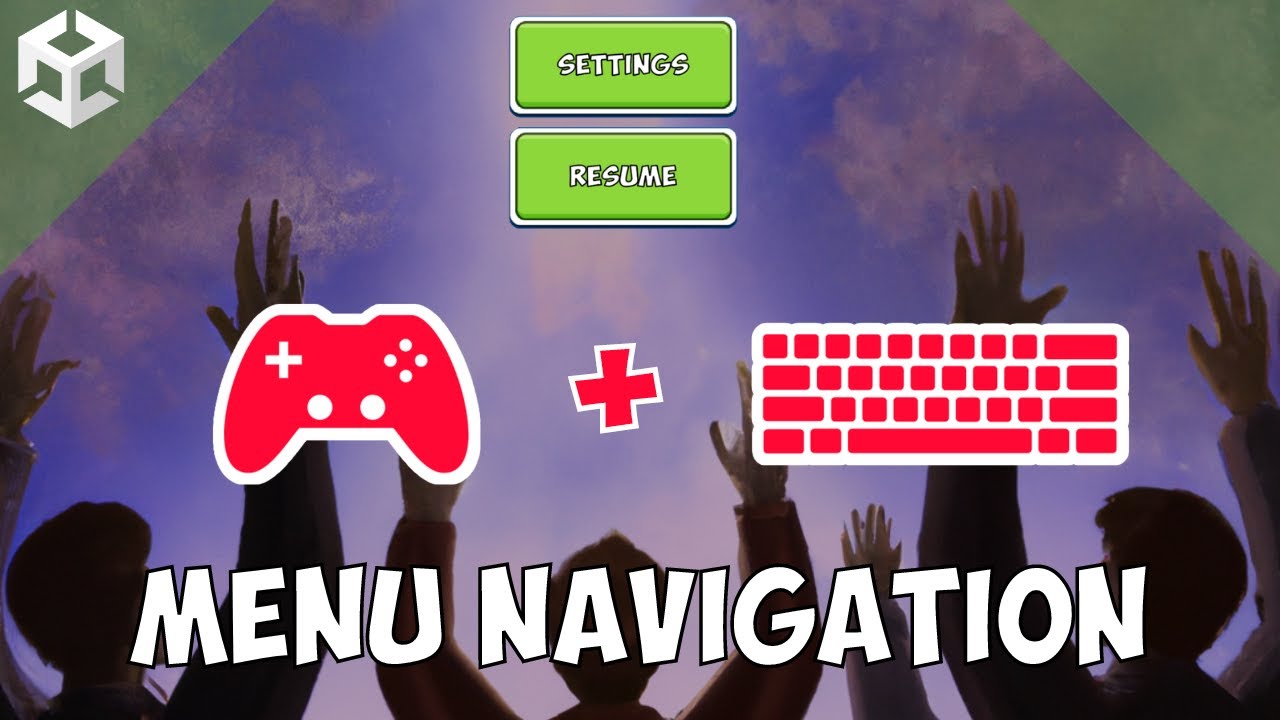
Join our Discord Community! - https://discord.com/invite/aHjTSBz3jH
Show your Support & Get Exclusive Benefits on Patreon (Including Access to this project's Source Files + Code) - https://www.patreon.com/sasquatchbgames
Wishlist Veil of Maia! - https://store.steampowered.com/app/1948230/Veil_of_Maia/
If you've ever made a menu in your game, y...
till 5:53
that is the point my esacpe not works. So i cant continoue the tutorial