#Not working 3rd person NestedParentCapsule with joystick
1 messages · Page 1 of 1 (latest)
 strange nacelle
simply why? and how to fix this? I'm confused asf. and there's no tut how to use it
Not working 3rd person NestedParentCapsule with joystick
 shell pilot
most importantly it seems you are looking for resources for using the unity "starter assets" mobile ui and third person controller. here is a video tutorial with chapters marked etc https://youtu.be/CD0FlqllfIE
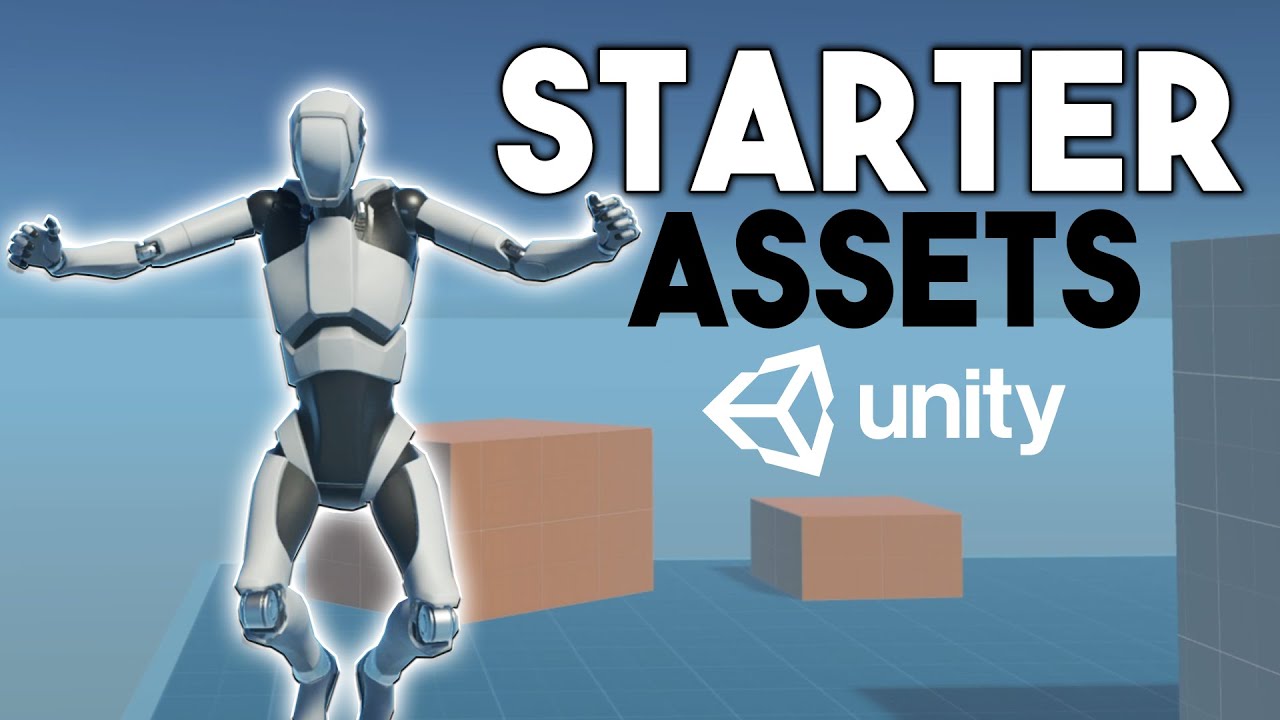
This video covers Unity's new First Person Controller and Third Person Controller Starter assets. The starter assets use the new Input System and Cinemachine.
We will go over downloading the assets, understanding the overall project structure, enabling the mobile touch joysticks and buttons, understanding the code behind the assets, and I will ...
strange nacelle
@shell pilot I've got it all set up. but I can't use the joysticks in testing (On desktop)
shell pilot
strange nacelle
<@471083604135378975> I've got it all set up. but I can't use the joysticks in t...
have you tried the (mobile) device simulator? https://docs.unity3d.com/Manual/device-simulator-view.html
 strange nacelle
Just did that right now and got this error at the bottom

the minute I did that I got that error 😐
shell pilot
@strange nacelle also the video tutorial i linked above shows that this input debugger option to simulate touch input is enabled to make it work, did you try that?
 strange nacelle
I'm not following that tut rn. where do I go to bring that menu up?
shell pilot
strange nacelle
I'm not following that tut rn. where do I go to bring that menu up?
it's in the video, i'll let you check it yourself. mobile segment starts at 9:59
strange nacelle
shell pilot
it's in the video, i'll let you check it yourself. mobile segment starts at 9:59
I've done what she's shown but nthn
It stil wont work
Just got this instead 😐

ugh this is frustraiting can I send you my project so you can take a look and tell me in depth where I've screwed up?
@shell pilot
shell pilot
strange nacelle
Just got this instead 😐
that's just one error, pretty generic. usually meaning something isn't assigned in the inspector on the right. click on the console tab to see all errors and they may be more descriptive and you can copy and paste them and search the web for their meanings.
strange nacelle
NullReferenceException: Object reference not set to an instance of an object
StarterAssets.UICanvasControllerInput.VirtualJumpInput (System.Boolean virtualJumpState) (at Assets/Everything/StarterAssets/Mobile/Scripts/CanvasInputs/UICanvasControllerInput.cs:23)
UnityEngine.Events.InvokableCall1[T1].Invoke (T1 args0) (at <56073df97ede4f769c2cc45d546d986d>:0) UnityEngine.Events.UnityEvent1[T0].Invoke (T0 arg0) (at <56073df97ede4f769c2cc45d546d986d>:0)
UIVirtualButton.OutputButtonStateValue (System.Boolean buttonState) (at Assets/Everything/StarterAssets/Mobile/Scripts/VirtualInputs/UIVirtualButton.cs:33)
UIVirtualButton.OnPointerUp (UnityEngine.EventSystems.PointerEventData eventData) (at Assets/Everything/StarterAssets/Mobile/Scripts/VirtualInputs/UIVirtualButton.cs:23)
UnityEngine.EventSystems.ExecuteEvents.Execute (UnityEngine.EventSystems.IPointerUpHandler handler, UnityEngine.EventSystems.BaseEventData eventData) (at ./Library/PackageCache/com.unity.ugui@1.0.0/Runtime/EventSystem/ExecuteEvents.cs:50)
UnityEngine.EventSystems.ExecuteEvents.Execute[T] (UnityEngine.GameObject target, UnityEngine.EventSystems.BaseEventData eventData, UnityEngine.EventSystems.ExecuteEvents+EventFunction`1[T1] functor) (at ./Library/PackageCache/com.unity.ugui@1.0.0/Runtime/EventSystem/ExecuteEvents.cs:272)
UnityEngine.EventSystems.EventSystem:Update() (at ./Library/PackageCache/com.unity.ugui@1.0.0/Runtime/EventSystem/EventSystem.cs:530)
wot
shell pilot
strange nacelle
Legit. I'm getting a headache man
i feel you, maybe take a break for an hour and come back to it, helps me.
strange nacelle
you think I've not done that 💀
shell pilot
lol i see
strange nacelle
can I send you my project? or you set one up for me? because I'm really desperate rn istg
I get you might be busy. but you could get it back to me when you get it finished. I'm just so desperate rn 😔
shell pilot
i'm not able to do that today anyway, sorry. but maybe there is a project already set up floating around.
if it makes you feel any better, this person's opinion is that the starter assets aren't so beginner friendly https://youtu.be/_yHrWQiJfJ0

The Standard Assets are a much better option for beginners.
✦ Subscribe: http://bit.ly/JimmyVegasUnityTutorials
✦ Patreon: http://patreon.com/jimmyvegas/
✦ FREE Assets: http://jvunity.com/
✦ Facebook: https://www.facebook.com/jimmyvegas3d/
✦ Twitter: https://twitter.com/jimmyvegas17/
SPECIAL THANKS TO OUR LATEST PATRON TRISTAN @ http://patreon....
strange nacelle
shell pilot
i'm not able to do that today anyway, sorry. but maybe there is a project alrea...
well if it is it's VERY well hidden because I've not fond shi-💩 so far
Could you help me find one?
AY THIS ACTUALLY MIGHT HELP COME TO A CONCLUSION @shell pilot THE ERROR ONLY SHOWED UP WHEN I CLICKED ON ANYTHING IN THE UI.. NOT WHEN I WAS USING WASD
shell pilot
hmm i find a whole project but found this forum thread with a question and answers https://forum.unity.com/threads/say-hello-to-the-new-starter-asset-packages.1123051/

Unity Forum
As part of our dedication to empowering creators, our dev team has released the new Starter Asset packages. Find out what this means for your workflow...
strange nacelle
I double clicked the error and now it's openeing visual studio
strange nacelle
shell pilot
hmm i find a whole project but found this forum thread with a question and answe...
Ok? but where's the bit I need to be reading 🫠
Nvm it works 😐

you could've told me
rather than shove a paragraph in my face 😭
shell pilot
idk what was going to be the most helpful in there or what you hadn't already tried. just that it had a lot of info and likely discussion from others with similar issues.
you found the solution there in less than a minute anyway lol. so you obviously didn't need any assistance with finding what was relevant. i just pointed you in the right direction. and i didn't even get a thank you for the free consult, but it's all good lol.