#sharing var between scripts

1 messages Β· Page 1 of 1 (latest)

lavish ermine
#

script #1
https://pastebin.com/J4yeKzs5
script #2
https://pastebin.com/pdT89X2W

I cant get newImage, newA, newB, newC, newD to update in script #2.

debug.log tells me they are empty
Any ideas what could be wrong??

The rest of the code is a mess i know, just playing around trying to learn πŸ˜„

limpid imp
#

The coroutine is only occurring once, is this what you want?

wind siren
#
public class NatoQuestionGenerator : MonoBehaviour
{
    public static Sprite tempSprite = null;
    public static string tempA = "Nil";
    public static string tempB = "Nil";
    public static string tempC = "Nil";
    public static string tempD = "Nil";
}

public class QuestionDisplay : MonoBehaviour
{
    public static string newA;
    public static string newB;
    public static string newC;
    public static string newD;

    void Start()
    {
        StartCoroutine(PushOnScreen());
    }

    IEnumerator PushOnScreen()
    {
        answerA.GetComponent<TMPro.TextMeshProUGUI>().text = newA;
        answerB.GetComponent<TMPro.TextMeshProUGUI>().text = newB;
        answerC.GetComponent<TMPro.TextMeshProUGUI>().text = newC;
        answerD.GetComponent<TMPro.TextMeshProUGUI>().text = newD;
    }
}```
limpid imp
#

It would delay for 0.25s before completing the coroutine. If script 1 has not updated the values by then, you'll not get the correct text update.

lavish ermine
#

Hmm, so i should maybe delay it by more?

limpid imp
#

Or not poll/race and simply update the text using properties when those fields should be changed.

glad cave
#

^ this is the correct answer

#

good practice to only update things especially UI when it changes

lavish ermine
#

Not sure i get that.
Im trying to make a quizzer where it will show a picture of a vehicle and you get 4 possible answers (A, B, C,D)

glad cave
#

u can use a Function that passes in a string or something..
and a CanvasManager that u can call from anywhere

lavish ermine
#

So it should be empty untill decided which picture to load

#

My question is, why doesnt QuestionDisplay.newA = tempA;
not update newA to what is in tempA

glad cave
#
using UnityEngine;
using UnityEngine.UI;

public class CanvasManager : MonoBehaviour
{
    public static CanvasManager Instance { get; private set; }

    public Text displayText;

    private void Awake()
    {
        if (Instance != null && Instance != this)
        {
            Destroy(gameObject);
        }
        else
        {
            Instance = this;
            DontDestroyOnLoad(gameObject);
        }
    }

    public void UpdateUI(string text)
    {
        displayText.text = text;
    }
}```

if u wanna go a singleton route u can have a Canvas Manager ( it will hold all the references to things u need to change, this color, that color, this image, this text, etc)

when ur other scripts need to update logic.. (player gets hurt for example) u can call the function in the singleton (the canvas manager) from anywhere in the project.. and pass in an argument (like the value u want to update)
#

then like a script on ur player CanvasManager.Instance.UpdateUI("NEW VALUE");


#

anything in the Singleton u make public can be accessed easily from anywhere in the project b/c of the single instance

public void UpdateHealthBar(float value);

or

public void UpdateArmor(float value);

or any public method u want to call

glad cave
#

debug the thing u want to change.. before and after u try to change it.

debug the thing ur changing it to before and after u try to change it.

#
public void UpdateUI(string newText)
{
    Debug.Log("Current text: " + yourTextComponent.text);
    Debug.Log("New text: " + newText);

    yourTextComponent.text = newText;

    Debug.Log("Updated text: " + yourTextComponent.text);
}```
#

debug EVARYTHANG

#

lol

#

just sayin, thats how i work out these issues.. break it down into pieces.. smol pieces.. debug it as it happens.. first thing, second thing, third thing.. try not to skip anything and pay attention to the values that get tossed around

#

its debug sessions like these that will improve ur troubleshooting skills

#

I must ski-dattle, im falling behind my own Todo List πŸ˜„

#

good luck mate πŸ€

lavish ermine
#

thanks for you time

glad cave
#

no worries..

#

when i get time if u still having issues ill come back in and check the thread

lavish ermine
#

ill debug the whole thing tomorrow πŸ˜„
damn kid just woke up -.-

glad cave
#

πŸ˜„

#

it really helps tho

#

to wrap ur head around how ur systems work

#

i know it feels like downtime but honestly its worth the trouble

lavish ermine
#

Might rewrite the whole thing, already learned alot from doing this

glad cave
#

NICE

#

i totally agree with that too

#

it'll improve each time u re-write a system

#

or it normally does πŸ˜…

lavish ermine
#

thing is, i am so new to coding that i constantly get new ideas that is way too complex for me πŸ˜„ 0

glad cave
#

it happens to all of us

wind siren
#

welp now ur doing certain approaches only, once u get to touch some advanced systems under unity API it will get harder

glad cave
#

these are just a fraction of my projects

#

waste of time? nope.. learning experiences

#

the whole lot

wind siren
#

normally to dev a game:

  1. think of a feature first
  2. think of how that feature works, how does it perform from a player standpoint
  3. try to recreate that with code
glad cave
#

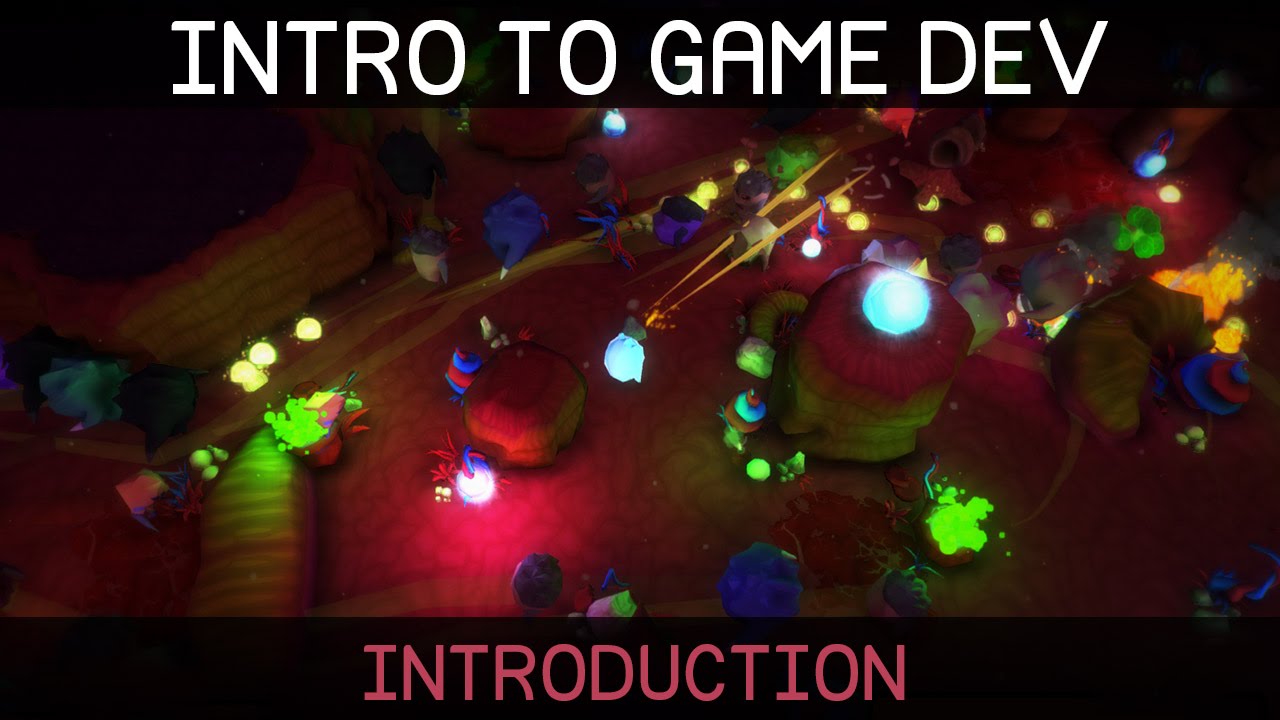
Welcome to this introduction to game development. We'll be starting from the beginning, so no prior knowledge of programming or the Unity game engine is required.

Unity can be downloaded here: http://unity3d.com/get-unity

Watch episode 01: https://youtu.be/9iCnjdXEfMA

If you'd like to support these videos, you can make a recurring monthly don...

β–Ά Play video
#

and i know u didn't ask but bookmark this (if ur beginner)

#

i can't reccomend this series enough

#

he breaks everything down ud need to know as a beginner in a very understanding manner

#

this one might be something ur interested in..