#Shuffle playlist
1 messages · Page 1 of 1 (latest)
 lost swallow
 opal trail
okay
lost swallow
using System.Collections;
using System.Collections.Generic;
using UnityEngine;

[RequireComponent(typeof(AudioSource))]
public class Radio : MonoBehaviour
{
    [SerializeField] private AudioClip[] songs;

    private AudioSource player;
    private AudioClip songPlaying;
    private float songStartedAt;

    void Start()
    {
        player = GetComponent<AudioSource>();

        // Start playing
        PlayNewSong();
    }

    void Update()
    {
        if (Time.time - songStartedAt >= songPlaying.length)
        {
            // The song has ended. Pick new song
            PlayNewSong();
        }
    }

    void PlayNewSong()
    {
        // Pick a song at random (shuffle)
        songPlaying = songs[Random.Range(0, songs.Length - 1)];

        songStartedAt = Time.time;
        player.clip = songPlaying;
        player.Play();
    }
}
I haven't tested it
But it should work
Wait
Add this: [RequireComponent(typeof(AudioSource))]
I updated the code
1. Make a script called: "Radio"
2. Paste the code
3. Assign the script to an empty game object
4. Download the songs you want as MP3 files
5. Import the songs into your assets
6. Add the MP3 files to the songs array
P.S. Make sure that there is an AudioListener in your scene (This is automatically added to the main camera, but if you don't hear anything, check this)
opal trail
Can you make like the full script
lost swallow
That's it
opal trail
lost swallow
Add this: [RequireComponent(typeof(AudioSource))]
You said add this
opal trail
Oh okay i will test it and get back to you
lost swallow
lost swallow
**1.** Make a script called: "Radio"
**2.** Paste the code
**3.** Assign the scr...
@velvet nest Step-by-step
opal trail
Got it
 velvet nest
lost swallow
<@357197294610939906> Step-by-step
velvet nest
lost swallow
<@357197294610939906> Step-by-step
wrong ping lmao
lost swallow
velvet nest
wrong ping lmao
I am so sorry
lost swallow
Ahah, that's good
I'll eat now, so I might not answer right away
Btw, if your playlist has like 200 songs, you probably want to automate the download process. This could be done using Python. Let me know if you need help
opal trail
okay
but if i add them to the script i need to do that like one by one?
and can you download spotify plailists
lost swallow
opal trail
and can you download spotify plailists
I don't think so
Are the songs on youtube?
If so, you can change the link to youtubepp.com and download it from there
Let me show you:
https://www.youtube.com/watch?v=dQw4w9WgXcQ - Base link
https://www.youtubepp.com/watch?v=dQw4w9WgXcQ - With "pp"

The official video for “Never Gonna Give You Up” by Rick Astley
‘Hold Me In Your Arms’ – deluxe blue vinyl, 2CD and digital deluxe out 12th May 2023 Pre-order here – https://rick-astley.lnk.to/HMIYA2023ID
“Never Gonna Give You Up” was a global smash on its release in July 1987, topping the charts in 25 countries including Rick’s native UK and...
Online download videos from YouTube for FREE to PC, mobile. Supports downloading all formats: MP4, 3GP, WebM, HD videos, convert YouTube to MP3, M4A
lost swallow
Ahah thank you
opal trail
But you can send the python script/file
lost swallow
I haven't made it
There is this button on spotify

I don't know where they are saved or what format
Sadly this doesn't work


EaseUS
The YouTube to MP3 converter from EaseUS enables you to convert YouTube videos to MP3 all at once. If you want to download multiple YouTube videos to MP3, get EaseUS Video Downloader and you can do it without hassle.
opal trail
Okey thanks
Also is there a way in unity to make a button so i can adjust the volume in a game
lost swallow
Yes
There are many tutorials out there
Did you get it to work? The .cs script, I mean
opal trail
Haven’t tested it yet
lost swallow
Alright
There is a small chance that the same song will be played twice in a row. Is that okay, or do you want me to change that? It will only take a minute.
using System.Collections;
using System.Collections.Generic;
using UnityEngine;

[RequireComponent(typeof(AudioSource))]
public class Radio : MonoBehaviour
{
    [SerializeField] private List<AudioClip> songs;

    private AudioSource player;
    private AudioClip songPlaying;
    private float songStartedAt;

    void Start()
    {
        player = GetComponent<AudioSource>();

        // Start playing
        PlayNewSong();
    }

    void Update()
    {
        if (Time.time - songStartedAt >= songPlaying.length)
        {
            // The song has ended. Pick new song
            PlayNewSong();
        }
    }

    void PlayNewSong()
    {
        // Pick a song at random (shuffle), excluding the last element in the song list
        int nextSong = Random.Range(0, songs.Count - 2);
        songPlaying = songs[nextSong];
        // Remove the song from wherever in the list it is
        songs.Remove(songs[nextSong]);
        // Add the song back at the end of the list
        songs.Add(songPlaying);

        songStartedAt = Time.time;
        player.clip = songPlaying;
        player.Play();
    }
}
``` Too late, now I've done itHaha okay thanks a lot
lost swallow
opal trail
Haha okay thanks a lot
Wait, I'm actually not sure that the new one works. Test it
opal trail
i started the view in unity and the first verison worked
lost swallow
opal trail
i started the view in unity and the first verison worked
Great!
Just keep in mind that it picks completely randomly every time, so theoretically the same song could be played 100 times in a row
opal trail
jep
also when i pressed play then i saw what the camera was seeing but everything else was just black_
lost swallow
opal trail
jep
"jep"? Where are you from?
lost swallow
opal trail
also when i pressed play then i saw what the camera was seeing but everything el...
?
lost swallow
Screenshot
opal trail
And even if i did ctrls shift p to pause it still happend
 opal trail
Yeah that worked
lost swallow
What Unity version are you on?
lost swallow
ah alright
opal trail
The 2021 something
lost swallow
opal trail
The 2021 something
Idk if that happens often. There is a fatal bug in my 2021 installation, so I just stick with the 2020 one
opal trail
But i tried the slider thing from youtube and that set it like in the map but i want it to be on the screen in the exact spot at all times how to do that?
Oh okay
lost swallow
opal trail
But i tried the slider thing from youtube and that set it like in the map but i ...
Okay, like this
opal trail
Wym
lost swallow
One second sry
opal trail
No worries


 lost swallow
Then select fx. the upper left one in the 3x3 area to make it stay in the same spot in the top left corner
lost swallow
opal trail
And when i need to write scripts can i use note pad?
Don't
opal trail
Okay
opal trail
What should i use then
lost swallow
I use Visual Studio Community 2019 (although it is very old). Most people I talk to recommend Visual Studio Code
opal trail
I have it but cant get it to work
lost swallow
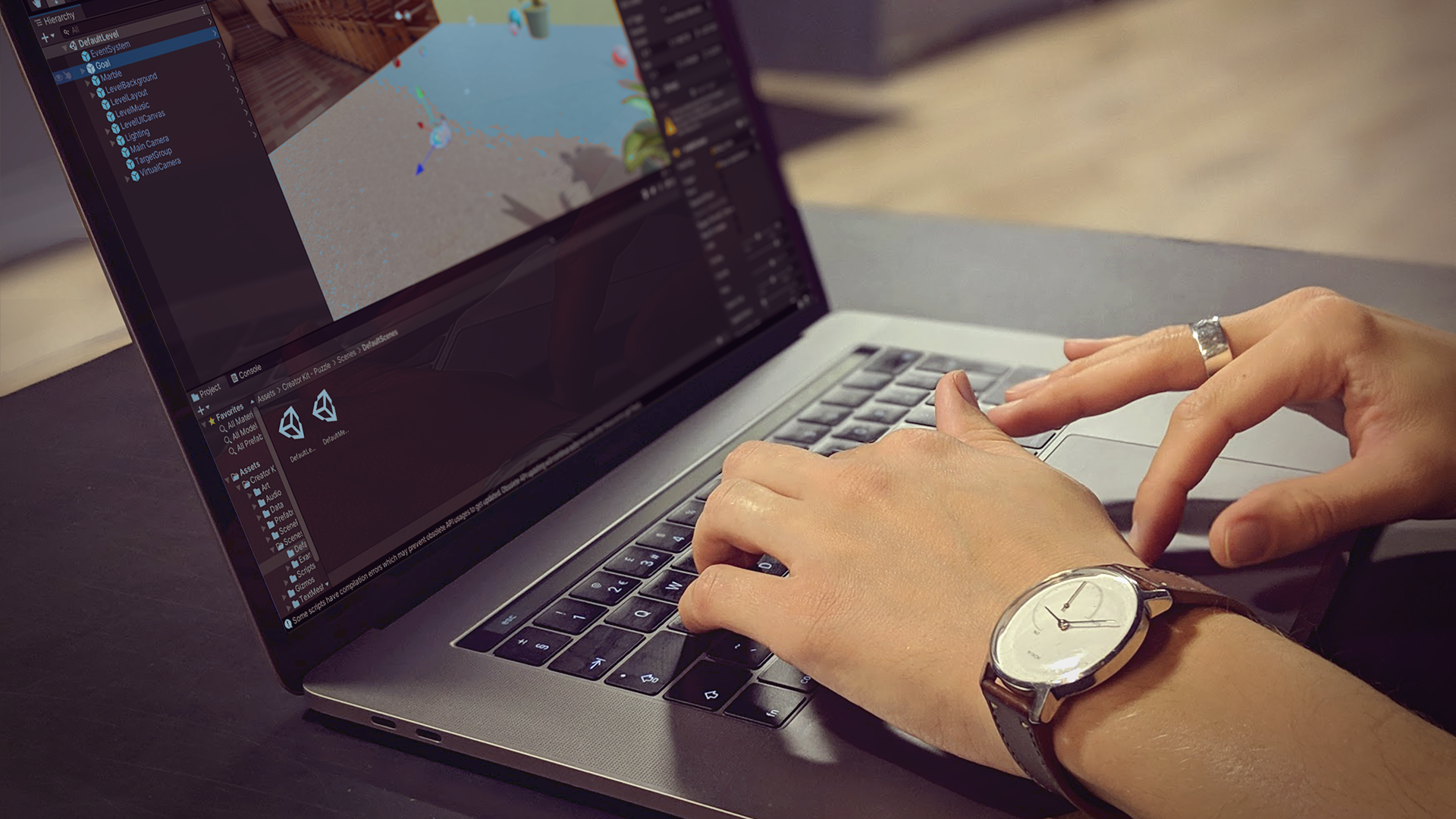
Unity Learn
In this tutorial, you’ll set the default script editor (IDE) to use with scripts in Unity Editor.
opal trail
It just black screens
lost swallow
Which one?
Actually don't tell me. I can't help you with that
Sorry
I have 0 experience regarding that
opal trail
But do you have any other recommendations
lost swallow
Than vs code??
opal trail
Jep
lost swallow
Some people use Rider by JetBrains
lost swallow
Have you tried both vs community and vs code?
opal trail
Not sure


 opal trail
 lost swallow
opal trail
lost swallow
opal trail
But if Unity black screens, the IDE is probably not the issue
It might be your Unity installation
I would ask in #💻┃unity-talk
lost swallow
Really?
opal trail
yeah i make maps for a bmx game so i only add mesh collider and lighting in unity
its like a mod map
i only have one scene
this is what i get when i open the script from unity to change it

in vs
lost swallow
opal trail
this is what i get when i open the script from unity to change it
Ahhh. Ask in #archived-code-general
lost swallow
I am going to bed now, sry
lost swallow
Haven't slept in 34 hours
opal trail
wow thats a long time
lost swallow
opal trail
thanks
You're welcome 😊 I hope you figure it out
opal trail
i hope so too 🙂
lost swallow
opal trail
wow thats a long time
Yeah, it's bad. I studied for an exam the whole night 💤
opal trail
okay