#Like in that case where the selected
1 messages · Page 1 of 1 (latest)
 cerulean aspen
This seems like a very hacky 'solution'.. Why are there two navmeshes on top of each other?
I think you could probably avoid this by giving them different area masks, but still that doesn't really seem like it would solve the underlying issue
what are you using these navmeshes for?
 worn crane
So, the problem and my solution are pretty hard to explain...
The game is a 3D survival with an infinire procedural terrain, subdivided in chunks. The loaded world is really big, it takes about 1/2 seconds to bake the whole spawned area. This makes baking all the spawned region impossible, both because the player moves a lot, and because many objects can be added or removed from the terrain, and the navmesh would need to be baked every time.
My solution was to bake a "local" area to the player (like in this video: https://www.youtube.com/watch?v=RuoK7w1OIT0&list=PLllNmP7eq6TSkwDN8OO0E8S6CWybSE_xC&index=14). This works extremely well with the entities close enough to the player. But the navMesh still have to be small. What can I do for entities that needs to move but are not close to the player?
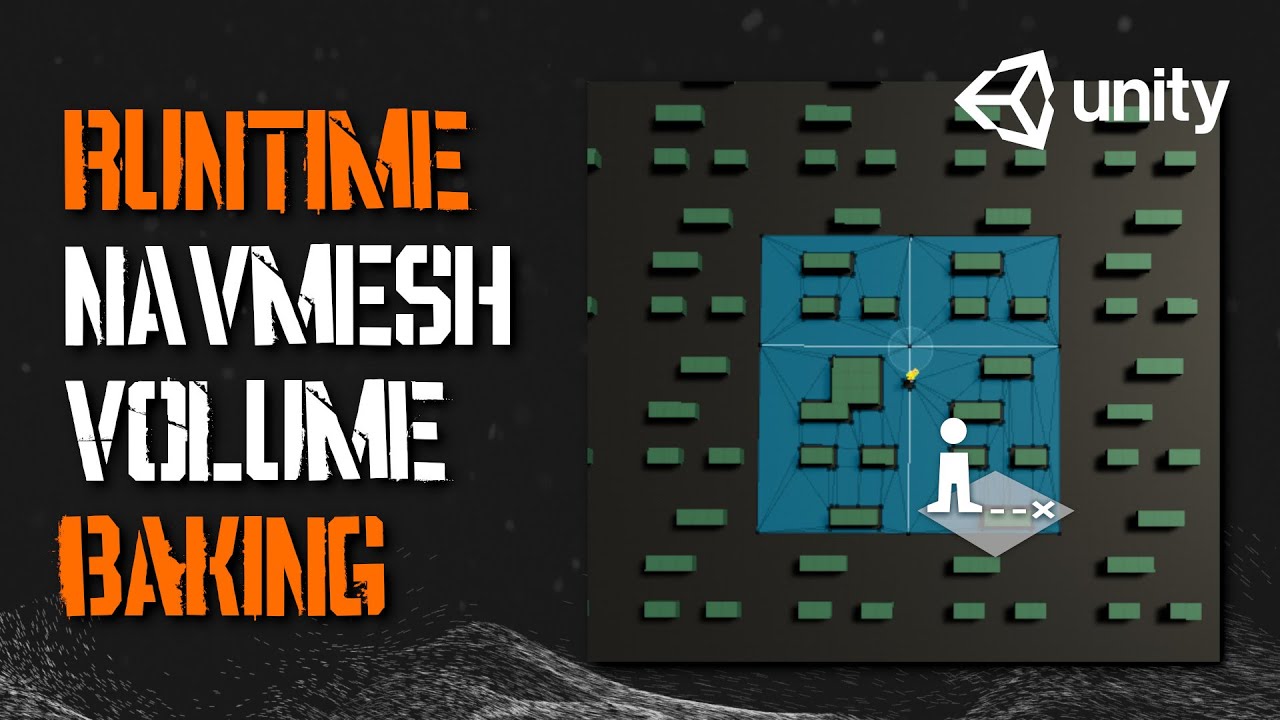
Learn how to bake a NavMesh on a small portion of your level. This allows much faster baking of NavMeshes on large procedural worlds, or on very large worlds. We do this by specifying a volume around the player and use the NavMeshBuilder class to collect the relevant sources and update a registered NavMeshData.
If you are taking this concept a...
I created local areas for each entity (much smaller than the player's area, player's area it's about a square 100x100, each non-player entity has a 15x15 square). That's needed, for example, for animals that are still visible by the player and need to dodge cliffs/objects, or for enemies that are far away but are still chasing the player, or roaming around. Entities will still be disabled when they are very far away from the player (around >150/180 units away from the player; the world is about 300x300), and this actually works pretty well for everything: a single entity interacts perfectly with its own navmesh and when it enters the player's area its area is disabled and it follows the player. The only problem is when more entities spawns a local navmesh area, because as you can see from my screen, once the entities select a navmesh they will not jump to their navmesh. That's a pretty big problem.
So, I'm looking for a way to "force" the entity to follow its generated navmesh, so he's always in the center; otherwise it will get stuck on another entity's navmesh borders and will not be able to reach the player.
worn crane
worn crane
So, the problem and my solution are pretty hard to explain...
idk if it's clear, or if it's too complicated, I hope I explained that as clear as possible 😅
it is, indeed, a hacking solution, for a huge dynamic world
I worked my a** off to build a procedural terrain, I can't believe that this is blocking me so hard ahahah
cerulean aspen
if you have multiple entities baking these kind of navmeshes during runtime isn't that already a big performance issue?
worn crane
No, the performance is linked to the area's dimension
It's a very small area, it doesn't slow down the game
Player area ironically reduces a tiny bit the frame rate, because it's way bigger
cerulean aspen
can you combine all entities that are baking navmeshes so it becomes one navmesh?
(from your screenshot it seems like they're each creating their own right now?)
also I think if you go further in the tutorial series you linked, he does that?
worn crane
cerulean aspen
can you combine all entities that are baking navmeshes so it becomes one navmesh...
Well.. .Yes? I don't really know, I found nothing around the web... If you know how to do that...
cerulean aspen
did you follow the rest of that tutorial series?
I think you just need to provide the navmeshbuilder with the combined sources for all meshes that need to be included in the navmesh building process
async is still blocking? Perhaps what's taking long is something else in your code than the navmesh generation step
would be a good idea to profile that
worn crane
cerulean aspen
did you follow the rest of that tutorial series?
Mostly yes
mmh...
I don't remember that 😦 do you know the title?
I tried to watch the ones that had an interesting title, most of them do something that I don't need to do (like the spawning mechanics of enemies)
I'll do a quick search again btw
thanks for the help, that hint is already a new path to follow, at least I know what to do now 😅 I hope it's the solution
cerulean aspen
good luck!
my first thought if I were doing this I'd see if I could pre-collect all sources that need to be used for navmesh generation during world chunk generation. Then send x chunks around the player to NavMeshUpdateAsync as the player moves around
(and only when they move into a new chunk)
worn crane
So, I looked around and can't find anywhere where he did that
in a certain moment, he uses navmeshlinks to link many meshes
but that's out of discussion, since implementing it on my code would mean to completely rewrite his code (as he says), and i'm pretty sure it would still not work 😦
worn crane
I don't really get what sources are... They seems to be an area to scan, but they're also automatically taken by collectSources method...? So how do I create them?
worn crane
@cerulean aspen any advices? Lost other hours trying to merge sources but seems like every time you call the async build method you only get the most recent sources
 tardy gull
You can't discard the old sources. Well, you can, but you do that to tell navmesh builder to delete those sources from its navmesh data.
You need to add new sources to the existing collection of sources, and delete sources from that collection when they leave the area(s) of interest (it performs source hashing internally, to avoid unnecessary recalculations).
The most straightforward way to achieve this is by chunking the sources. Whenever the resulting "source chunk scene" changes, you merge the chunks into a single collection and feed them into the builder.
worn crane
tardy gull
You can't discard the old sources. Well, you can, but you do that to tell navmes...
Mmh. So, if I understood correctly, I could build a singleton that handles the navMesh generation. An entity gives its position to the singleton, that bakes the chunk corresponding to the position. This is useful to not generate two navmeshes in the same location, right?
The problem is that I still don't get how to "merge" two different sources. When I call "collectSources" it takes a list of sources as an output parameter but it deletes the sources that were in the list before. So I'd have to save them.. and add them in another list that holds all the sources? Also, UpdateNavMeshDataAsync uses a squared bounds, so each chunk would be a square but still not connected in between chunks.. Navmeshes would touch, but as I have seen, two confining navmeshes are not automatically connected
tardy gull
Do you have multiple navmesh surface components ? One per chunk or something like that ?
you will most likely want to write your own collectSources as well
the baseline implementation is blocking and not that, let's say, flexible as you might want
and you also need to have just one navmesh surface
for my project i put it on a navmesh factory, which was an empty GameObject that dealt with navmesh generation across the entire scene
worn crane
tardy gull
Do you have multiple navmesh surface components ? One per chunk or something lik...
No, a single one in the terrain
There's the terrain manager that holds the prefabs of all the chunks, and each chunk has the terrain mesh, and its objects