#the animation ain't playin while its playing
70 messages · Page 1 of 1 (latest)
 fickle skiff
also you're doing two tweens at a time of the same instance
just create one with both properties
still bad practice
then send the line
local unlimitedyasss = UnlimitedStartUpGui:WaitForChild("miracleayz"):WaitForChild("Humanoid"):LoadAnimation(unlimitedlfexworksAnimation)
this?
load it in the animator
also it returns an animation track
that you need to play
if u want to run the anim obviusly
humanoid:LoadAnimation is deprecated and can produce that it doesnt replicate, use animator:LoadAnimation
also tell if theres any error

is weird that in the first variable un index instantly and on the next line u wait for the child
 kind solar
Is the animation priority set properly?
fickle skiff
oh yeah that also
what u checked
and what it is
u tried animator??
how u tried it
u tried priority?
what?
what is the troller on the left
sned
send
what
normal bro you tell it doesnt work but u dont even know how to access animator?
it should be Humanoid:WaitForChild("Animator")
then go to sleep
i told u
idk why you even did AnimationController
it is like that on the tree of your character?
local userinputservice = game:GetService("UserInputService")
local PlayerGui = game:GetService("Players").LocalPlayer.PlayerGui
local TweenService = game:GetService("TweenService")


local UnlimitedScreenGui = PlayerGui:WaitForChild("ScreenGui")
local UnlimitedStartUpGui = UnlimitedScreenGui:WaitForChild("ViewportFrame")

local unlimitedlfexworksAnimation = UnlimitedStartUpGui.miracleayz.Animation
local unlimitedyasss:AnimationTrack = UnlimitedStartUpGui:WaitForChild("miracleayz"):WaitForChild("Humanoid"):WaitForChild("Animator"):LoadAnimation(unlimitedlfexworksAnimation)
unlimitedyasss.Priority = Enum.AnimationPriority.Action4

local tweeninfo = TweenInfo.new(1, Enum.EasingStyle.Linear, Enum.EasingDirection.In, 1, false)
local tweeninfo2 = TweenInfo.new(1, Enum.EasingStyle.Linear, Enum.EasingDirection.In, 1, true)

local tween = TweenService:Create(UnlimitedStartUpGui, tweeninfo, {Size = UDim2.new(0, 1914,0, 192)})
local positionTween = TweenService:Create(UnlimitedStartUpGui, tweeninfo2, {Position = UDim2.new(0, 0,0.383, 0)})
userinputservice.InputBegan:Connect(function(Input)
    if Input.KeyCode == Enum.KeyCode.Four then

        unlimitedyasss:Play()

        TweenService:Create(UnlimitedStartUpGui, TweenInfo.new(0.8), {Position = UDim2.new(0, 0,0.383, 0)}):Play()

        TweenService:Create(UnlimitedStartUpGui, TweenInfo.new(0.8), {Size = UDim2.new(0, 1914,0, 192)}):Play()


        print("id win")

    end
end)
Can you please test this
also look at the output
there might be some error or warn
no
how is your character like
askdmkamkasmdkasmdksamd
export your character as a file
and send it here
right click
save to file
ok
click humanoid
lemme see humanoid
ok
stop the play and create the animator inside of humanoid
what the fuck is the same issue bro explain
how u created it¿?¿?
Developer Forum | Roblox
So I’ve noticed that you can’t animate character models within a ViewPortFrame. Doing some research, I found a post about updating Motor6D with Transform. My problem is that my script doesn’t seem to work. c = Character model in ViewPortFrame proxyAnim = Table containing actual player character’s Motor6 instances repeat game:GetService('Ru...
have u readed this?
create a worldmodel inside of the viewportframe and then parent the character there
it works??
you're welcome, also take a look on some tutorials or documentation about using offset and the difference about using scale, offset are pixels and scale is the % of the screen
so check that out too because using pixels may look so weird on other devices screen
i recommend u to better look up a tutorial or something about this
for example if you want something to be always the 50% of the x in a device screen you need to put 0 on offset x and 0.5 on scale x
then from there i recommend to look up so you can understand better
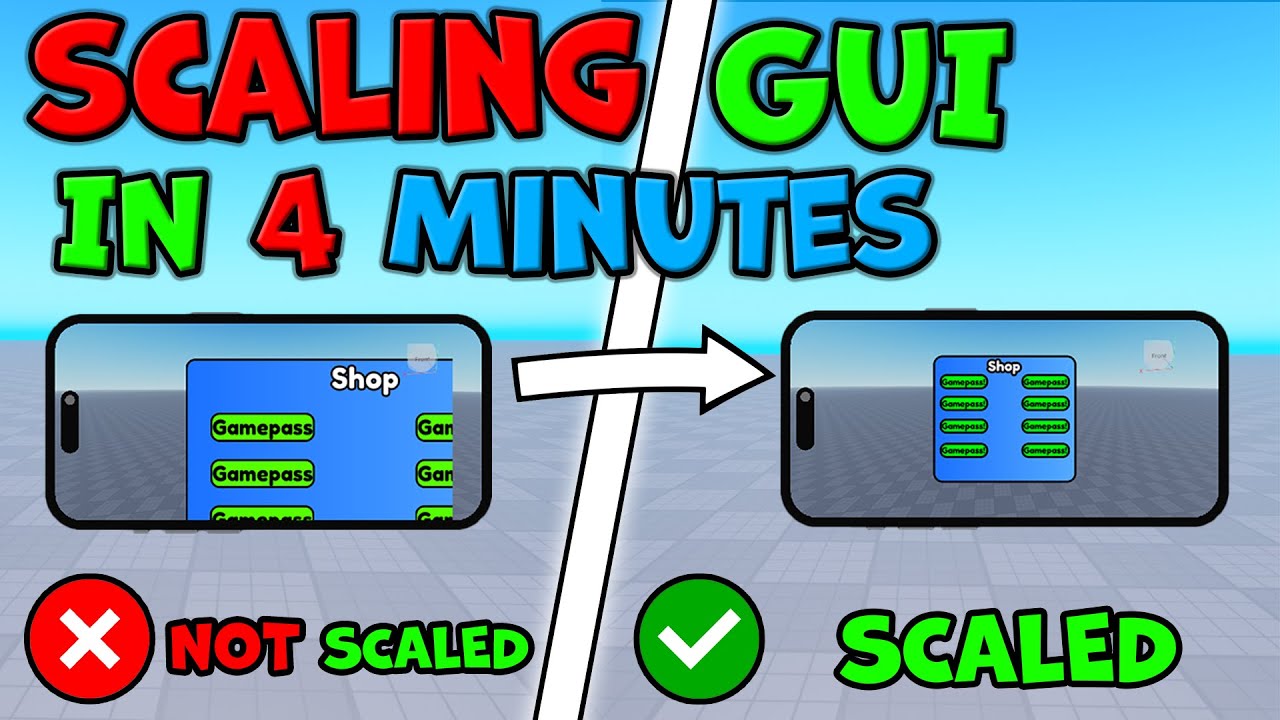
In todays video I show you how to scale in-game gui to fit every single player screen, no matter what device they are playing on, it could be a phone, laptop, Desktop, Xbox, WHATEVER!! The gui will still scale. Every single Roblox game needs to do this so all players gui is scaled, or else the gui will be all over the screen!
Many of you know...
this tutorial seems good
its probably that u dont understand the first time u watch it, if you need to watch it more time do it
good luck
👍
ask google
but if i remember well roblox is very limited on viewportframe things
fickle skiff
you can try to save first the camera on a variable waiting for it to make sure there is right there
anyway, i've experienced what is happening to you rn and the worst you can do is work when you need to sleep, please focus on your health. When you wake up tomorrow you will start figuring out yourself or just have more energy to search and fix the problems