#Leaderstats bug?
3 messages · Page 1 of 1 (latest)
 brave trench
local DataStoreService = game:GetService("DataStoreService")
local DataStore = DataStoreService:GetDataStore("CoinAndWeightStats")

game.Players.PlayerAdded:Connect(function(Player)
    local Leaderstats = Instance.new("Folder", Player)
    Leaderstats.Name = "leaderstats"
    local Weight= Instance.new("IntValue", Leaderstats)
    Weight.Name = "Weight"
    Weight.Value = 0
    local Coins= Instance.new("IntValue", Leaderstats)
    Coins.Name = "Coins"
    Coins.Value = 100
    local Rebirths= Instance.new("IntValue", Leaderstats)
    Rebirths.Name = "Rebirths"
    Rebirths.Value = 0
    local Price = Instance.new("IntValue", Player)
    Price.Name = "Price"
    Price.Value = 1

    local Data = DataStore:GetAsync(Player.UserId)
    if Data then
        Weight.Value = Data.Weight
        Coins.Value = Data.Coins
        Rebirths.Value = Data.Rebirths
        Price.Value = Data.Price
    end
end)

game.Players.PlayerRemoving:Connect(function(Player)
    DataStore:SetAsync(Player.UserId, {
        ["Weight"] = Player.leaderstats.Weight.Value;
        ["Coins"] = Player.leaderstats.Coins.Value;
        ["Rebirths"] = Player.leaderstats.Rebirths.Value;
        ["Price"] = Player.Price.Value;
    })
end)
Here is the leaderstats code if you were wondering
 warped lava
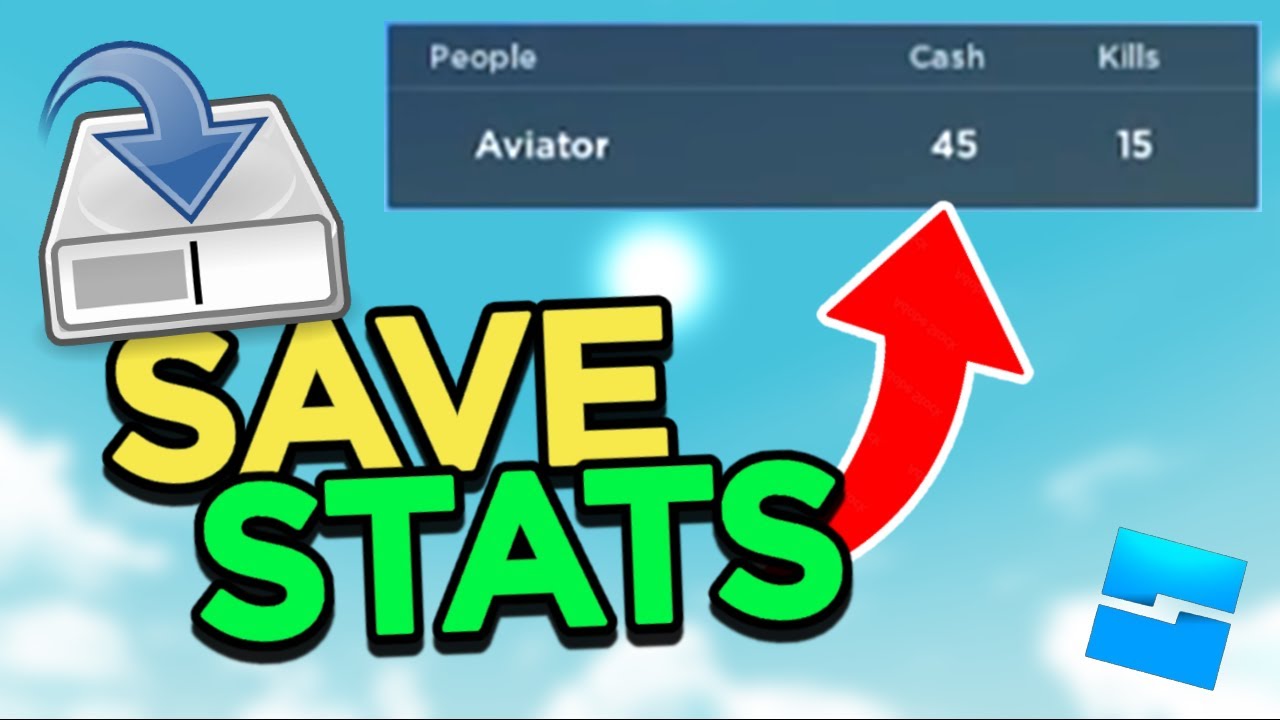
Get the script! - https://pastebin.com/hwBh4RMu
💥FORGOT TO MENTION IN VIDEO: Go to HOME at the top, click GAME SETTINGS, click SECURITY, and enable STUDIO ACCESS TO API SERVICES or this won't work because the script won't have permission to save data.
In this video I show you guys how to auto-save your leaderstats and make it so that players k...