

6 messages · Page 1 of 1 (latest)
 young violet
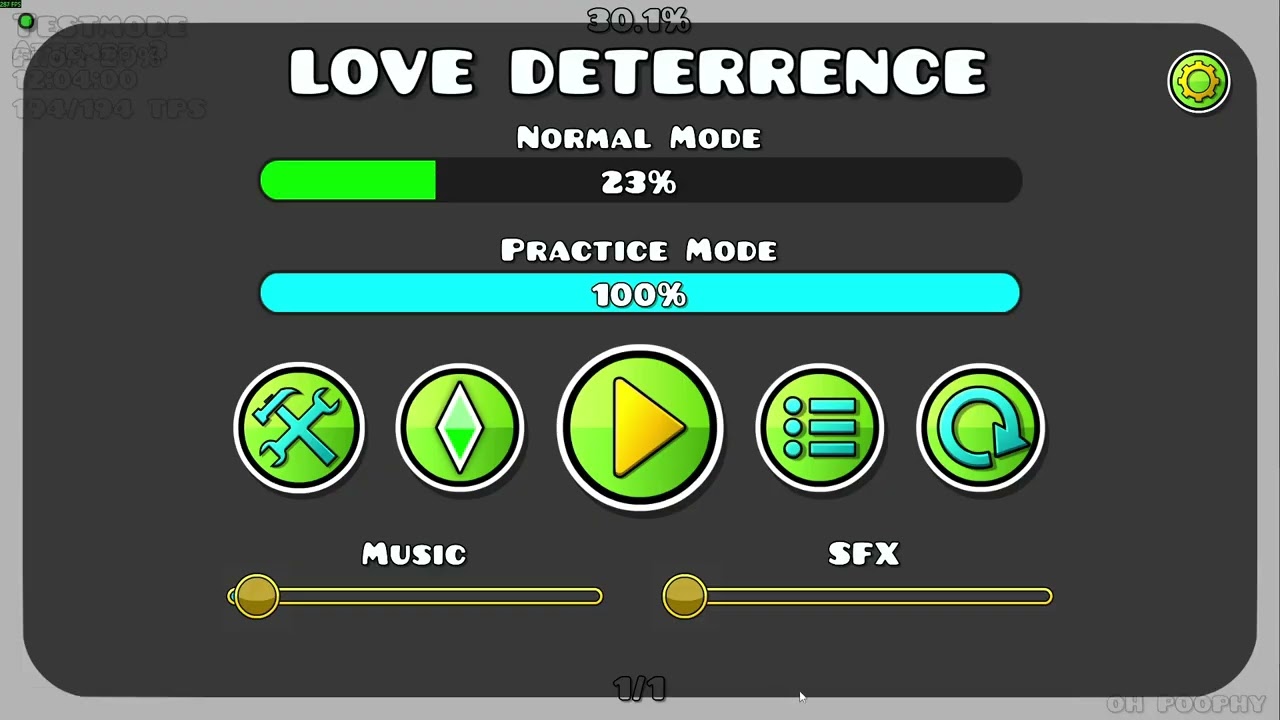
yesterday my song trigger was working fine, but today its slightly delayed by about half a second and its breaking all of the sync. i havent edited the trigger in any way, and to confirm this i checked in an old copy of the level that i havent touched in about 2 weeks and it was broken there too, and i also tried restarting my game. ive attached footage of the trigger working properly and it not working properly below:
https://youtu.be/CQXosJY1eE4?t=23 good
https://youtu.be/FgIVqL8di7I?t=5 bad
the hacks i have enabled are attached too incase thats breaking anything
 gritty gustBOT
Finding an FAQ based on your post info. Make sure to read the [channel FAQ](#1199510794111553686 message) for more fixes!
 (Target/Direction)


 (ANY Area Trigger)


 (Proximity Modes), your Center Group ID only has one object assigned to it or has one object as a Parent Group.


 , you've assigned other triggers to the right groups and/or marked those triggers as Spawn Triggered.
 , the additional inputs (Collision Blocks, Pickup Triggers, Item IDs, etc.) exist and are working properly. Double-check that at least one Collision block is
 Dynamic.@young violet
Please edit your message to follow the format below, in order.
#1127097880189083758 format