#No proper java found
1 messages · Page 1 of 1 (latest)
 sonic sonnet
Go to the settings, scroll down to the bottom and see if you have it (second screenshot)


instance
not launcher

Click on Java 21.0.3
If you clicked, try to launch the game
Automatically download
Good luck.
?
This is the first time I see this error, try changing java to 17 in the settings
Can you send the text here?
What kind of video card do you have?
Do you have a laptop or computer?
I'm not asking you about your operating system, I'm asking you about the laptop or desktop you're running Minecraft on.
Can you tell me the model of the laptop?
I may know the reason, but to be sure, try running version 1.17
Go to the game settings, and there click on java 17 and set “Java Memory” to automatic
 fickle pilot
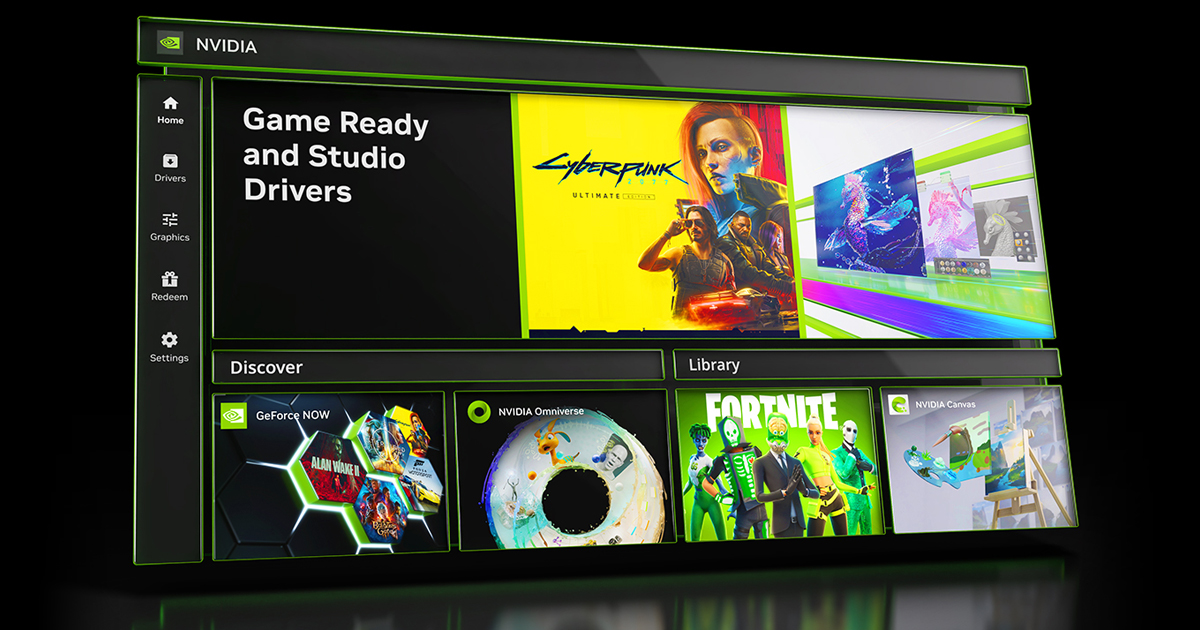
There's a problem with OpenGL, you need to update your video card drivers
Nvidia - https://www.nvidia.com/en-us/software/nvidia-app/
AMD - https://www.amd.com/en/support/download/drivers.html
Intel - https://www.intel.com/content/www/us/en/download-center/home.html
Intel
Download new and previously released drivers including support software, bios, utilities, firmware and patches for Intel products.
 cobalt horizon
i'll take a look this issue this weekend