#Everest is not opening at all

23 messages · Page 1 of 1 (latest)

chilly moat
#

Ver 1.4.0.0-fna [Everest: 4465-azure-52f83]
01/04/2024 01:30:13
Yo, I heard you like Everest so I put Everest in your Everest so you can Ever Rest while you Ever Rest.

In other words: Celeste has encountered a catastrophic failure.

IF YOU WANT TO HELP US FIX THIS:
Please join the Celeste Discord server and drag and drop your log.txt into #953393160464269402.
https://discord.gg/6qjaePQ

frank terraceBOT
#

If you have crashed, and are on Everest Core, there will be a log in the CrashLogs folder, which contains extra information that the regular logs do not. The Core crash handler will tell you the file name, and give you the option to open the folder.

Otherwise, in order to get Everest logs, open Olympus, and:

  • Press the "Manage", under the "Installations" panel on the main menu
  • Press "Browse" to open the Celeste folder
  • Send the log.txt file from that folder (not the error_log.txt or any log from LogHistory)

Note, on both Everest versions, there are older logs in the LogHistory folder inside the Celeste folder, but these are not the relevant logs. The most recent one is directly in the Celeste folder (and in CrashLogs for Core users), and not in any other folders.

Everest logs contain paths to certain files and folders in your system (e.g.: active helpers) to help with diagnosing problems. Remember to censor any usernames in log files before uploading them.

chrome kraken
#

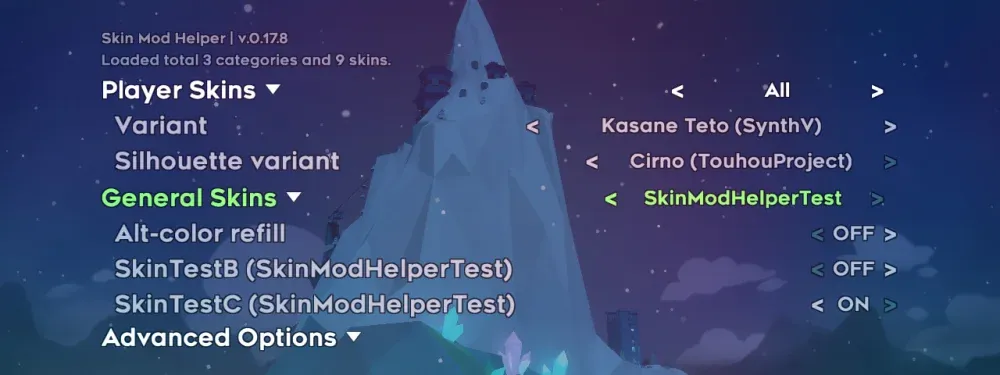
though if you've installed stuff like the eevee skin, it might be related to that

chilly moat
#

Ty, I'll try it

#

Nothing changedweheline

#

when I try to open it, the "Close" button in Steam changes into a "Play" button

#

And error is the same

chrome kraken
#

in that case pls send logs following the instructions above

chilly moat
#

Can I send just text?

chrome kraken
#

just drag the file into the discord window

chilly moat
#

Just I'm from Crimea, Discord just don't let me upload a file

chrome kraken
#

destareline why does that even make a difference

#

but whatever you can just paste it in here if that works better

chilly moat
#

uh ok

#

VPN works! radeline

chrome kraken
#

ah for this one i think you need to update your mods

#

you should be able to do that from the "manage installed mods" menu in olympus (assuming you don't run into internet issues cus it looks like there is a little bit of that in your log maddyS)

chilly moat
#

k

#

OMG! IT WORKED!

#

TY MAN!