#[SOLVED] making linux terminal look cool
51 messages · Page 1 of 1 (latest)
 polar bramble
ye
yeah
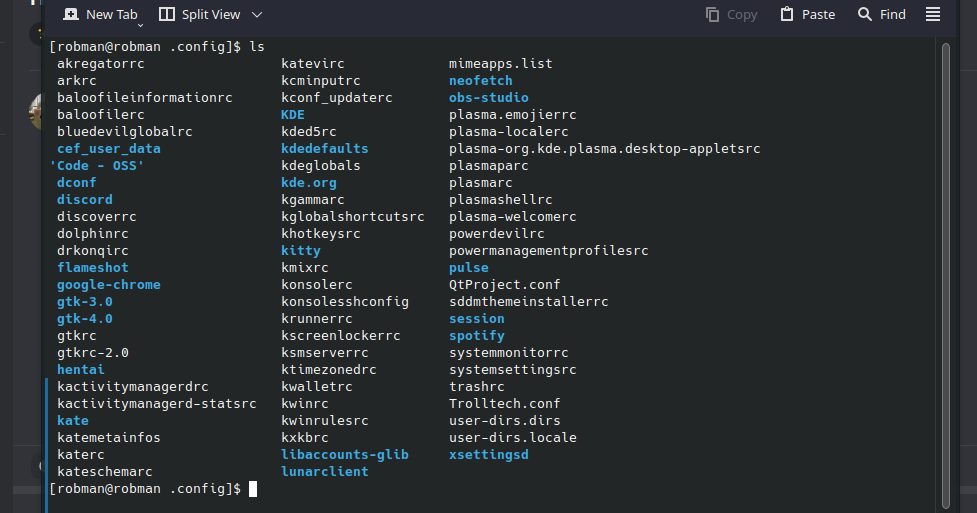
idk
yeah done
nothing in it
ye
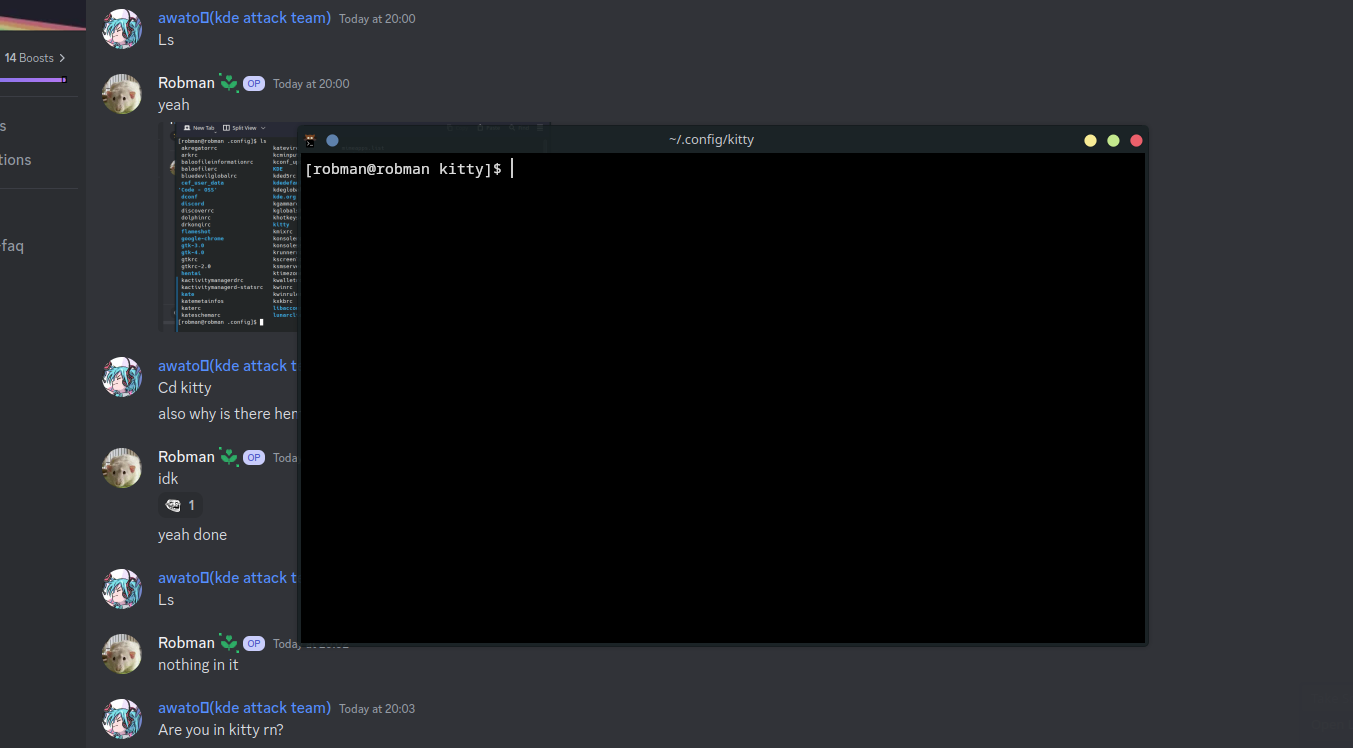
ok
now it exists
what now
nano kitty.conf?
 olive ridge
You probably should copy the default config from /usr/share/doc/kitty/kitty.conf instead
olive ridge
polar bramble
i give up
What's not working?
You should just need to run cp usr/share/doc/kitty/kitty.conf ~/.config/kitty/kitty.conf
polar bramble
i wanna make it transparent a bit
 signal wasp
you can make it translucent in the config
signal wasp
olive ridge
You should just need to run `cp usr/share/doc/kitty/kitty.conf ~/.config/kitty/k...
^^
then edit kitty.conf to your liking
its well documented
polar bramble
done
found it

[SOLVED] making linux terminal look cool
wait i got 1 more question
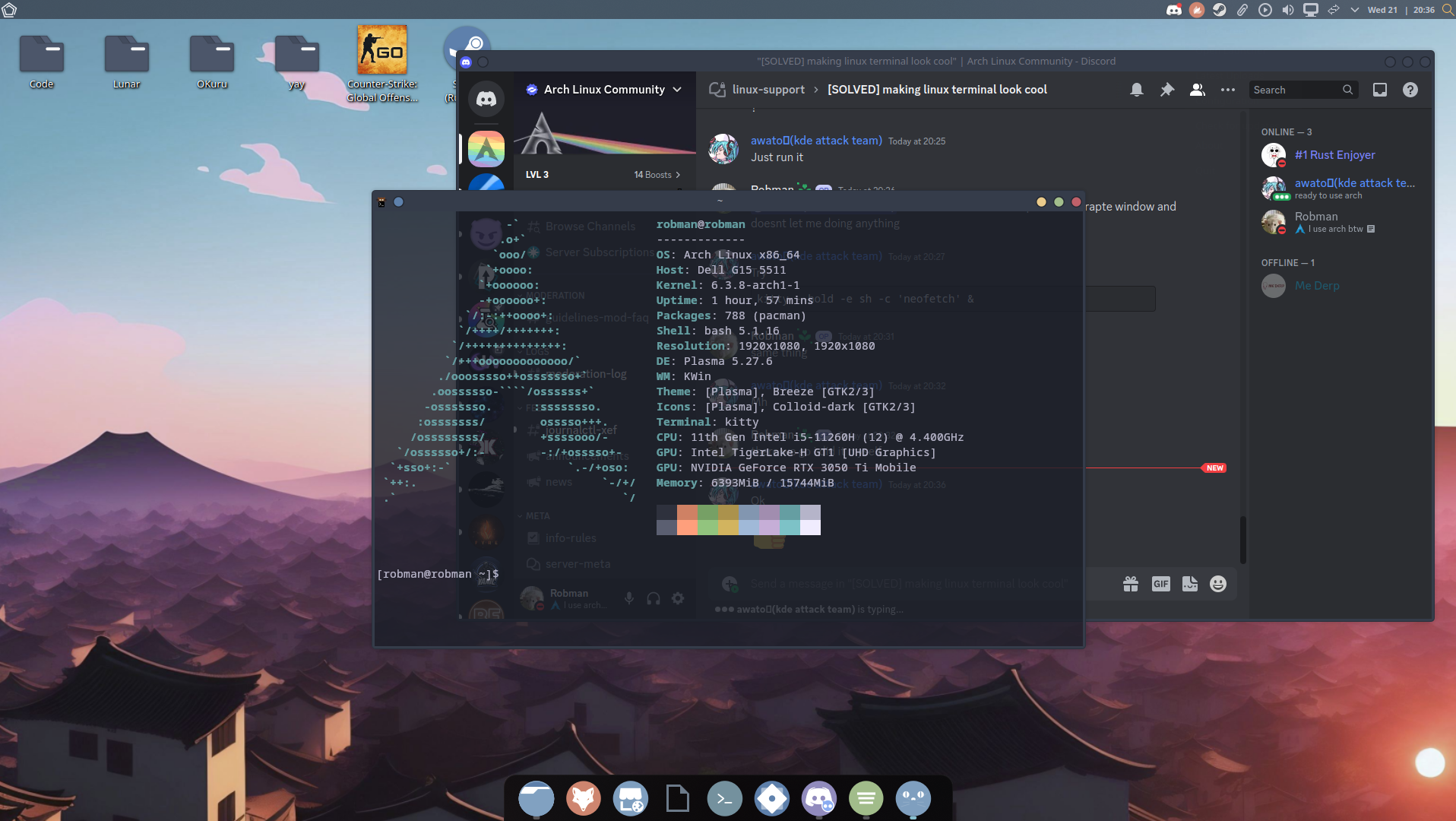
how do make it when i launch it shows neofetch
?
aight bet
ill try in a sec
currently installing a theme
in dir do i do that in
?
@polar bramble now when ever i do it it opens a sererapte window and doesnt let me doing anything
same thing
there we go i did it myself


how do i give u a cookie
olive ridge
say thank you in a message that is pinging them
polar bramble
thank you @polar bramble
 twin sapphireBOT
awato🐧(kde attack team) received a thank you cookie!
polar bramble
can i have a cookie
polar bramble
give me a cookie