#Why do i get random fps drops in games.
20 messages · Page 1 of 1 (latest)
 half schooner
 spice aspen
what resolution?
what specs does the laptop have?
you can check in task manager if you dont know
what cpu. "ryzen 7" is not helpful
go to the performance tab (click more details if there arent tabs)
hmmmm
and the gpu? (since the cpu was not the same as the link, i want to make sure)
oh
so its integrated
what nvidia
ok so it is the same
usually frame drops mean a cpu bottleneck
do know your cpu usage in those games?
simplest way would be to have task manager open on the secondary monitor and check the cpu usage while playing. you'll want to change the cpu graph to "logical processors" instead of "overall utilization"
a more tedious way would be to install msi afterburner. its a bit of a chore to get all the right stats to show up
oh you do?
ok... are you using the onscreen display?
lemme get a video for it
this one looks pretty good
https://www.youtube.com/watch?v=_KQCcwP2mro
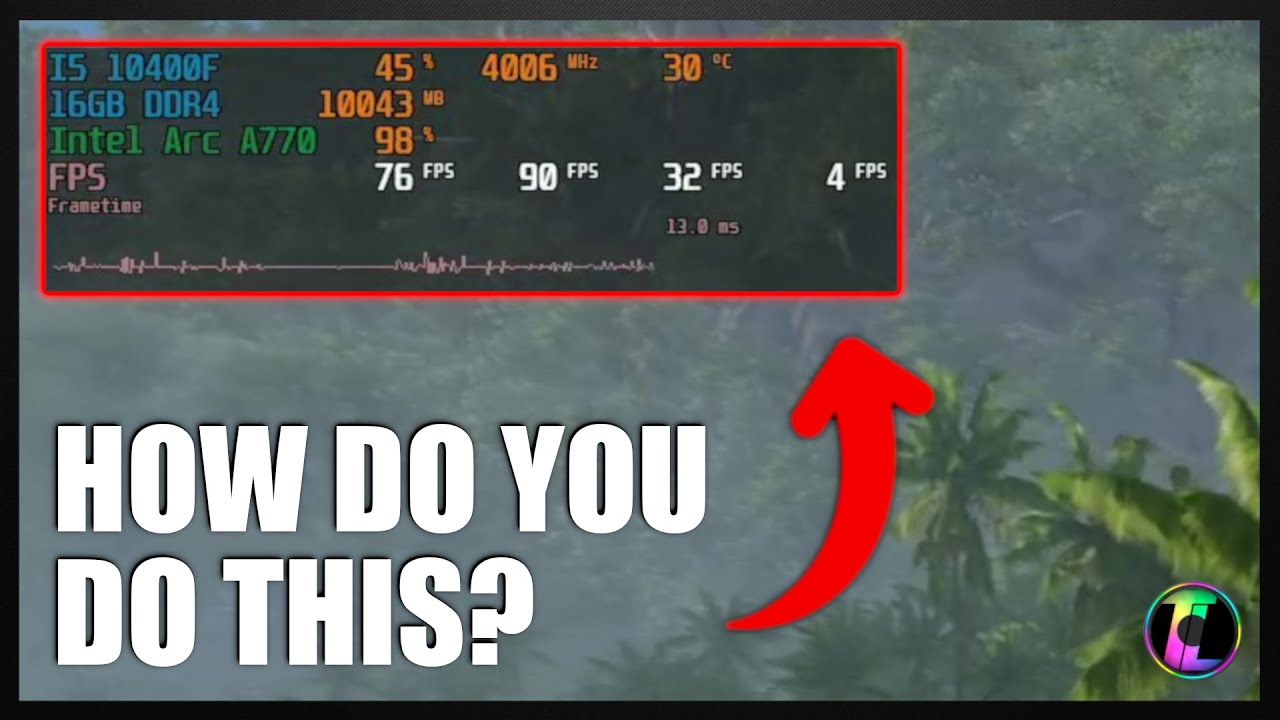
We get asked all the time how we view the metrics in games when benchmarking so we thought we would put together a quick guide to show you how you can do it to with MSI Afterburner and RviaTuner.
Featured Software
- MSI Afterburner: https://www.msi.com/Landing/afterburner/graphics-cards
#TechLabUK #PCGaming #MSIAfterburner #RivaTuner #IngameOv...