#Windows Explorer Toolbar Looks Different After Updating
4 messages · Page 1 of 1 (latest)
 white mauve
white mauve
white mauve
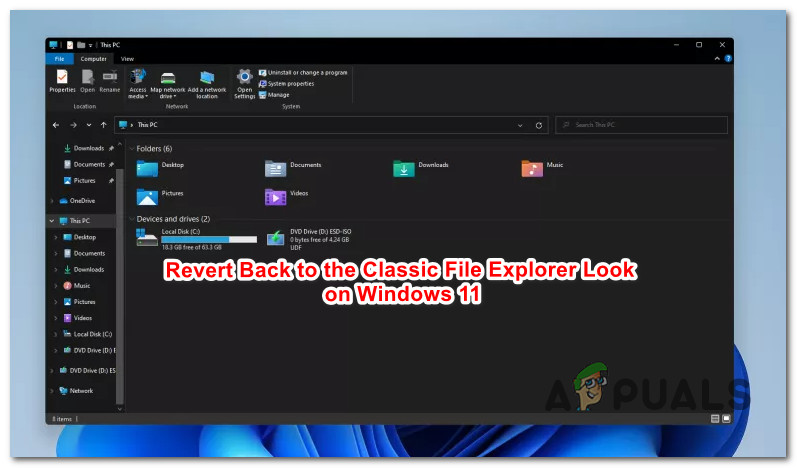
I don't think there is a way to do it without a 3rd party workaround or registry changes. Windows doesn't have the option to change it back as far as I know. The layout still exists, but there is no option in the GUI to enable it. If you want to take the risk of modifying your registry here's an article about it: https://appuals.com/revert-to-classic-file-explorer-windows-11/
Appuals.com
A lot of people prefer the classic File Explorer look over the new revamped one present on Windows 11. There's no question that the new iteration is
I wouldn't download any bin files though, id do it manually with option 2.
white mauve
yeah i saw that too, but i dont think its a permanent change. i think you have to do that every time you open file explorer.