#overheating problem
36 messages · Page 1 of 1 (latest)
 open ridge
 bitter cipher

so it looks like your case really can't pull in fresh air from the front very well based on these photos
what are your Specs (cpu/gpu), what sort of CPU cooler do you have, and what is that 84c a temp measure of?
unless you have this mesh front one?
 open ridge
So i have a AMD ryzen 5 5600 with the stock cooler, and my gpu IS a ryzen 6600
Nah i have the first one but the mesh is on the side
 bitter cipher
and what's hitting 84c? the CPU?
open ridge
The cpu Indeed
bitter cipher
that is pretty warm either way, but I wouldn't call it "overheating". chances are you can get the results you're looking for with better fan placement/control with software
open ridge
But the gpu was close too
bitter cipher
given the 3 fans you have, I would put one intake on top near the front, one on front near the bottom, and the back use as exhaust
 open ridge
Yeah this case is pretty bad
open ridge
France
bitter cipher
let me see what PCPP has to say
bitter cipher
phanteks g360a is cheaper here in the states but I'm not sure on it's availability over there
 torn condor
Those two cases are basically interchangeable. The only difference is the esthetics, and the g360a has 2 extra fans
bitter cipher
definitely check your fan settings
open ridge
How do i do that, cuz my only thing to check it is armoury crate
bitter cipher
https://www.youtube.com/watch?v=0Rzq3vYr9kY if you've got an asus board the best thing to do is use the BIOS
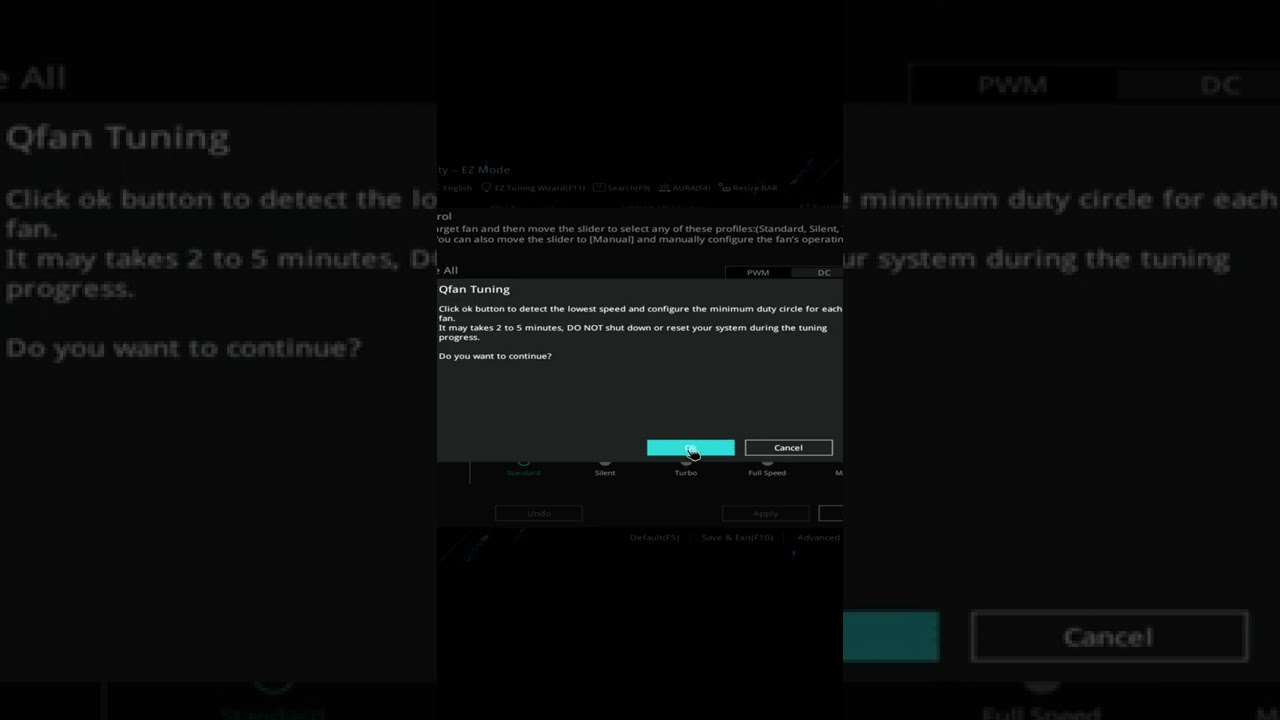
This video show how to optimize the performance of the CPU and Case fans connected to an ASUS Motherboard used in a PC.
Please subscribe to my Channel, and click ‘Like’, if you find this video useful. I will endeavor to answer any and all questions posted for any of my videos as quickly as I possibly can.
If you have any questions or suggesti...
open ridge
Alr thanks