#GPU bios is gone for some reason and new one won't flash
1 messages · Page 1 of 1 (latest)
 rancid elbow
these are more stable as the Nvidia drivers and might be the one you could use to revive this GPU
well if it does not get recognized, drivers talk from hardware to Software 🤔
so its normal you would not get any information .
Aha,.,
Latest aka not the ACER driver.
There is a reason Laptop manufacturers make own drivers, since they have dual GPU's and are sometimes tied to that particular driver.
acer support page
yeah , but if it works 🤷♂️
old doesn't mean bad
If after this, it doesn't work its time for support , and call the person/company who sold you the laptop.
So call support, and bring back this laptop to your store.
Well ROM chip probably died, where the GPU bios is on.
"I bought an Acer aspire 5750g last week" 🤔
second handed I guess? then
yeah so no GPU 🤷♂️ 520G
Ray walks us through installing a firmware update to your graphics card. Official EVGA vBIOS updates can be found in our Forums, when an update is available.
seems like you need a tutorial 🤔 for NVFlash
if this doessnt work , you are out of options
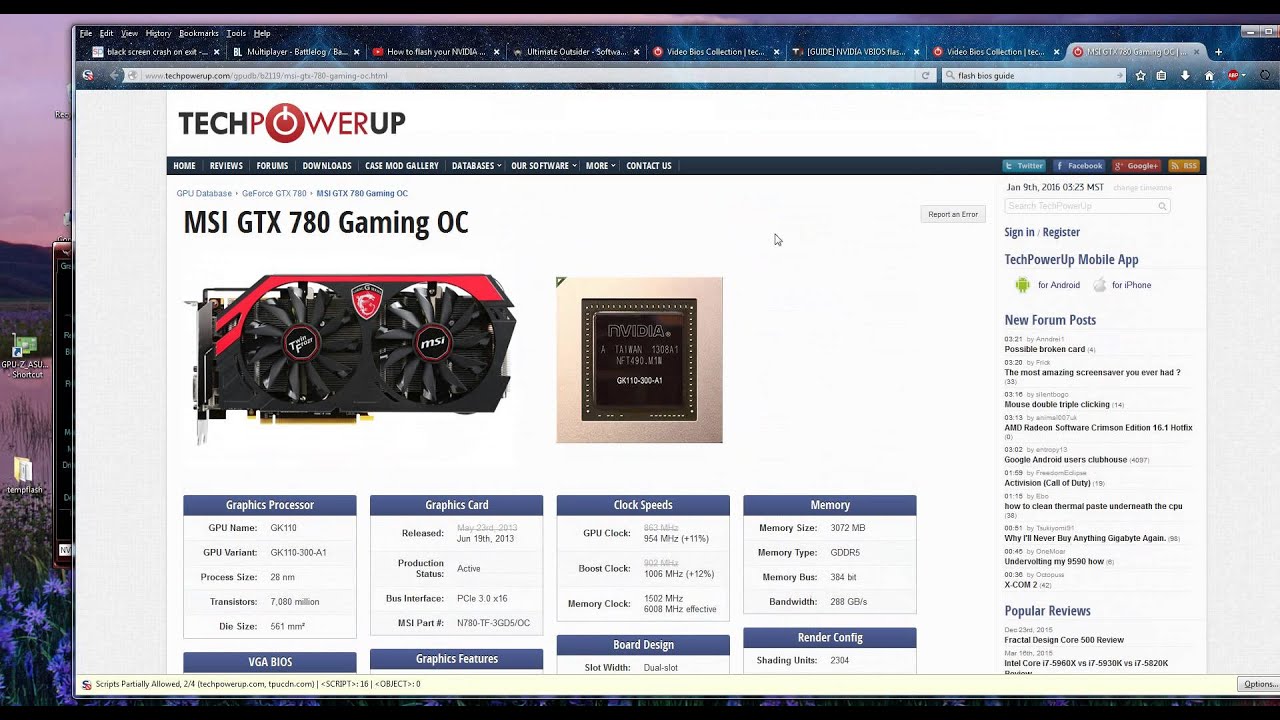
Heres how to flash your NVIDIA or ATI GPU BIOS properly, for improvement or compatibility tweaks, or to fix inexplicable GPU crash problems, by updating the GPU firmware to a newer version. Proceed with care and at your own risk.
Remember after you flash to re enable display driver in Computer Management - Device Manager - Display adapters.
...
Or use this one , since it has a easy step to step to follow allong
nvflash64 --protectoff (if you hear a beep all is well)
before you try it?
nvflash -4 -5 -6 vbios.rom```https://youtu.be/OvpZqas0H0c?t=376 this one seems to be better documented 🙂
Heres how to flash your NVIDIA or ATI GPU BIOS properly, for improvement or compatibility tweaks, or to fix inexplicable GPU crash problems, by updating the GPU firmware to a newer version. Proceed with care and at your own risk.
Remember after you flash to re enable display driver in Computer Management - Device Manager - Display adapters.
...
nflash64 /help or nvflash64 --help
and see if protectoff maybe has been renamed ?
could be you need nvflash instead of nvflash64*
nvflash --list (should show you your GPU )

first lets see what we got 😄
could be you got multiple GPU
nvflash --list
I love Laptops 🥲
If thats the case its already working on your laptop 🤷♂️ since you only have one GPU.
might not be optimal.
and a dead gpu 🤷♂️
after reboot does it give you any bios information on the GPU? or does it remain dead?
if thats the case , no amount of flashing can help you
well other thing is, you could try updating the normal bios
using the support page
Other as that, something went wrong hardware wise, why the GPU is not working GPU wise.
 pallid valve
I was having issues with flashing my bios and using this version of nv flash fixed my issue https://drive.google.com/file/d/1m_6loKv0_eidxcl6lB1IhQ7ROZgqaAdt/view
Might not work on that GPU I have no idea but it's worth a try