 elder pier
My goal is to be able to replace the remote control of my kitchen hood (RF 433.92 MHz).
That's why I bought the Broadlink RM4 Pro because recommanded everywhere.
I followed the instructions from this video:
https://www.youtube.com/watch?v=jEOyTGaKwaQ
And this video:
https://www.youtube.com/watch?v=0WzRyjs8Ws0
Adding the device into HA 2025.3.4 was, as always, easy (discovered automatically).
But now, I'm trying to learn commands via Dev tools > Actions > Remote learn command and despite the fact, the led on the RM4 Pro turns orange as expected, no command is learned whatever the remote control I used. (Kitchen hood first, then TV).
I'm sure about this because there is no file named broadlink_remote_MACADDRESS_codes in the .storage folder as you can see on the attached screenshot.
I'm also 100% sure the remote controls are managable by the RM4 Pro because I also used the Broadlink app on my smartphone to learn commands... successfully (for both kitchen hood and TV)... so the issue comes from the integration somehow.
About my current version of HA (VM on my Synology NAS):
Core: 2025.3.4
Supervisor: 2025.03.3
OS: 15.0
UI: 20250306.0
About the kitchen hood: RF 433.92 MHz
Already thank you for your help !


The Home Assistant Broadlink Integration has got to be one of the most complained about integrations I see when it comes to adding it to Home Assistant, so today I am going to show you just how easy it can be, thanks to some recent updates. In this video I will show you how to add the Broadlink Integration to Home Assistant for the Broadlink RM4...
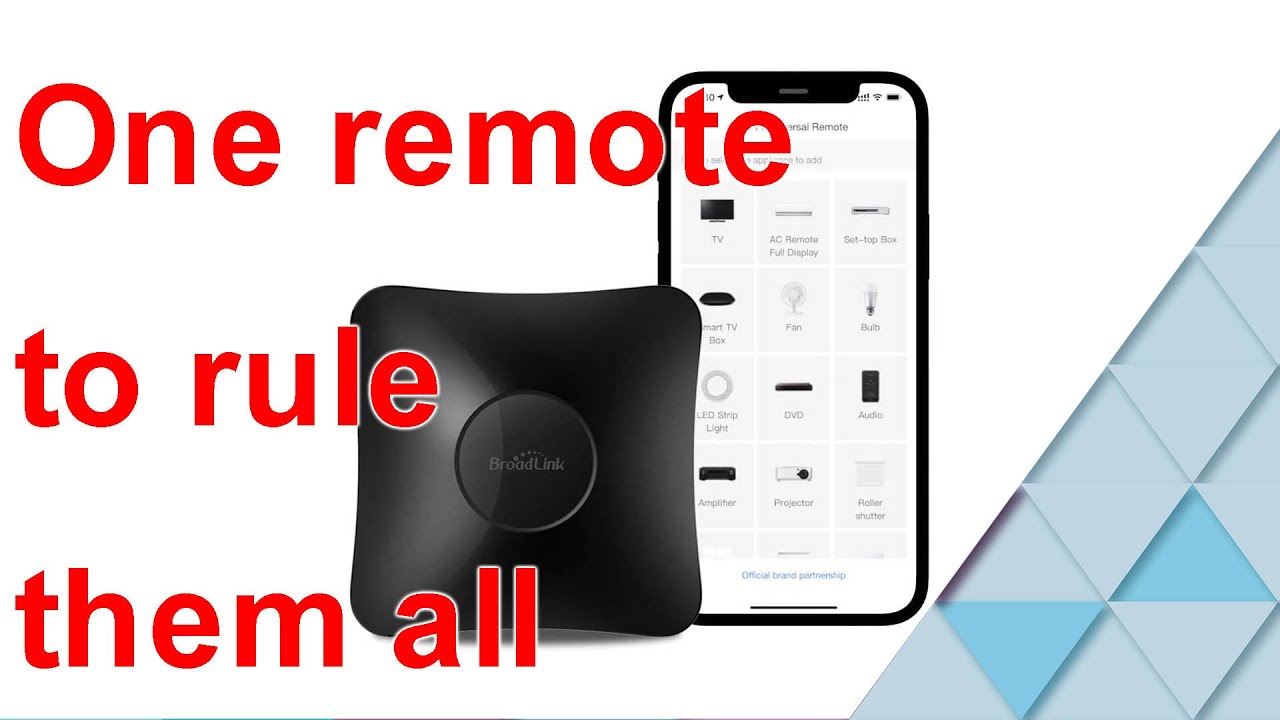
this Broadlink universal remote is ridiculously powerful. it can control both IR devices, such as TVs, as well as RF devices such as fans. the app is very easy to use but in this video, we will integrate the remote into HA so the remote can automatically control devices.
video time index
0:00 intro
0:31 install the Broadlink ap...