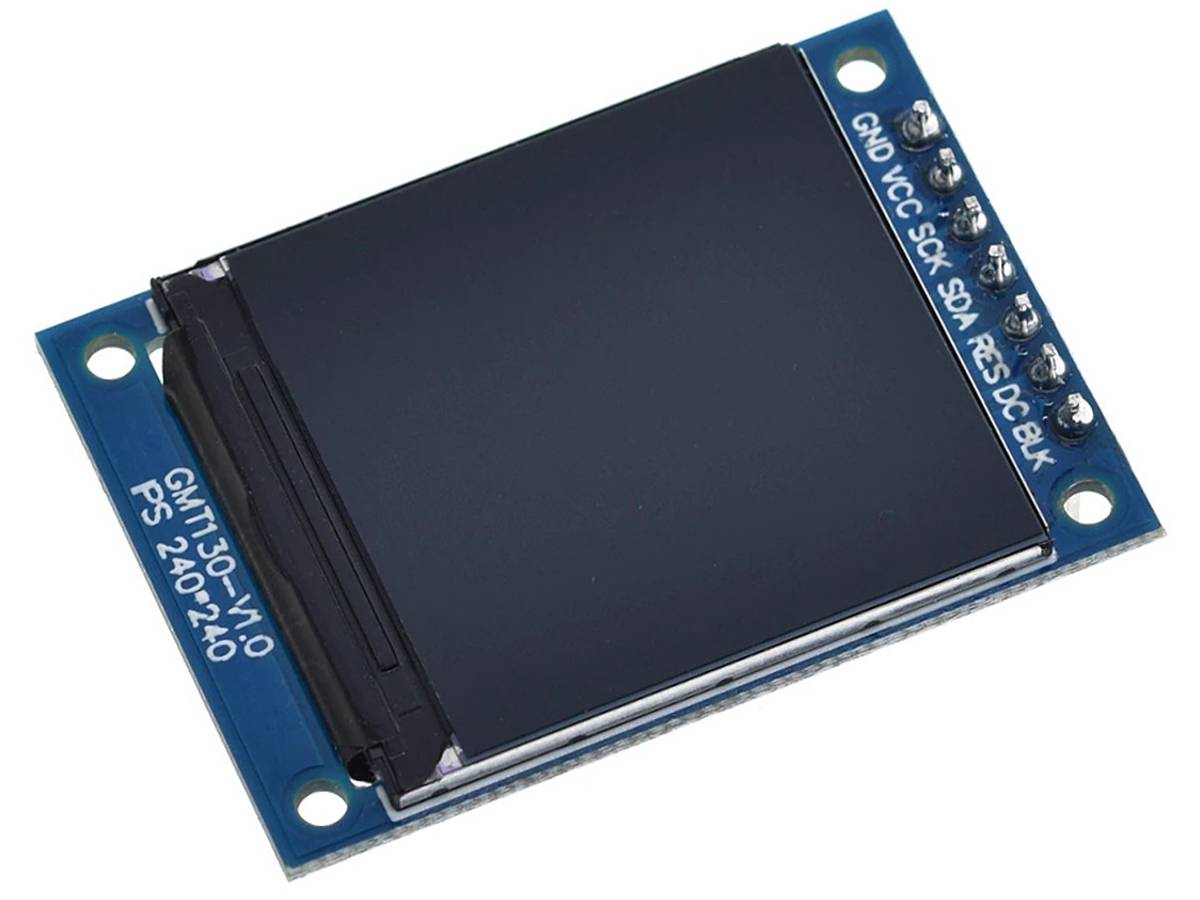

#Looking for troubleshooting help w/ ST7789 TFT display module
1 messages · Page 1 of 1 (latest)
 desert mulch
Example code:
import board
import terminalio
import displayio

# Starting in CircuitPython 9.x fourwire will be a seperate internal library
# rather than a component of the displayio library
try:
    from fourwire import FourWire
except ImportError:
    from displayio import FourWire
from adafruit_display_text import label
from adafruit_st7789 import ST7789

displayio.release_displays()

spi = board.SPI()
while not spi.try_lock():
    pass
spi.configure(baudrate=24_000_000)
spi.unlock()

tft_cs = board.D7 # NOTE: not connected
tft_res = board.D0
tft_dc = board.D1

display_bus = FourWire(spi, command=tft_dc, chip_select=tft_cs, reset=tft_res)

display = ST7789(display_bus, width=240, height=240, rowstart=0)

splash = displayio.Group()

color_bitmap = displayio.Bitmap(240, 240, 1)
color_palette = displayio.Palette(1)
color_palette[0] = 0x00FF00  # Bright Green

bg_sprite = displayio.TileGrid(color_bitmap, pixel_shader=color_palette, x=0, y=0)
splash.append(bg_sprite)

display.root_group = splash

print("done!\n")
while True:
    pass
Example was mostly taken from examples I found related to the lib.
I'm wondering if I have a connection wrong or if the code has a problem.
If not, I guess my next step is to try a test program for the screen using Arduino IDE / C++ and see if I can get that to work...
 void gust
What happens when you remove the following?
    pass
spi.configure(baudrate=24_000_000)
spi.unlock()```

In almost all cases where I've used an ST7789 in a RPi Pico (RP2040), I haven't had to configure the SPI.I ran it without that previously - that was one of the things I was trying to get it working
I removed that bit and re-tried, just in case - no change.
desert mulch
Well, the screen module is certainly OK. I set up a test sketch with the Arduino IDE with the same hardware and wiring, and the sketch works great.
It does seem to be a CircuitPython specific problem 🤔