#FFT
1 messages · Page 1 of 1 (latest)
 fiery owl
I changed the i2c instantiation to be
i2c = I2C(board.A4, board.A5, frequency=1000000)
based on the board docs about the SCL and SDA pins.
Instead of glasses = Adafruit_RGBMatrixQT(i2c, allocate=adafruit_is31fl3741.MUST_BUFFER)
I'm trying glasses = neopixel.NeoPixel(i2c)
trying other half baked ideas too with no success. @crude breach

 crude breach
Actually, you don't need I2C in this case because you're just using the onboard neopixels. But you'll also have to change mic to sample the audio. Lemme see if there's a way to do it easily.
It's PDM as well so ideally you just need to change the pins.
Try this:
mic = PDMIn(board.D15, board.D13, bit_depth=16)
rec_buf = array("H", [0] * fft_size) # 16-bit audio samples
fiery owl
ty! have a meeting now will try in an hour
crude breach
Np
As for the neopixels, refer to this tutorial because it's different hardware altogether, but the concept should be the same.
https://learn.adafruit.com/adafruit-circuit-playground-express/circuitpython-neopixel

Adafruit Learning System
Make faster and easier than ever with MakeCode, code.org CSD, CircuitPython or Arduino!
Something like
glasses = neopixel.NeoPixel(board.NEOPIXEL, 10, brightness=0.2, auto_write=False) to start with and implement it as instructed for neopixels specifically.
fiery owl
how do I add the ulab library to my code?


 crude breach
I just checked the docs. Looks like it isn't supported
https://docs.circuitpython.org/en/latest/shared-bindings/ulab/index.html
fiery owl
and I dont see it in the list of libraries in the adafruit circuitpython bundle 8x
oh crap
is there an equivalent supported? I saw somehwere you could use numpy instead of ulab, but i feel like numpy isnt supported either?
crude breach
ulab in this case is numpy, just the circuitpython equivalent.
fiery owl
ah
crude breach
I dunno really other than delving into Arduino.
fiery owl
What do you mean by that? Delving into C++
crude breach
Yup. I've done that because my FFT visualizer is in Arduino so I know that better.
fiery owl
ah gotcha. OK time to learn new skills!
can i see a link to your ardunio fft visualizer? 👀
crude breach
This should get you started if you're gonna go that route.
https://www.instructables.com/ApproxFFT-Fastest-FFT-Function-for-Arduino/
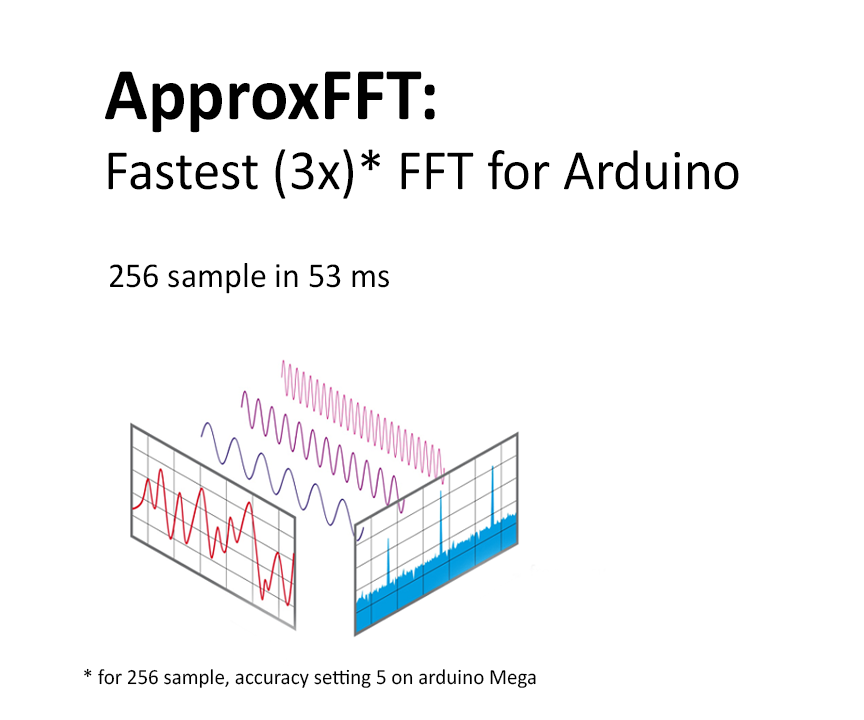
Instructables
ApproxFFT: Fastest FFT Function for Arduino: FFT or Fast Fourier transform is one of the most important tools in signal processing. This can be used to detect frequencies with good speed. However, it is a computationally-intensive process and takes a good amount of processing power as well as …
fiery owl
ty ty ty seriously you are an amazingly helpful person. I appreciate you