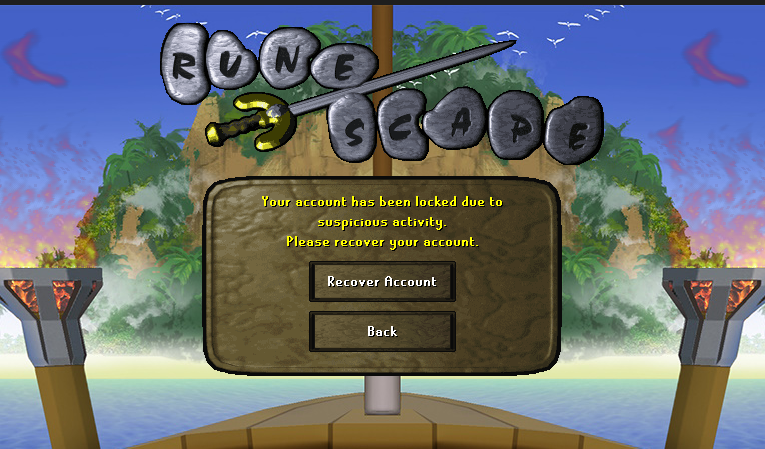
#locked account
39 messages · Page 1 of 1 (latest)
 calm sentinel
Ok, so is your account a Jagex Account or a Legacy?
 gritty meteor
Legacy
calm sentinel
Do you get sent an email on recovery to your email address?
gritty meteor
yes I had changed email
attached it my work email
then switched it to personal email
calm sentinel
Ok so when Recovering it - if it's being auto denied, it's probably something being put incorrect, something simple such as information not being correct.
You don't have a VPN on, correct?
Date and Time is also set correctly on your PC? Might be a factor for auto-denials.
But when putting your information, if it was changed from work to personal, it'll lock the account if it was deemed suspecious perhaps due to location change or IP.
gritty meteor
im not on vpn, everything is fine
calm sentinel
Were you using the work email to play the account at work?
gritty meteor
no all at home
calm sentinel
Then I would keep attempting to put as much information as you can on your recover forum.
Its just a security check but something must've triggered the suspecious lock.
gritty meteor
but my internet is kinda dumb it shows a different city, every few days everything gets auto logged out, social media, websites etc
i have to manually go in and say its me
calm sentinel
Only way it'll show you at a different city is due to a VPN or your proxy servers.
Or based off your Public IP address because of google
Might be of your IP routing, IP geolocation
gritty meteor
I have T-mobile home internet
t-mobile internet shows different city for some odd reason
calm sentinel
If it's T-Mobile home internet, ah, they often route data through distant towers or ground servers, changing your apparent location.
gritty meteor
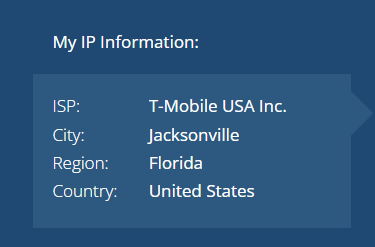


Im not in that city
thats hours away from me
im legit typing everything correct on recover
calm sentinel
What you can probably do is change your DNS Settings to Google's 8.8.8.8 or 8.8.4.4 this sometimes helps, restarting your gateway router, or contacting your T-Mobile ISP so they can map your address correctly.
If your location is set incorrect to where you actually are, that's probably why it's being denied.
calm sentinel
If you unhook your modem, your router will update itself to a new IP Address, or you can manually change it on your Windows settings, choosing automatic or manual.
Your information shouldn't be changing itself and logging your social media out 😅
gritty meteor
yeah none of that helped