 calm dove
make a basic template of a resourcepack (if you know how, the same as vanilla resourcepacks that just require a pack.mcmeta file and the correct filepaths)
file path for replacing the chicken is:
assets\ minecraft \ optifine \ cem \ model goes here
(the model name should be chicken.jem, loaded from the CEM template loader plugin with the group folders it has by default which cannot be edited otherwise they break the model, which will prompt you to create your own subfolders or just place the cubes you want in the respective folders, you can delete cubes and the texture by the chicken, just not the folders)
for variants of the model randomized, in the same folder cem, you'd want to have both model names to be:
chicken.jem
chicken2.jem```
this will spawn both models in-game randomized

If you want further assistance on how to do custom animations, you can look up Ewan Howell's tutorial on CEM Entities on Youtube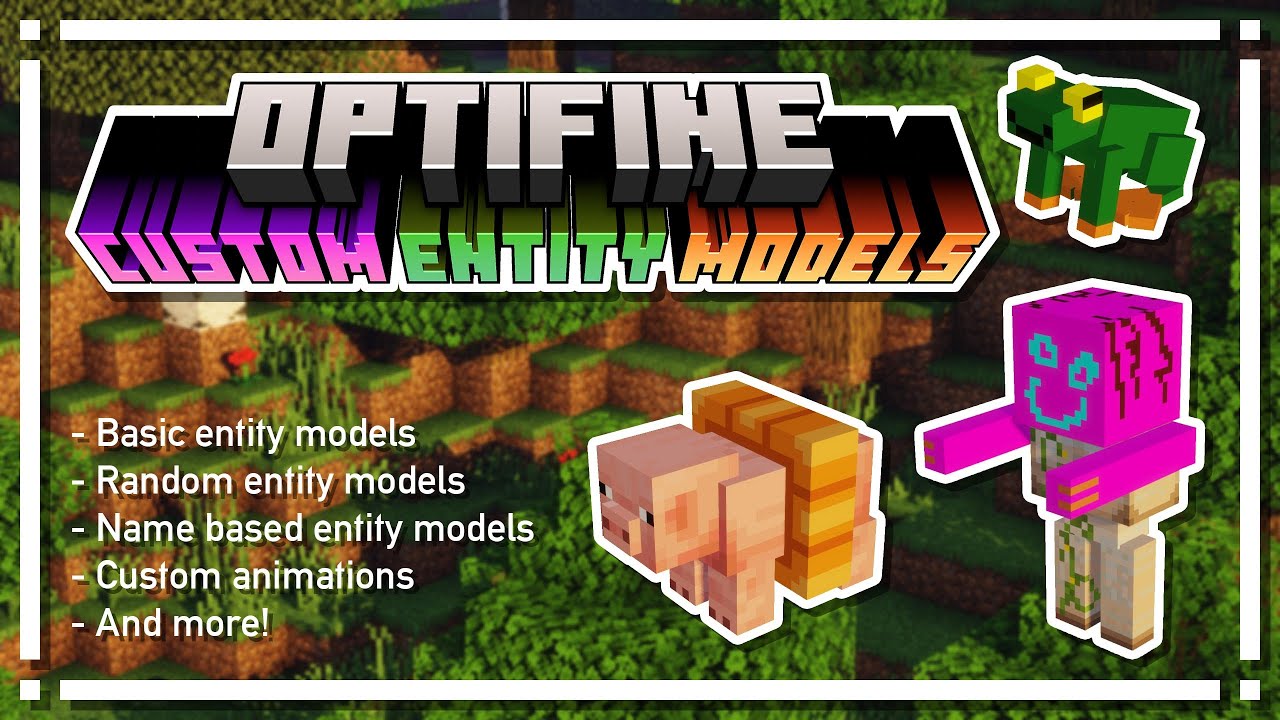
 cursive glen
 nimble lake